
Dark Foggy Silhouette Scene — Sora 2 Prompt
Turn any reference image into a haunting, moody night scene with silhouetted figures and a misty, monochromatic atmosphere while preserving the original layout.
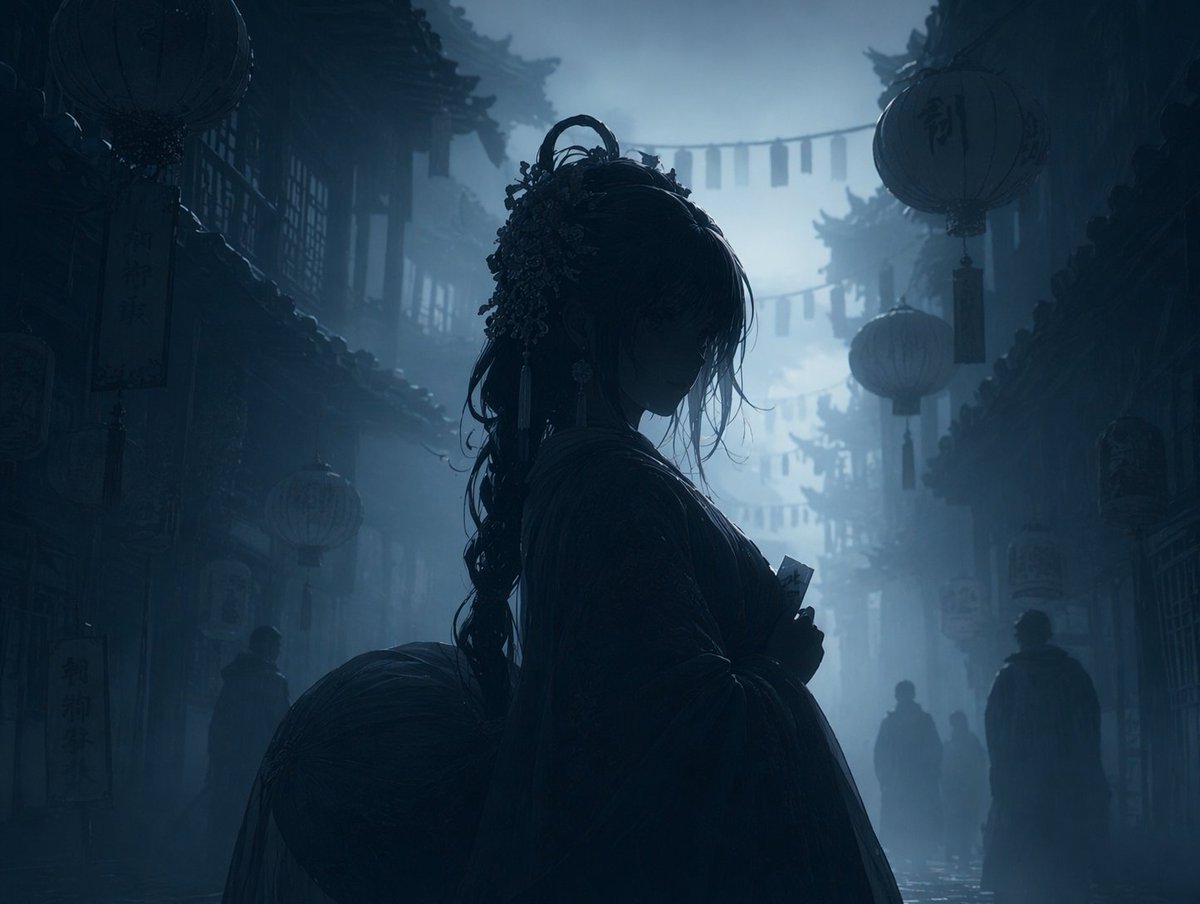
Using REFERENCE_0, transform the image into a argatmosphere: dark, moody, and foggy night scene. Apply a argcolor palette: monochromatic dark blue and grey color grading. Render the main character, lanterns, and foreground elements as arglighting style: dark silhouettes against the misty background. Preserve the exact original composition, character pose, and background architecture.
このプロンプトについて
Turn any reference image into a haunting, moody night scene with silhouetted figures and a misty, monochromatic atmosphere while preserving the original layout. Use it as a コンセプトアート starting point for GPT Image 2: keep the visual structure and style constraints intact, then swap in your own subject, brand, or scene.
Common directions include gptimage2api prompts, gptimage2api, and en. Treat these tags as creative cues; the prompt structure and preview image are the more useful guide.
Start by replacing atmosphere, color palette, and lighting style, then keep the camera, composition, and material cues in the same order. This makes the output easier to compare across variations.
このプロンプトの使い方
- Copy the prompt text from the page.
- Paste it into your chosen AI image generator (e.g., Sora 2, Runway).
- Replace the default variable values (like atmosphere, color palette) with your own creative preferences.
- Upload your reference image as the
REFERENCE_0input. - Generate and refine as needed.


