
Luxury Men's Shoes LINE Rich Menu — Dark & Gold Design
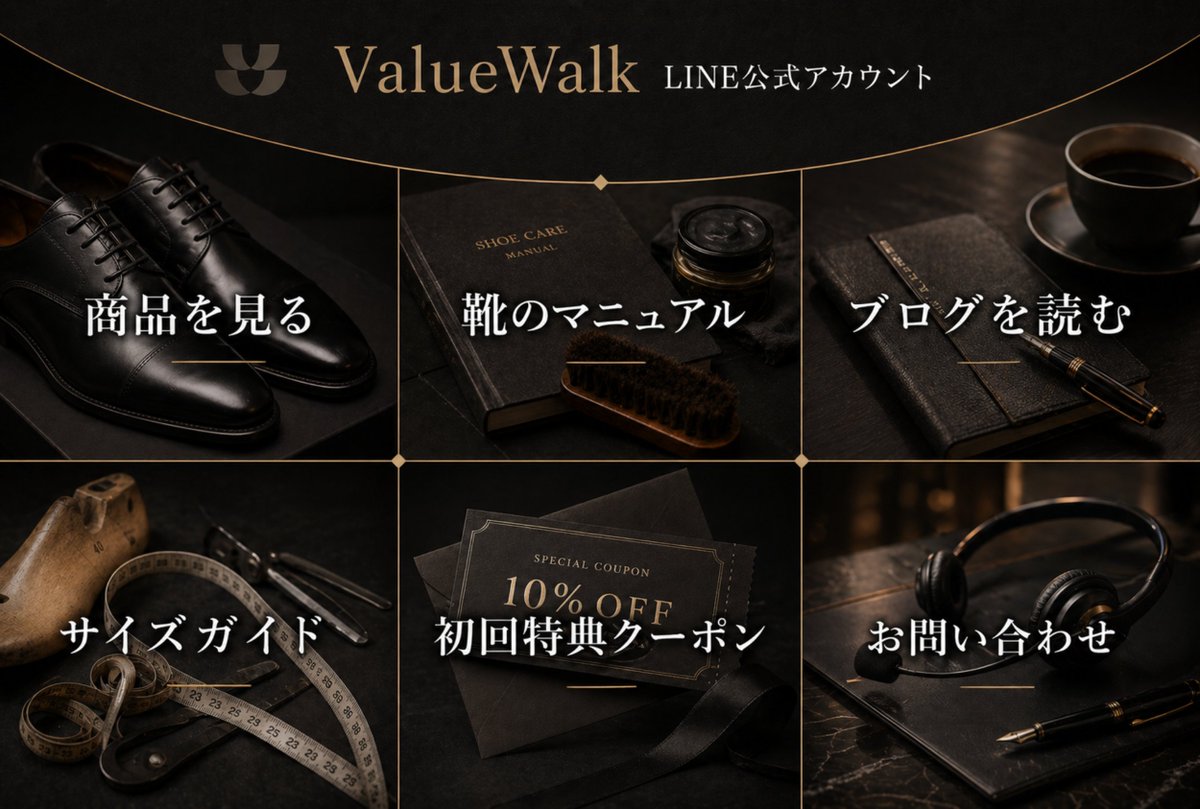
Generate a high-end 6-panel LINE Rich Menu for a men's leather shoe brand, featuring dark moody product photography, elegant Japanese typography, and warm gold accents.
このプロンプトについて
Generate a high-end 6-panel LINE Rich Menu for a men's leather shoe brand, featuring dark moody product photography, elegant Japanese typography, and warm gold accents. Use it as a コンセプトアート starting point for GPT Image 2: keep the visual structure and style constraints intact, then swap in your own subject, brand, or scene.
This prompt is organized as structured JSON with fields such as type, canvas, brand header, layout, mood, and composition notes. Keeping that hierarchy helps the model separate the subject, layout, interface elements, and detail constraints.
Start with small changes to subject, scene, camera, and color, then generate a few variations to compare composition and detail without turning the page copy into keyword stuffing.
このプロンプトの使い方
- Copy the entire prompt JSON above into your preferred AI image generator (e.g., Sora 2, Midjourney).
- Select a model that excels at photorealistic still life and typographic design.
- Customize the
argumentvariables likebrand name,product menu label, andaccount textto match your client's details. - Adjust the
styleormoodfields if you want a different color palette or aesthetic. - Generate the image and verify that all six Japanese labels are spelled correctly and legible.


