
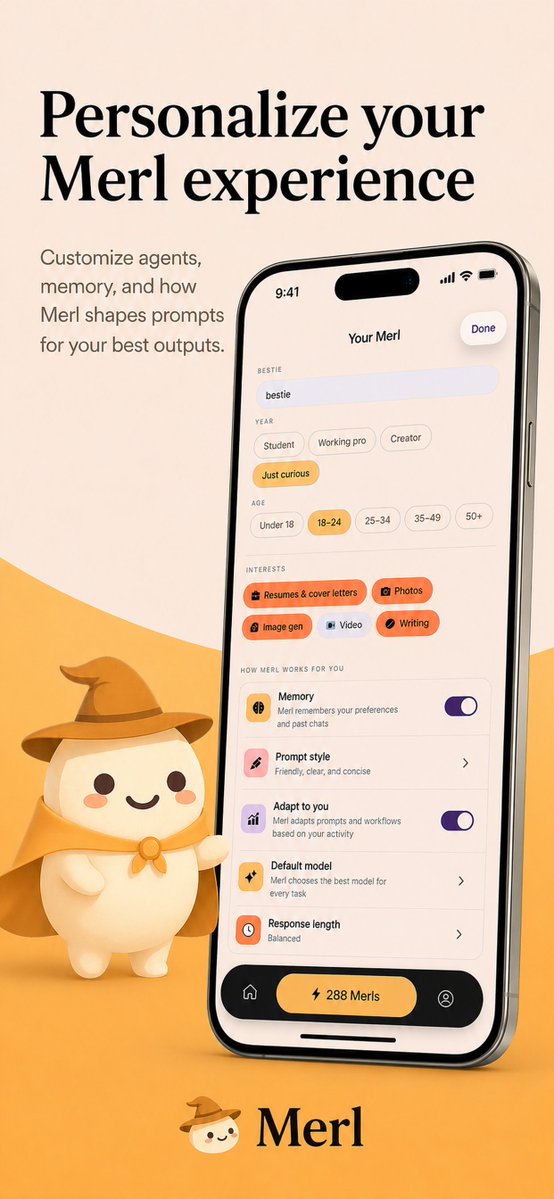
App Store Screenshot Prompt — Merl AI Mascot & Customization
Create professional app store screenshots with Merl’s cute wizard mascot and a warm, minimalist design that boosts your product’s appeal.
このプロンプトについて
Create professional app store screenshots with Merl’s cute wizard mascot and a warm, minimalist design that boosts your product’s appeal. Use it as a コンセプトアート starting point for GPT Image 2: keep the visual structure and style constraints intact, then swap in your own subject, brand, or scene.
This prompt is organized as structured JSON with fields such as type, platform, style, brand, canvas, layout, and device. Keeping that hierarchy helps the model separate the subject, layout, interface elements, and detail constraints.
Start with small changes to subject, scene, camera, and color, then generate a few variations to compare composition and detail without turning the page copy into keyword stuffing.
このプロンプトの使い方
- Copy the full prompt provided above.
- Open your AI image generation tool (Sora 2, Midjourney, or DALL·E).
- Replace “Merl” with your own app name and adjust colors if desired.
- Paste the modified prompt and generate the image.
- Review the output and refine by tweaking wording or re-running.


