
GPT Image 2AIプロンプト
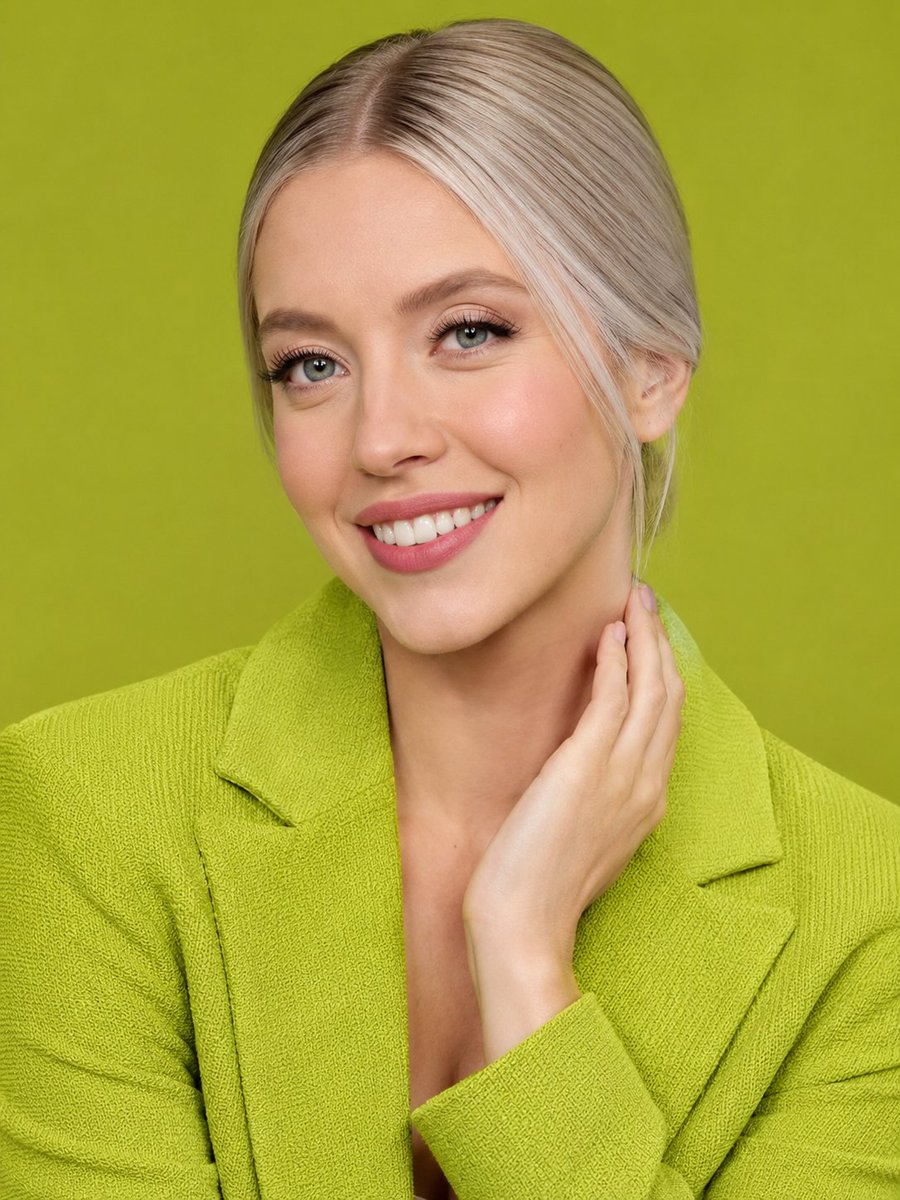
Lime Green Fashion Portrait with Obstructed Face — Sora 2 Prompt
Generate a high-resolution, studio-quality fashion portrait with a monochromatic lime green theme, sleek silver-blonde hair, and a unique obstructed-face aesthetic for a modern editorial look.
プロンプト · EN
创建一张高分辨率的 argsubject: 女性 工作室特写肖像,背景为纯色 argbackground color: 青柠色。她留着利落的 arghair color: 银金色 中分发型,头发向后梳理,柔顺的发丝别在耳后。构图从胸部上方开始,正面朝向镜头,身穿一件超大廓形的 argblazer color: 青柠色 纹理西装外套,配有宽翻领和深领口,与单色背景相呼应,呈现出简洁的现代时尚大片质感。她的右手优雅地贴在颈部和下颌线一侧,手指自然放松,柔和的影棚灯光突显了西装的编织纹理和光泽感发丝。在面部中央区域放置一个大型不透明矩形遮挡块,覆盖眼睛、鼻子、嘴巴及大部分面部特征;遮挡块应为柔和的肤色渐变矩形,同时露出头发、耳朵、颈部、手部、肩膀和衣物。采用清晰的细节、写实摄影风格、居中构图、浅景深以及精致的商业肖像风格。
このプロンプトについて
Generate a high-resolution, studio-quality fashion portrait with a monochromatic lime green theme, sleek silver-blonde hair, and a unique obstructed-face aesthetic for a modern editorial look. Use it as a コンセプトアート starting point for GPT Image 2: keep the visual structure and style constraints intact, then swap in your own subject, brand, or scene.
Start by replacing subject, background color, hair color, and blazer color, then keep the camera, composition, and material cues in the same order. This makes the output easier to compare across variations.
このプロンプトの使い方
- Copy the entire prompt text from the prompt body.
- Choose your preferred AI video/image generation model (e.g., Sora 2).
- Customize the variables in the
{argument}tags, such assubject,background color,blazer color, andhair color, to fit your vision. - Paste the customized prompt into the model's input field and generate your image.


