Sora2 Hub
Sora2 Hub
  • プロンプトライブラリ
  • 料金
  • ショーケース
Sora2 Hub
Sora2 Hub
Sora2 Hub

Sora2 Hub

Sora 2、Veo 3.1、Nano Banana Proを搭載したプロフェッショナルAI制作プラットフォーム。高度な制御、HD画質、透かしなしで、魅力的な動画とスタジオ品質の画像を作成できます。

Email:support@sora2hub.org

AI動画生成

  • テキストから動画
  • 画像から動画
  • Veo 3.1
  • Sora 2
  • Kling 3.0
  • Kling 2.6
  • Kling 2.5
  • Runway
  • Wan 2.6
  • Seedance 2.0
  • Hailuo 2.3
  • Grok Imagine
  • HappyHorse-1.0
  • HappyHorse 1.1
  • Kling 3.0 Turbo
  • Volcengine Video-to-Video Lip Sync
  • OmniHuman 1.5
  • Grok Imagine Video 1.5
  • Gemini Omni
  • Wan 2.7 Video
  • Seedance 2.0 Mini

AI画像生成

  • テキストから画像
  • 画像から画像
  • Nano Banana Pro
  • Nano Banana
  • 4o Image
  • Flux Kontext
  • Z Image
  • Seedream 4.5
  • Seedream 5.0 Lite
  • Nano Banana 2
  • GPT Image 2
  • AI画像アップスケーラー
  • Seedream 5.0 Pro
  • Nano Banana 2 Lite
  • Qwen Image 2.0

AIエフェクト

  • AI年齢フィルター
  • AI性別変換
  • AIキス
  • AIハグ
  • ジブリ画像
  • AI人魚フィルター
  • AIボディシェイク
  • スマイルフィルター
  • AI太る
  • アクションフィギュア

製品

  • 機能
  • ショーケース
  • 価格

会社情報

  • 会社概要
  • お問い合わせ

© 2025 • Sora2 Hub ORG All rights reserved.

  • プライバシーポリシー
  • 利用規約
  • 返金ポリシー
  1. ホーム
  2. /
  3. プロンプト
  4. /
  5. GPT Image 2
  6. /
  7. Reflective Garden Sign on Wooden Deck — Sora 2 Prompt
GPT Image 2AIプロンプト

Reflective Garden Sign on Wooden Deck — Sora 2 Prompt

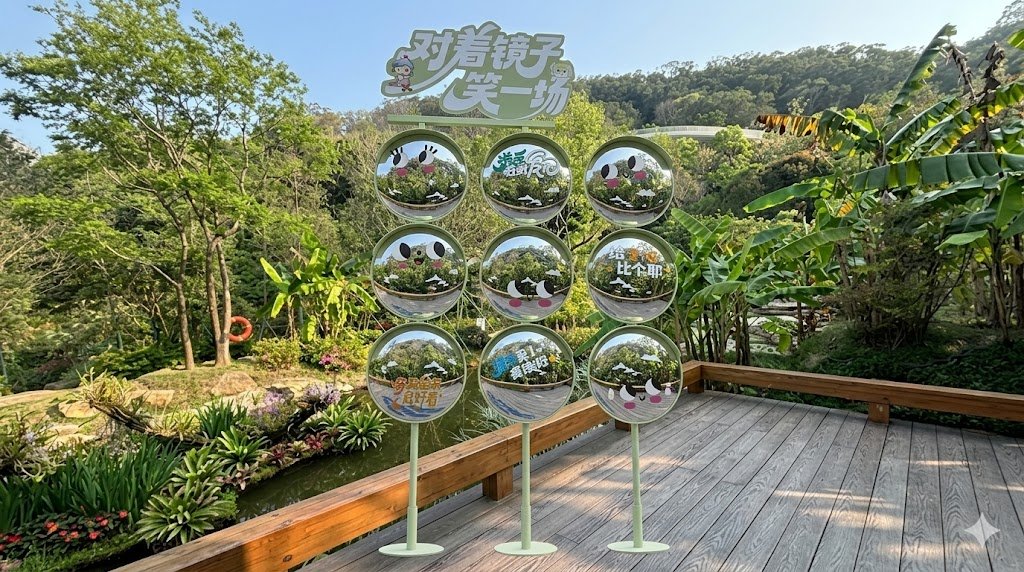
Generate a lifelike ad mockup of a reflective 9-panel sign with cute expressions and Chinese text, positioned on a wooden garden deck.
Reflective Garden Sign on Wooden Deck — Sora 2 Prompt
プロンプト · EN
使用提供的参考图像,保持相同的花园、池塘、树木、山坡和木质露台视角,但将装饰性标识装置重新定位,使其立在前景的木质露台上,而不是水中。将其放大并更显眼地置于镜头中心,同时保持逼真的户外透视、自然日光和一致的阴影。保持装置结构为 3 列 3 行共 9 个圆形标识面板,放置在细长的绿色支架上,顶部标题栏文字为“对着镜子笑一场”。使面板看起来更具反光感和镜面效果,呈现周围绿植的逼真倒影,同时保留圆形面板上的可爱表情图案和中文字符。最终效果应呈现为一张逼真的广告样机/合成照片,展示该装置在场景中正确放置的状态。

このプロンプトについて

Generate a lifelike ad mockup of a reflective 9-panel sign with cute expressions and Chinese text, positioned on a wooden garden deck. Use it as a コンセプトアート starting point for GPT Image 2: keep the visual structure and style constraints intact, then swap in your own subject, brand, or scene.

Start with small changes to subject, scene, camera, and color, then generate a few variations to compare composition and detail without turning the page copy into keyword stuffing.

このプロンプトの使い方

  1. Copy the prompt and paste it into your AI image generator (e.g., Sora 2, DALL·E 3).
  2. Upload the reference image if the model supports image-based prompting.
  3. Tweak variables like sunlight angle, sign reflectivity, or background foliage if desired.
  4. Generate the image and review the placement of the sign on the deck.
  5. Iterate as needed to fine-tune reflections and shadow consistency.
FAQ

肖师傅

@xiaojietongxue→

公開日
2026年4月25日
元の言語
EN
モデル
GPT Image 2
カテゴリ
コンセプトアート
GPT Image 2コンセプトアートgpt-image-2twitter
閲覧
514
コピー
28
いいね
26

共有

GPT Image 2 のその他

すべて見る
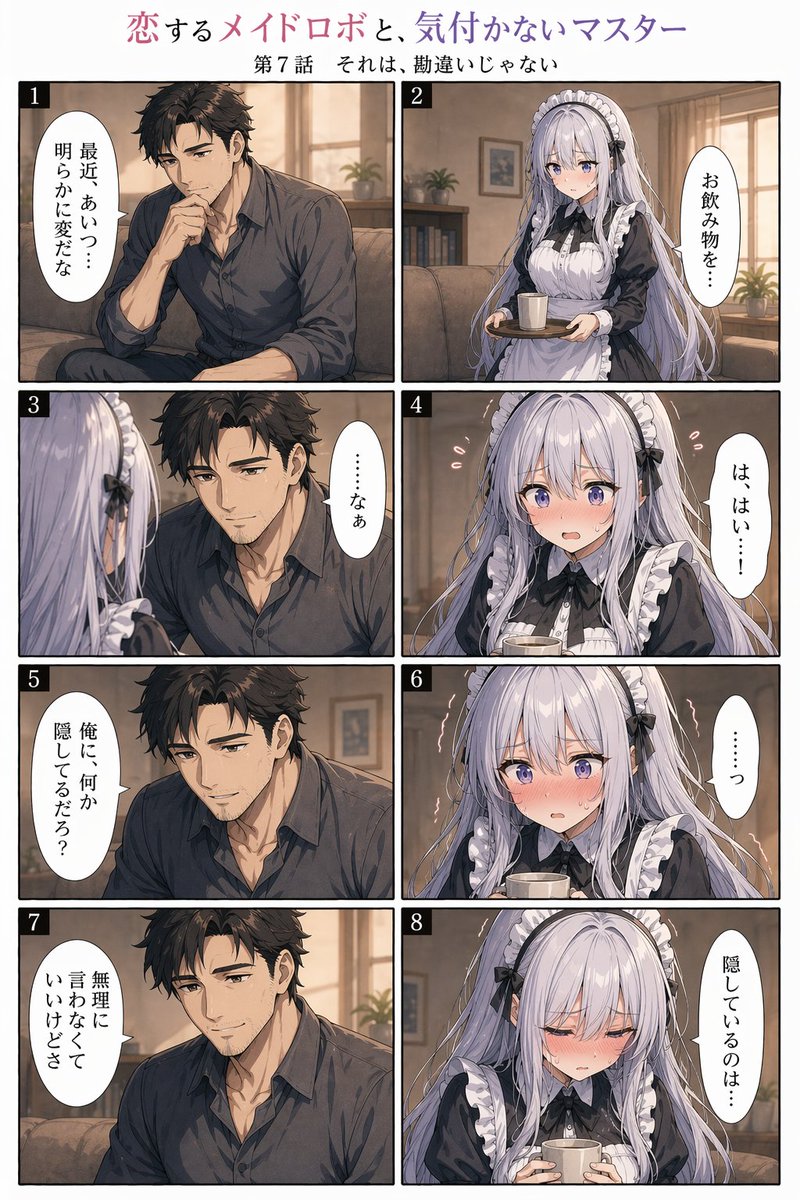
8-Panel Romantic Manga: Shy Maid Robot & Master — Sora 2 Prompt

8-Panel Romantic Manga: Shy Maid Robot & Master — Sora 2 Prompt

@yume00112211
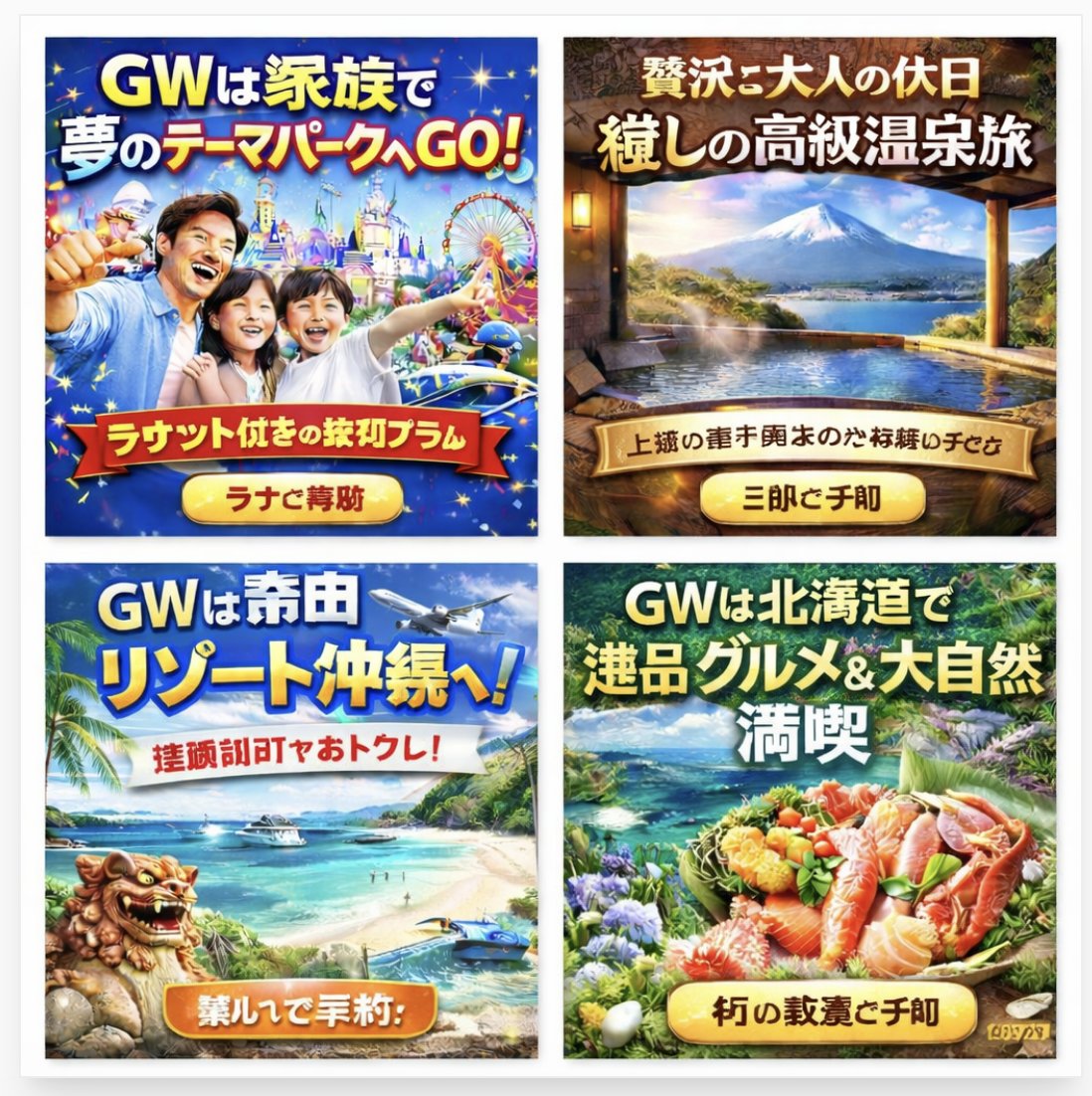
AI-Generated Japanese Travel Ad Grid — Sora Prompt

AI-Generated Japanese Travel Ad Grid — Sora Prompt

@jblogpham
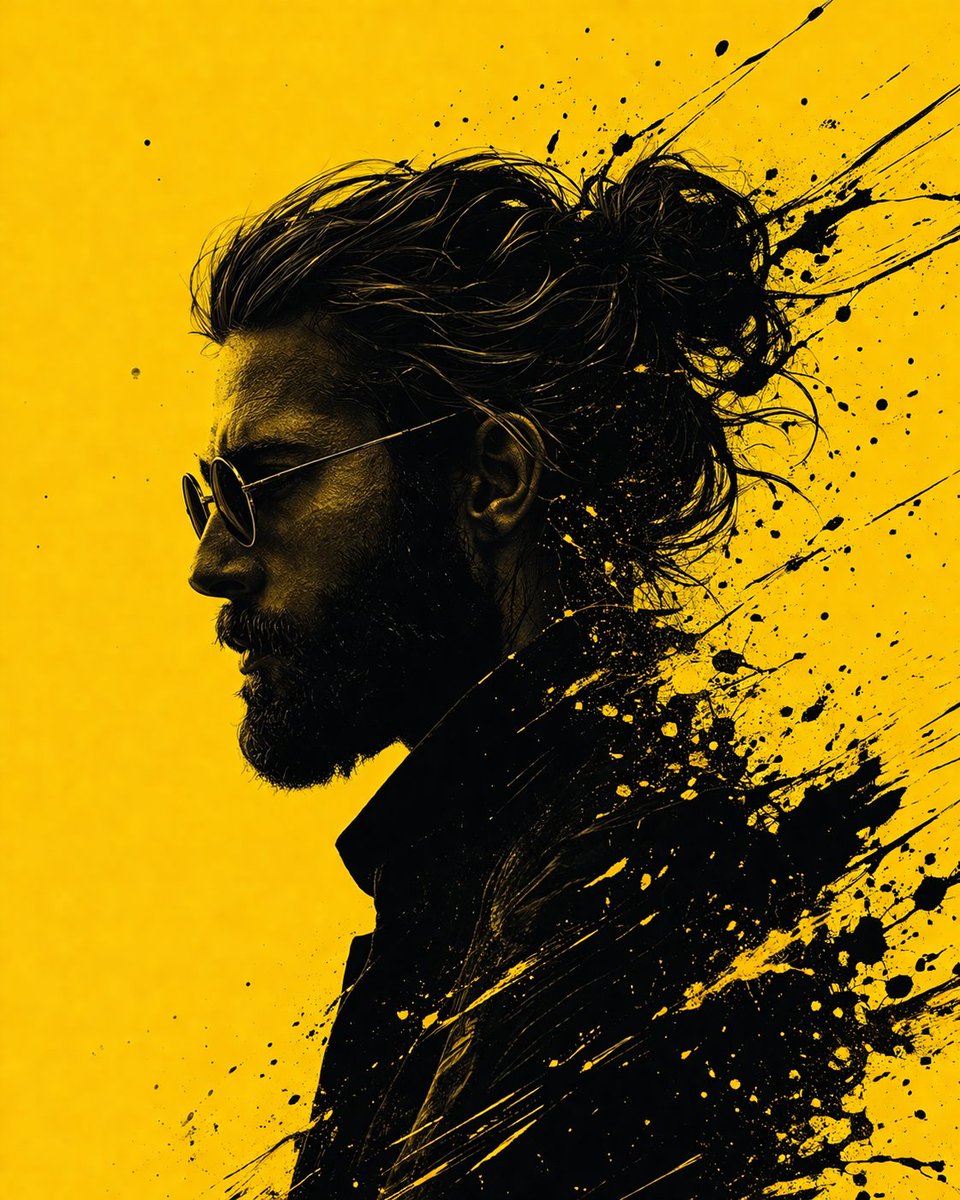
Graphic Novel Ink Splash Portrait — Sora 2 Prompt

Graphic Novel Ink Splash Portrait — Sora 2 Prompt

@iamsofiaijaz

Sora2Hubプロンプトで制作を速く。

検索できるプロンプトページから始め、適切なモデル文脈のまま生成へ進めます。

プロンプトを探す