
GPT Image 2AIプロンプト
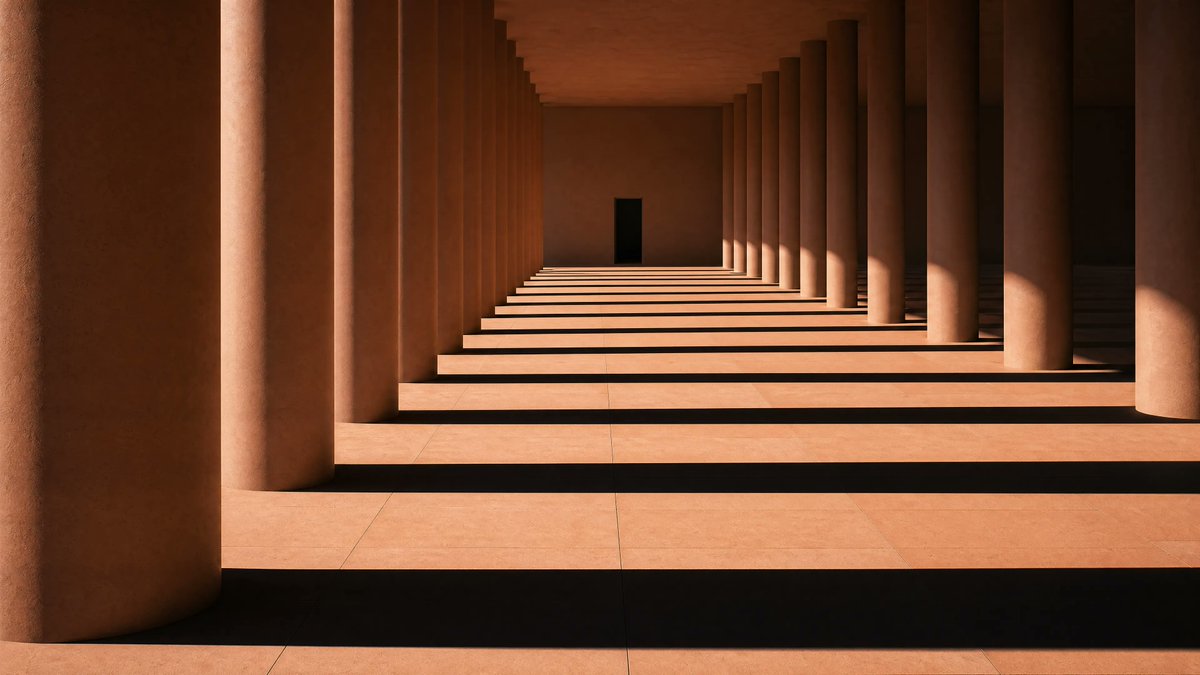
Sunlit Terracotta Colonnade — Sora 2 Prompt
Generate a photorealistic minimalist colonnade with warm terracotta tones and dramatic striped shadows, ideal for atmospheric design and editorial projects.
プロンプト · EN
一张极简主义建筑摄影作品,展现了一条长长的赤陶色柱廊,两排巨大的圆柱平行排列,向远方延伸,形成强烈的单点透视,尽头中心处有一扇小巧的深色长方形门。温暖的午后阳光从右侧射入,在浅色石质地面上投射出富有戏剧性的长条状阴影,明暗交替的条纹横跨整个走廊。墙壁、天花板和立柱均呈现出温暖的泥土色和砂岩色调,表面平滑且带有细腻的哑光质感。构图保持对称,但略微偏移,使左侧边缘由一根巨大的前景立柱占据,而右侧重复的立柱则形成富有节奏感的图案。画面中无人、无家具、无装饰、无植物。宁静而庄严的现代主义建筑,肃穆简洁,高对比度,电影级自然光,线条极其干净,照片级真实感,细节锐利,宽幅横向构图。
このプロンプトについて
Generate a photorealistic minimalist colonnade with warm terracotta tones and dramatic striped shadows, ideal for atmospheric design and editorial projects. Use it as a コンセプトアート starting point for GPT Image 2: keep the visual structure and style constraints intact, then swap in your own subject, brand, or scene.
Start with small changes to subject, scene, camera, and color, then generate a few variations to compare composition and detail without turning the page copy into keyword stuffing.
このプロンプトの使い方
- Copy the prompt text from above.
- Open your preferred AI image generator (e.g., Sora, Midjourney, DALL·E).
- Paste the prompt and adjust settings like aspect ratio or style strength if needed.
- Generate and review; re-run with slight tweaks to lighting or colors for variations.


