
GPT Image 2AIプロンプト
Censored Samurai Woodcut Illustration — Sora 2 Prompt
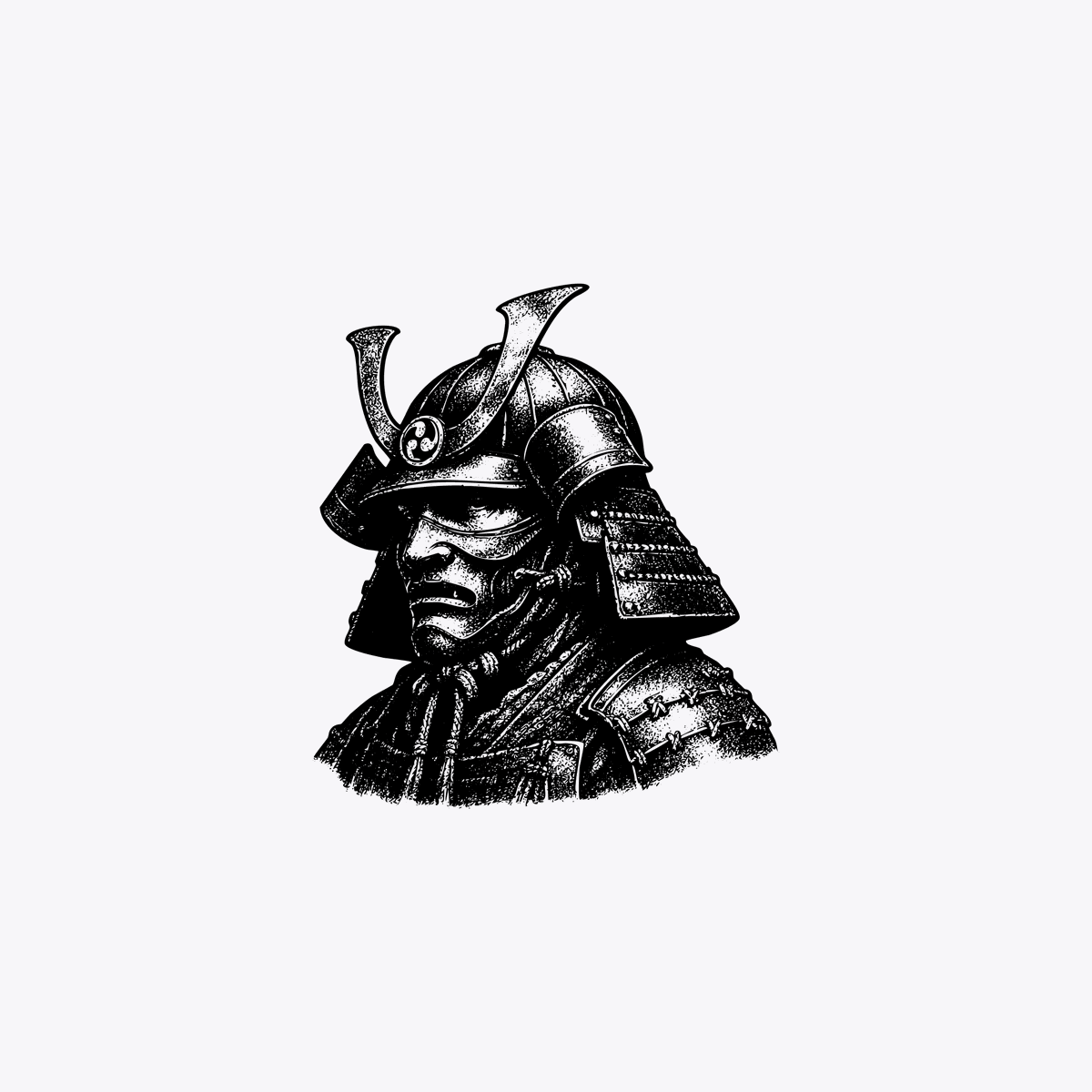
Generate a striking monochrome samurai portrait with vintage woodcut texture and a censorship bar, perfect for editorial or poster design.
プロンプト · EN
一幅极简主义的单色插画,描绘了一位日本武士的半身像,呈四分之三侧面朝右,居中放置在浅灰色背景上。盔甲和头盔采用复古雕版印刷或蚀刻风格,呈现出浓重的黑色墨迹、高对比度、点画、阴影线以及类似刮板画的质感。Kabuto 头盔带有两个高大的弯曲角状饰物和分层侧护板,颈部下方可见细致的层状肩甲和长袍褶皱。人物在躯干上部进行裁剪,并与周围充足的留白隔离开来。在面部区域放置 1 条实心垂直黑色矩形审查条,遮盖眼睛、鼻子和大部分面部特征。整体构图保持鲜明、图形化且具有海报感,除黑色和浅灰色外,不包含其他物体、文字或颜色。
このプロンプトについて
Generate a striking monochrome samurai portrait with vintage woodcut texture and a censorship bar, perfect for editorial or poster design. Use it as a コンセプトアート starting point for GPT Image 2: keep the visual structure and style constraints intact, then swap in your own subject, brand, or scene.
Start with small changes to subject, scene, camera, and color, then generate a few variations to compare composition and detail without turning the page copy into keyword stuffing.
このプロンプトの使い方
- Copy the prompt from this page.
- Open Sora or your preferred AI image generator (e.g., Midjourney, DALL-E).
- Paste the prompt and optionally tweak parameters like aspect ratio or style strength.
- Generate the image and iterate with minor edits if needed.


