
GPT Image 2AIプロンプト
Window-Lit Privacy Portrait — Realistic DSLR Prompt for Sora 2
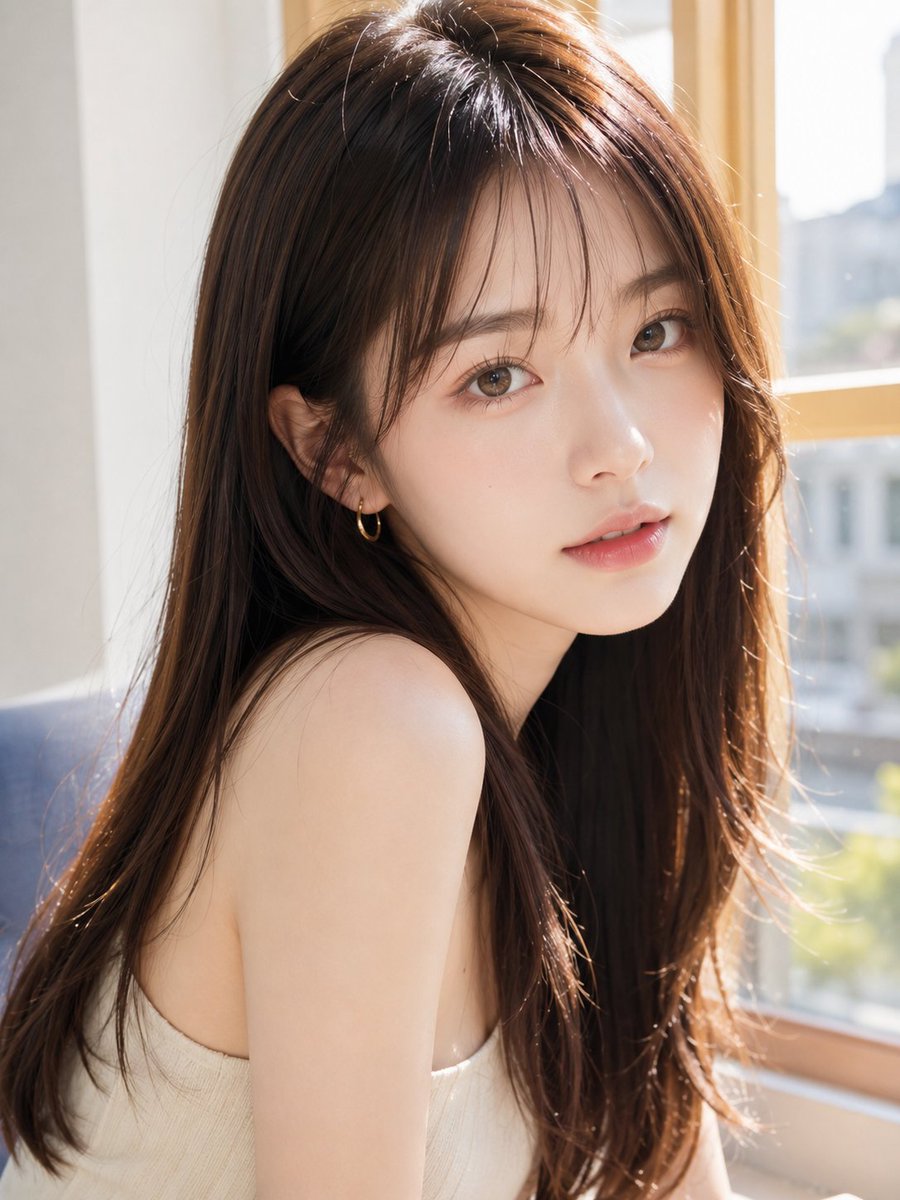
Create a stunning, privacy-themed lifestyle portrait of a woman by a sunlit window, with a stylish facial mask for anonymous or conceptual imagery.
プロンプト · EN
创作一张写实的竖构图肖像,拍摄一位坐在室内明亮阳光窗边的年轻东亚女性。画面为胸部以上的近景,呈现向右侧的四分之三侧面。她拥有 arghair color: 长而有光泽的深棕色头发,直发带有柔和的自然层次,几缕发丝捕捉着光线,垂落在肩头和背部。她穿着一件简约的 argtop color: 米白色 无袖罗纹针织吊带衫,露出双肩,姿态放松。面部被一个位于中心的大型方形隐私遮罩刻意遮挡,遮罩呈现暖棕色肤色渐变,覆盖了从额头到下巴的整个面部区域。场景为一个干净的现代房间,墙壁呈浅色,部分可见一把蓝灰色椅子,右侧为木框窗户;窗外是柔和模糊的城市景观,光线充足。使用温暖的自然阳光,通过发丝的逆光和轮廓光,浅景深,真实的皮肤质感,柔和的高光,高分辨率 DSLR 摄影风格,亲密的生活方式肖像构图,竖构图 4:5 比例。
このプロンプトについて
Create a stunning, privacy-themed lifestyle portrait of a woman by a sunlit window, with a stylish facial mask for anonymous or conceptual imagery. Use it as a コンセプトアート starting point for GPT Image 2: keep the visual structure and style constraints intact, then swap in your own subject, brand, or scene.
Start by replacing hair color and top color, then keep the camera, composition, and material cues in the same order. This makes the output easier to compare across variations.
このプロンプトの使い方
- Copy the entire prompt text and paste it into your chosen AI image generator.
- Select a high-quality, photorealistic model like Sora 2 or similar.
- Customize the variables in curly braces (e.g.,
hair color,top color) to match your vision. - Generate the image and use the vertical 4:5 ratio for social media or portrait displays.


