
GPT Image 2AIプロンプト
Lifestyle Portrait with Face Occlusion — Sora 2 Prompt
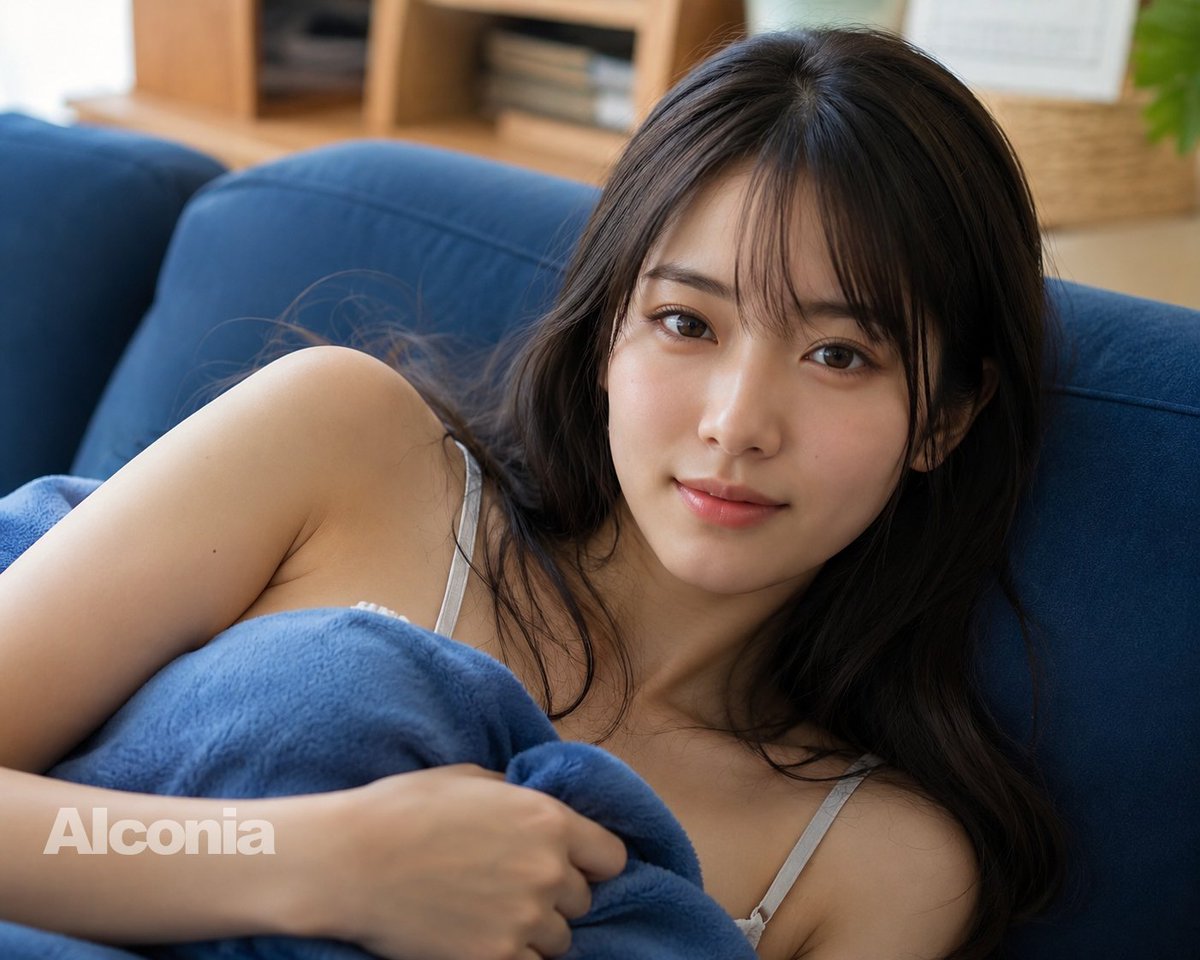
Generate a hyper-realistic DSLR-style lifestyle portrait of a woman on a sofa with an intentional face-occlusion block, warm bokeh background, and customizable text watermark.
プロンプト · EN
创作一张高分辨率、写实的生活方式摄影作品,展示一名 argsubject: 成年女性 侧卧在深蓝色布艺沙发上,背景为明亮的客厅。她留着 arghair color and style: 深棕色长卷发,发丝垂落在肩头,面部被一个位于头部及上脸部区域中央的大型不透明棕色遮挡方块刻意遮盖。她身穿浅灰色细肩带背心,胸前裹着一条柔软的 argblanket color: 蓝色抓绒毯,一只手轻轻按在躯干附近的毯子上。构图为上半身和肩部的近景特写,略微俯拍,具有浅景深效果。背景为虚化的温馨家居内景,可见木质搁板、堆叠的书籍、藤编篮和一抹绿植,由自然光照亮。请使用 DSLR 级别的写实画质,呈现柔和的肤色、细腻的织物纹理、逼真的发丝,营造宁静放松的氛围,并在左下角添加一行半透明的 argwatermark text: Alconia 水印。
このプロンプトについて
Generate a hyper-realistic DSLR-style lifestyle portrait of a woman on a sofa with an intentional face-occlusion block, warm bokeh background, and customizable text watermark. Use it as a コンセプトアート starting point for GPT Image 2: keep the visual structure and style constraints intact, then swap in your own subject, brand, or scene.
Start by replacing subject, hair color and style, blanket color, and watermark text, then keep the camera, composition, and material cues in the same order. This makes the output easier to compare across variations.
このプロンプトの使い方
- Copy the prompt and paste it into your preferred AI image generator (e.g., Sora 2, Midjourney).
- Choose a model that supports high-resolution photorealistic output.
- Customize the variables—subject appearance, blanket color, and watermark text—to match your vision.
- Generate the image and review the output; adjust aspect ratio or regenerate for best results.
- Download the final image and use it for social media, portfolios, or creative projects.


