
GPT Image 2AIプロンプト
Create Rich Biography Infographics with Realistic Portraits
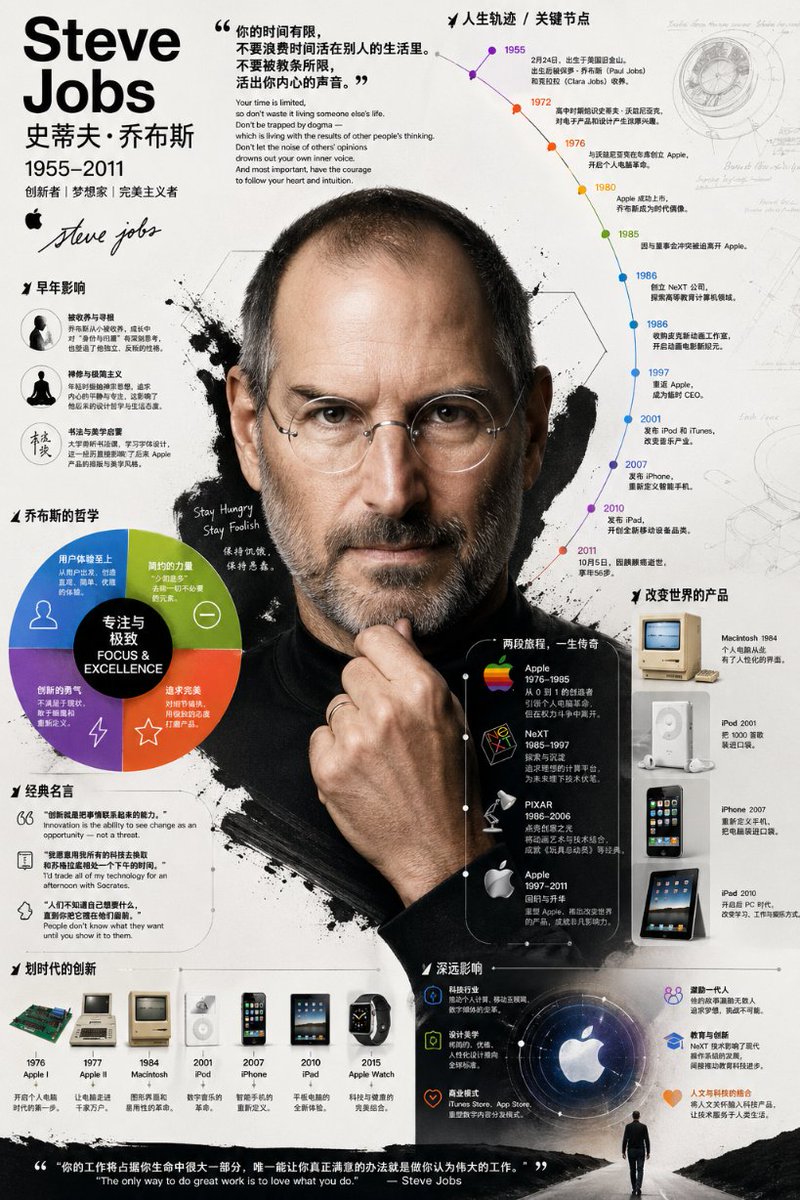
Craft a rich biographical infographic with a photorealistic portrait, using this AI prompt for professional, layered visuals.
プロンプト · EN
请为 argsubject name: [姓名] 创建一张视觉效果极其丰富且深度的信息图。它不应只是信息的罗列:我需要你深入挖掘他们的生平、主要成就、关键职业里程碑、哲学思想,以及他们对技术和设计产生的独特影响。避免生硬的板块式布局;请使用图表、注释和引导线将这些信息有机地结合起来。视觉风格:采用大胆、有力且极具图形感的插画风格。具体来说,它应该呈现如下效果:中心焦点是该人物高度写实、如照片般的肖像。围绕这一核心的是时间轴、分析图表、经典产品、名言警句和简洁的文字等元素。构图:保持背景简洁。利用分层构图,将写实肖像与强烈的图形元素(如各种形状、图标、大色块)完美融合。整张图像应看起来内容充实、富有质感且非常专业。
このプロンプトについて
Craft a rich biographical infographic with a photorealistic portrait, using this AI prompt for professional, layered visuals. Use it as a コンセプトアート starting point for GPT Image 2: keep the visual structure and style constraints intact, then swap in your own subject, brand, or scene.
Start by replacing subject name, then keep the camera, composition, and material cues in the same order. This makes the output easier to compare across variations.
このプロンプトの使い方
- Copy the prompt below and paste it into your preferred AI image generator (e.g., DALL·E 3, Midjourney, Sora 2 compatible models).
- Replace
[姓名]with the full name of your subject (e.g., "Steve Jobs") to personalize the infographic. - Adjust any descriptive elements like style keywords or composition notes if you want to match a specific design language.
- Generate the image and iterate by tweaking the prompt for even more detail or different visual balance.


