
RAW iPhone Subway Motion Blur — Sora 2 Prompt
Generate an unprocessed, raw iPhone-style image of a moving USA subway with natural blur, featuring an elderly woman and man in front for candid realism.
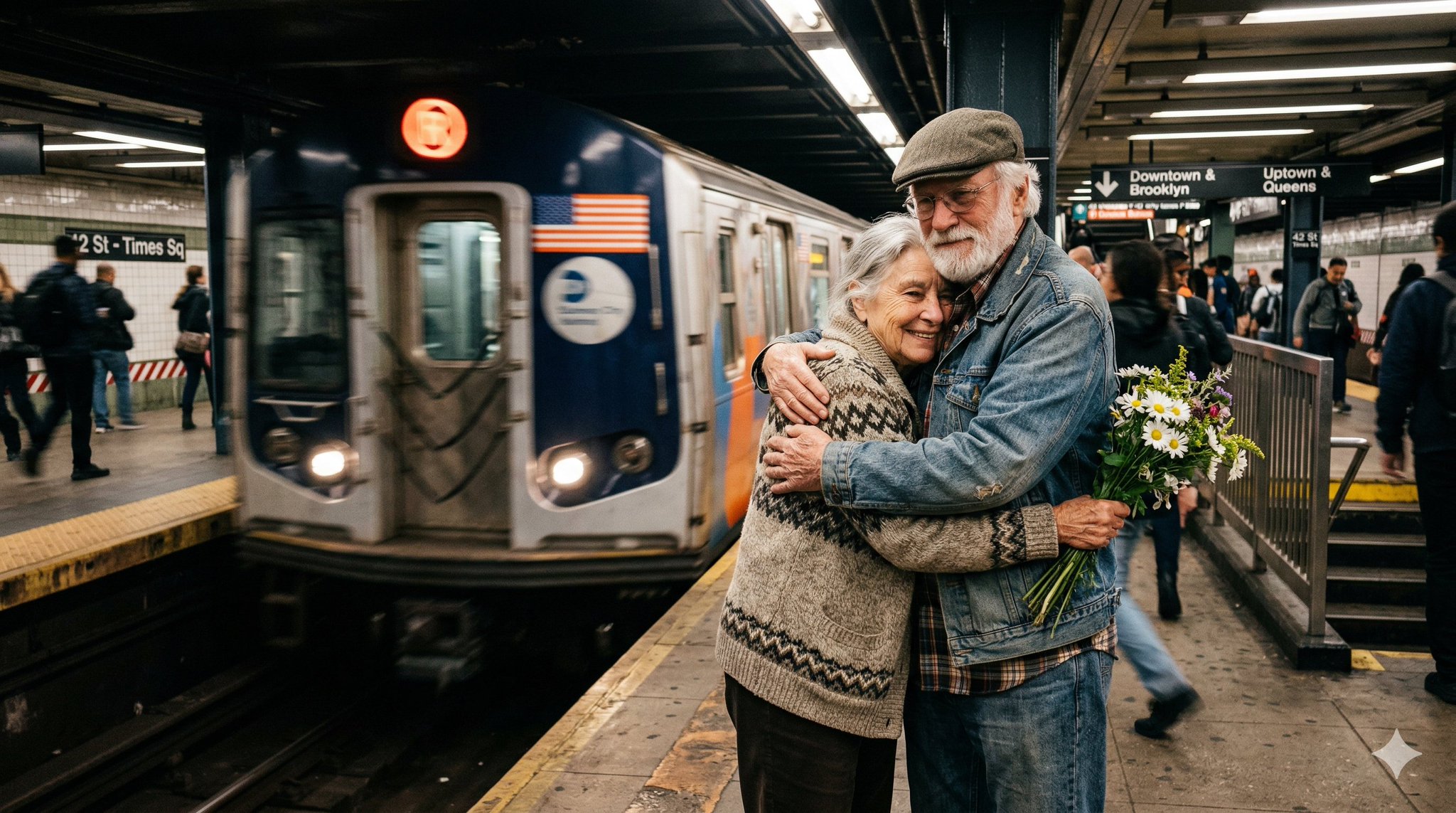
Create a completely RAW quality, unprocessed, unedited image with full iPhone camera quality. A subway station in USA, a momentary blur. The subway is in motion. In front of the subway, there is an elderly woman and man.
このプロンプトについて
Generate an unprocessed, raw iPhone-style image of a moving USA subway with natural blur, featuring an elderly woman and man in front for candid realism. Use it as a コンセプトアート starting point for GPT Image 2: keep the visual structure and style constraints intact, then swap in your own subject, brand, or scene.
Common directions include photography & photorealism. Treat these tags as creative cues; the prompt structure and preview image are the more useful guide.
Start with small changes to subject, scene, camera, and color, then generate a few variations to compare composition and detail without turning the page copy into keyword stuffing.
このプロンプトの使い方
- Copy the prompt text exactly as provided.
- Open Sora 2, Midjourney, or DALL-E 3 in a compatible interface.
- Paste the prompt and optionally adjust camera-related terms (e.g., 'iPhone 15 Pro') for desired texture.
- Generate the image, repeating if needed to fine-tune the motion blur effect.
- Use the 'remix' or variation feature to explore different subway angles or passenger poses.


