
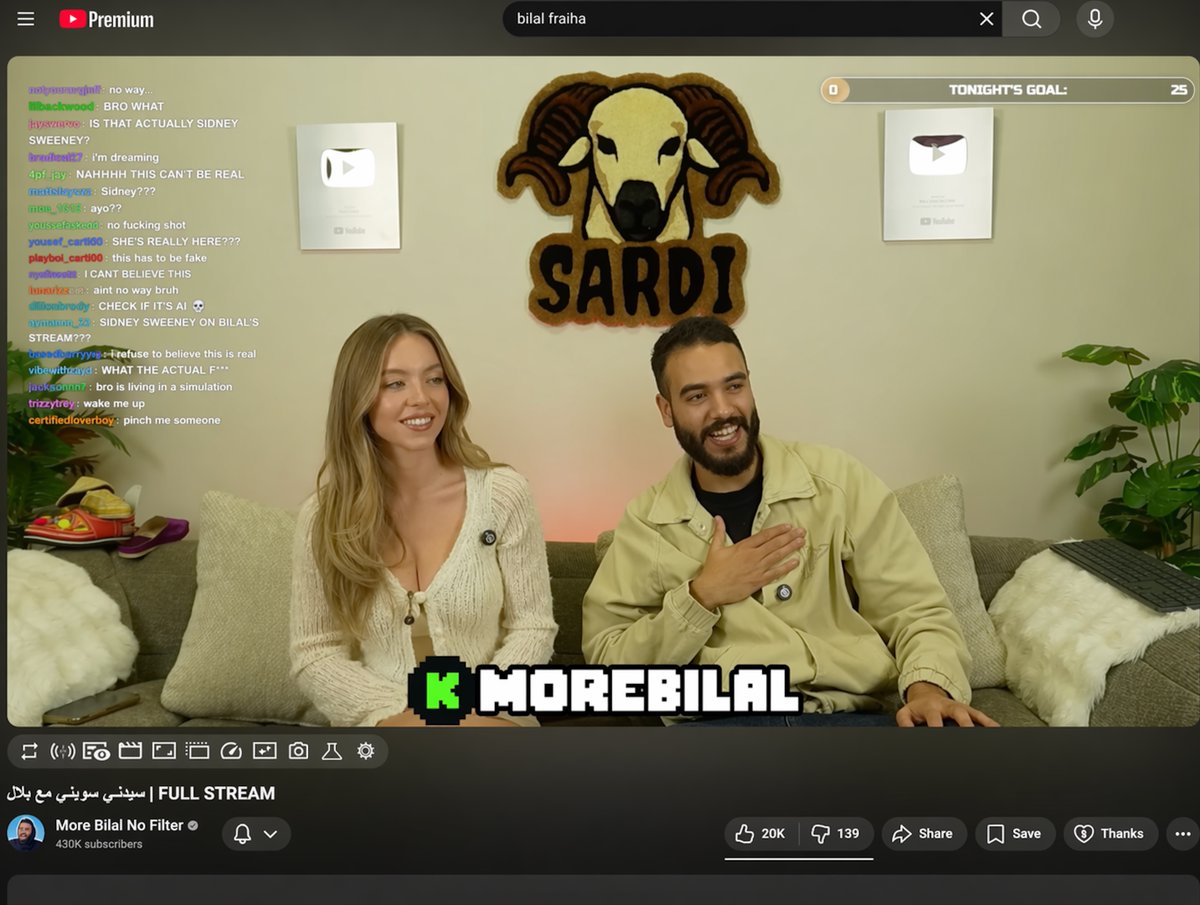
YouTube Live UI with Chat & Channel Overlays — Sora 2 Prompt
Generate a realistic YouTube Live stream interface with customizable chat overlay, channel details, and video player, perfect for mockups or AI video scenes.
このプロンプトについて
Generate a realistic YouTube Live stream interface with customizable chat overlay, channel details, and video player, perfect for mockups or AI video scenes. Use it as a コンセプトアート starting point for GPT Image 2: keep the visual structure and style constraints intact, then swap in your own subject, brand, or scene.
This prompt is organized as structured JSON with fields such as type, top nav, player, and details. Keeping that hierarchy helps the model separate the subject, layout, interface elements, and detail constraints.
Start with small changes to subject, scene, camera, and color, then generate a few variations to compare composition and detail without turning the page copy into keyword stuffing.
このプロンプトの使い方
- Copy the full prompt text.
- Paste into Sora 2 or a compatible AI video model.
- Customize the arguments (e.g., guest name, streamer name, search query).
- Generate the video clip.
- Download or iterate on the output as needed.


