Sora2 Hub
Sora2 Hub
  • Prompt Library
  • Pricing
  • Showcase
  • Blog
Sora2 Hub
Sora2 Hub
Sora2 Hub

Sora2 Hub

Professional AI creation platform powered by Sora 2, Veo 3.1, and Nano Banana Pro. Create stunning videos and studio-grade images with advanced control, HD quality, and no watermarks.

Email:support@sora2hub.org

AI Video Generator

  • Text to Video
  • Image to Video
  • Veo 3.1
  • Sora 2
  • Kling 3.0
  • Kling 2.6
  • Kling 2.5
  • Runway
  • Wan 2.6
  • Seedance 2.0
  • Hailuo 2.3
  • Grok Imagine
  • HappyHorse-1.0
  • HappyHorse 1.1
  • Kling 3.0 Turbo
  • Volcengine Video-to-Video Lip Sync
  • OmniHuman 1.5
  • Grok Imagine Video 1.5
  • Gemini Omni
  • Wan 2.7 Video
  • Seedance 2.0 Mini

AI Image Generator

  • Text to Image
  • Image to Image
  • Nano Banana Pro
  • Nano Banana
  • 4o Image
  • Flux Kontext
  • Z Image
  • Seedream 4.5
  • Seedream 5.0 Lite
  • Nano Banana 2
  • GPT Image 2
  • AI Image Upscaler
  • Seedream 5.0 Pro
  • Nano Banana 2 Lite
  • Qwen Image 2.0

AI Effects

  • AI Age Filter
  • AI Gender Swap
  • AI Kiss
  • AI Hug
  • Ghibli Image
  • AI Mermaid Filter
  • AI Bodyshake
  • Smiling Filter
  • AI Fat
  • Action Figure

Product

  • Features
  • Showcases
  • Pricing

Company

  • About
  • Contact

© 2025 • Sora2 Hub ORG All rights reserved.

  • Privacy Policy
  • Terms of Service
  • Refund Policy
  1. Home
  2. /
  3. Prompts
  4. /
  5. GPT Image 2
  6. /
  7. 3x3 Step-by-Step Cookie Recipe Grid — Sora 2 Prompt
GPT Image 2AI Prompt

3x3 Step-by-Step Cookie Recipe Grid — Sora 2 Prompt

Generates a stunning 9-panel photographic tutorial grid for butter cookies, complete with professional top-down shots and bilingual instructional overlays.
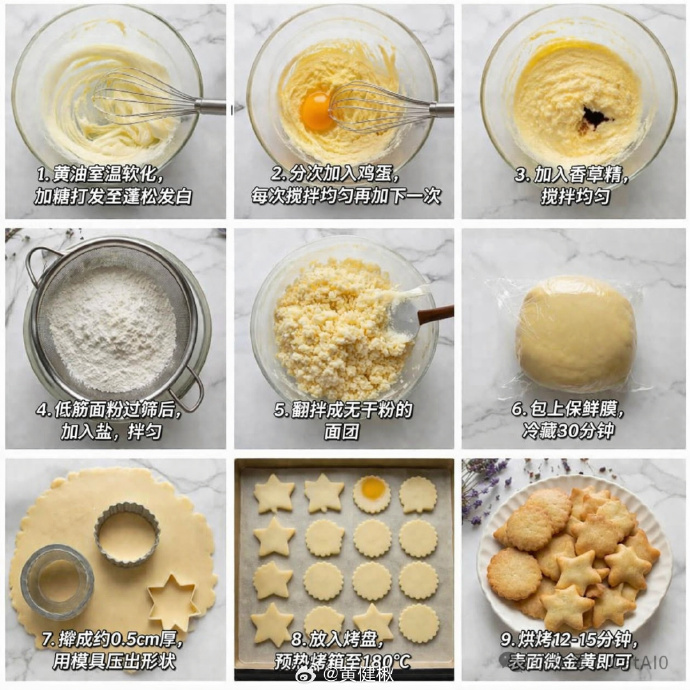
3x3 Step-by-Step Cookie Recipe Grid — Sora 2 Prompt
PROMPT · EN
type
step-by-step recipe tutorial grid
recipe
{argument name="recipe name" default="butter cookies"}
style
top-down food photography, bright natural lighting, photorealistic
background
{argument name="background texture" default="white marble countertop"}
layout
grid
3x3
total_panels
9
panels
item 1
step
1
visual
whisking softened butter and sugar in a glass bowl with a metal whisk
text_overlay
{argument name="step 1 text" default="1. 黄油室温软化,加糖打发至蓬松发白"}
item 2
step
2
visual
adding a raw egg yolk to the butter mixture, whisking
text_overlay
2. 分次加入鸡蛋,每次搅拌均匀再加下一次
item 3
step
3
visual
adding dark vanilla extract to the mixture in the glass bowl
text_overlay
3. 加入香草精,搅拌均匀
item 4
step
4
visual
sifting white flour through a round metal sieve into a glass bowl
text_overlay
4. 低筋面粉过筛后,加入盐,拌匀
item 5
step
5
visual
mixing crumbly dough with a spatula in a glass bowl
text_overlay
5. 翻拌成无干粉的面团
item 6
step
6
visual
a smooth ball of dough tightly wrapped in clear plastic wrap
text_overlay
6. 包上保鲜膜,冷藏30分钟
item 7
step
7
visual
rolled out flat dough with round and star-shaped metal cookie cutters cutting out shapes
text_overlay
7. 擀成约0.5cm厚,用模具压出形状
item 8
step
8
visual
raw star and round cookie dough shapes arranged neatly on a parchment-lined baking sheet
text_overlay
8. 放入烤盘,预热烤箱至180°C
item 9
step
9
visual
{argument name="final product" default="baked golden-brown star and round cookies piled on a white fluted plate"}
text_overlay
{argument name="step 9 text" default="9. 烘烤12-15分钟,表面微金黄即可"}

About this prompt

Generates a stunning 9-panel photographic tutorial grid for butter cookies, complete with professional top-down shots and bilingual instructional overlays. Use it as a Concept Art starting point for GPT Image 2: keep the visual structure and style constraints intact, then swap in your own subject, brand, or scene.

This prompt is organized as structured JSON with fields such as type, recipe, style, background, and layout. Keeping that hierarchy helps the model separate the subject, layout, interface elements, and detail constraints.

Start with small changes to subject, scene, camera, and color, then generate a few variations to compare composition and detail without turning the page copy into keyword stuffing.

How to use this prompt

  1. Copy the entire prompt JSON object.
  2. Paste it into your chosen AI video or image generation model that supports JSON parameters.
  3. Customize the argument fields (e.g., recipe name, background, step text) to match your desired tutorial.
  4. Generate the output to receive a cohesive 3x3 image grid.
  5. Use the result as a single shareable image or as a visual recipe card.
FAQ

Gantrol

@prompts→

Published
Apr 30, 2026
Language
EN
Model
GPT Image 2
Category
Concept Art
GPT Image 2Concept Artgpt-image-2gptimage2api promptsgptimage2apien
Views
584
Copies
83
Likes
47

Share

More from GPT Image 2

Browse all
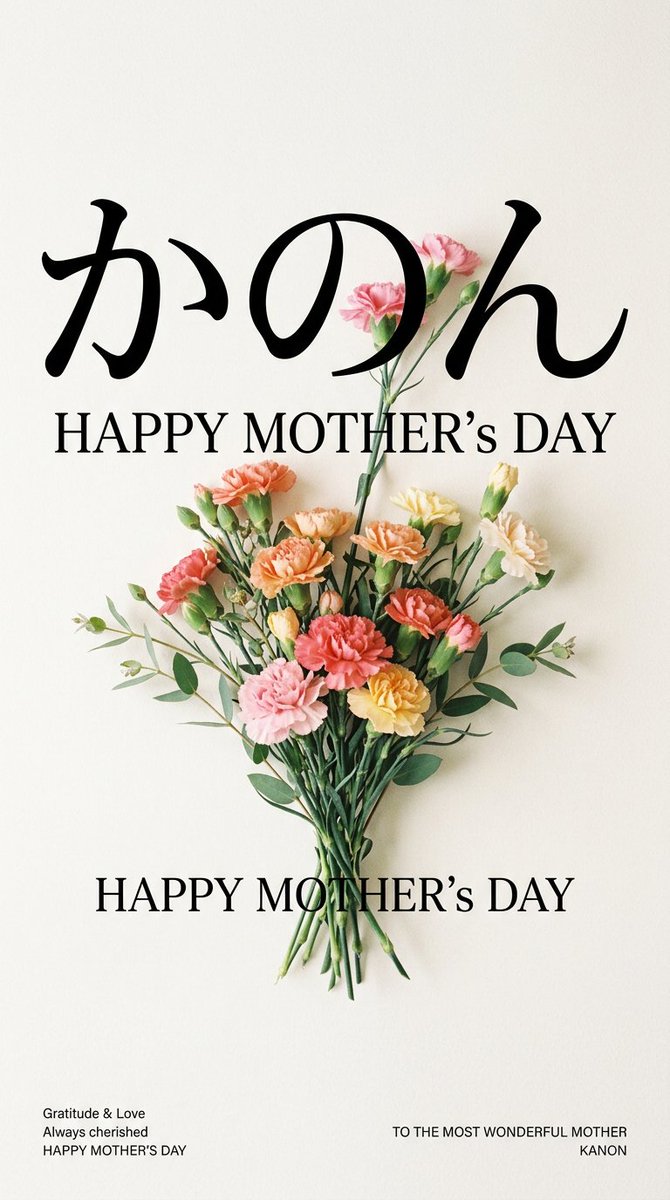
Minimalist Mother's Day Wallpaper — Sora 2 Prompt with Calligraphy & Carnations

Minimalist Mother's Day Wallpaper — Sora 2 Prompt with Calligraphy & Carnations

@EdimakorJP
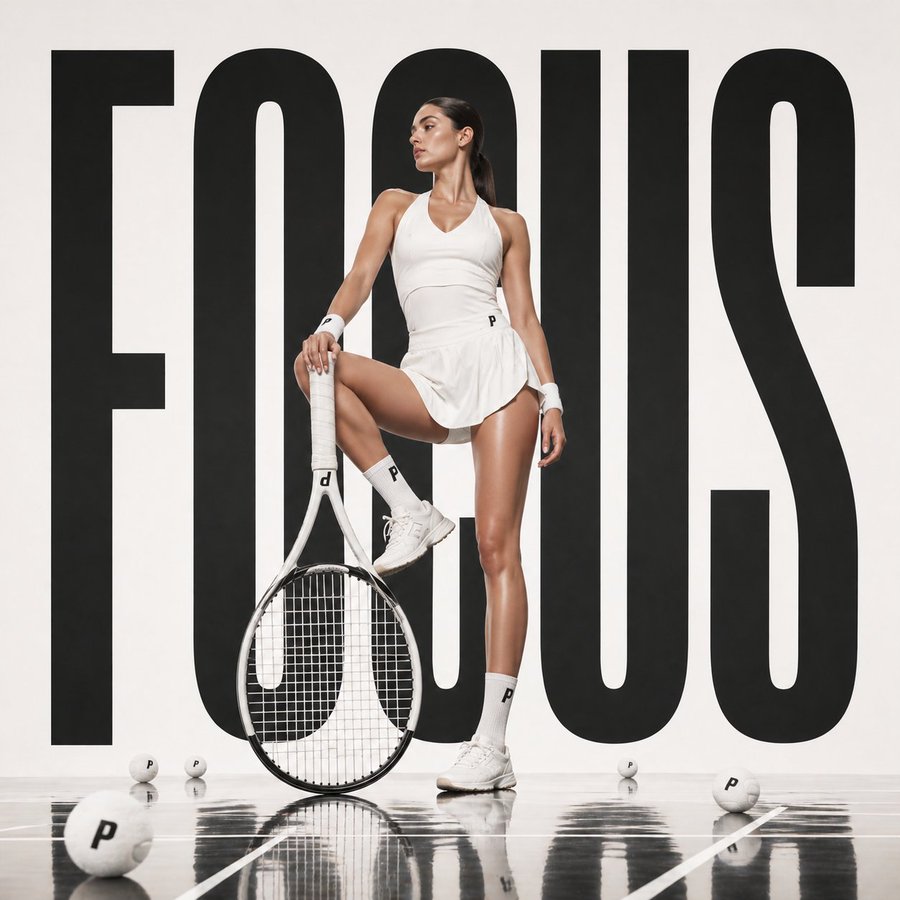
Luxury Tennis Fashion Poster — Bold Studio Shoot Sora Prompt

Luxury Tennis Fashion Poster — Bold Studio Shoot Sora Prompt

@blueski68251660
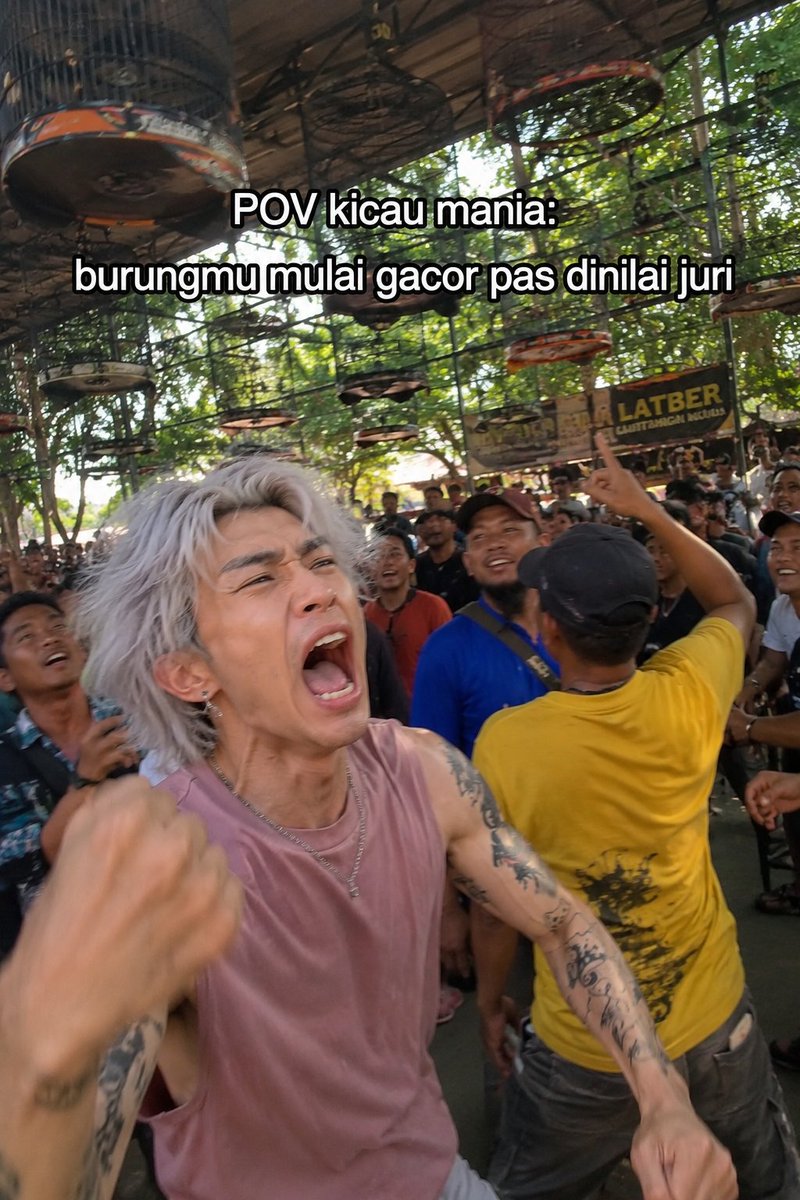
Indonesian Bird Contest Meme — Low-Quality Phone Photo

Indonesian Bird Contest Meme — Low-Quality Phone Photo

@NyaiiBubu

Create faster with Sora2Hub prompts.

Use curated prompt pages as searchable entry points, then jump straight into generation with the right model context.

Explore prompts