
How AI Works Infographic — Educational Flowchart Prompt
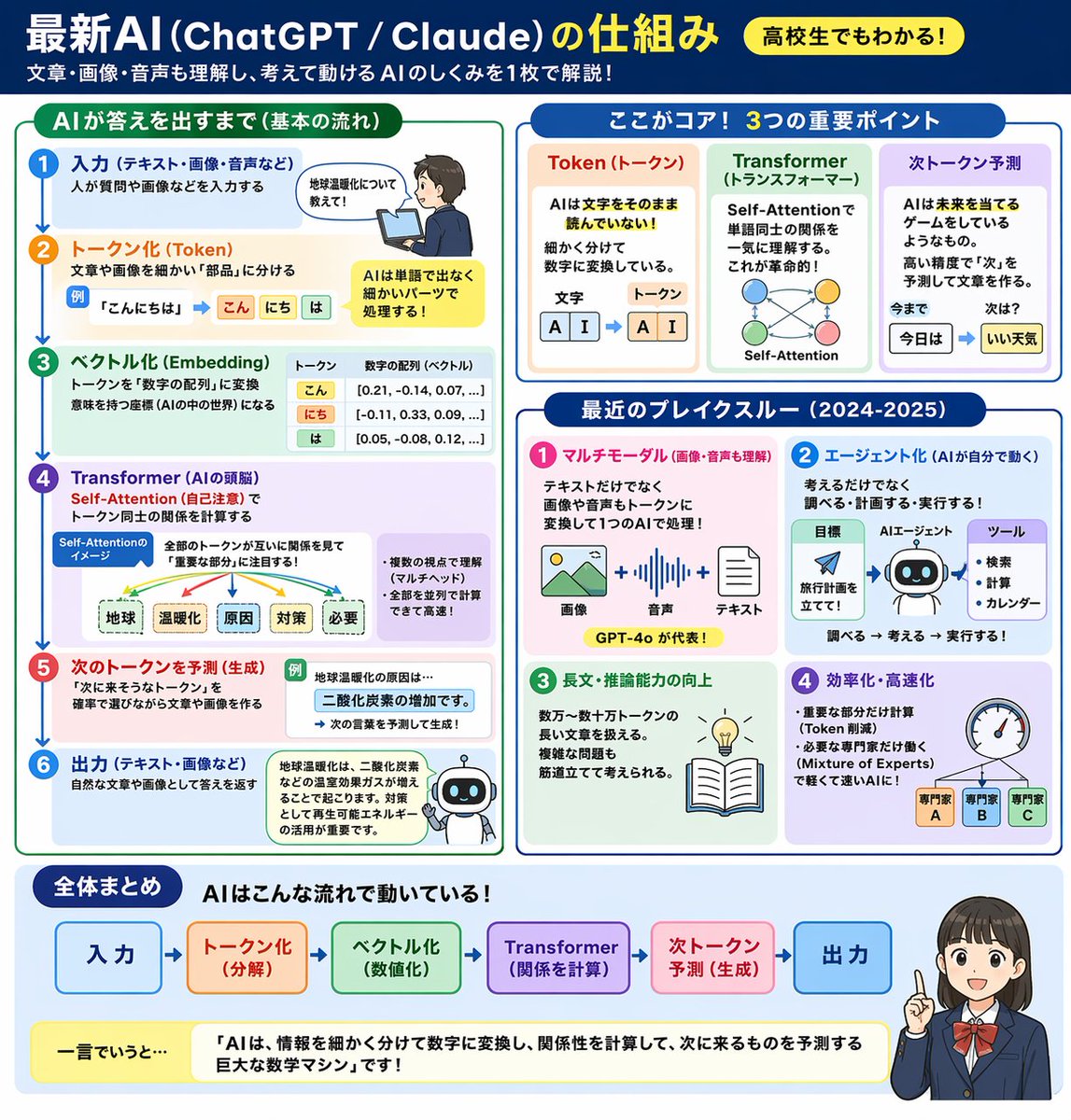
Generates a clean, multi-panel infographic that visually explains modern AI (ChatGPT/Claude) mechanics using flowcharts, icons, and a summary character.
About this prompt
Generates a clean, multi-panel infographic that visually explains modern AI ChatGPT/Claude mechanics using flowcharts, icons, and a summary character. Use it as a Concept Art starting point for GPT Image 2: keep the visual structure and style constraints intact, then swap in your own subject, brand, or scene.
This prompt is organized as structured JSON with fields such as type, header, and layout. Keeping that hierarchy helps the model separate the subject, layout, interface elements, and detail constraints.
Start with small changes to subject, scene, camera, and color, then generate a few variations to compare composition and detail without turning the page copy into keyword stuffing.
How to use this prompt
- Copy the full prompt JSON and paste it into your preferred AI image generator (e.g., Sora 2, DALL·E 3, Midjourney).
- Replace placeholder variables like
main title,subtitle, andsummary textwith your own Japanese (or English) content to customize the lesson. - Adjust the
target audience badgeorcharacter stylearguments to match your desired tone or audience level. - Select a model that supports high-resolution, text-heavy layouts for best results.
- Generate and iterate — tweak section labels or layout descriptions if text renders incorrectly.


