Sora2 Hub
Sora2 Hub
  • Prompt Library
  • Pricing
  • Showcase
  • Blog
Sora2 Hub
Sora2 Hub
Sora2 Hub

Sora2 Hub

Professional AI creation platform powered by Sora 2, Veo 3.1, and Nano Banana Pro. Create stunning videos and studio-grade images with advanced control, HD quality, and no watermarks.

Email:support@sora2hub.org

AI Video Generator

  • Text to Video
  • Image to Video
  • Veo 3.1
  • Sora 2
  • Kling 3.0
  • Kling 2.6
  • Kling 2.5
  • Runway
  • Wan 2.6
  • Seedance 2.0
  • Hailuo 2.3
  • Grok Imagine
  • HappyHorse-1.0
  • HappyHorse 1.1
  • Kling 3.0 Turbo
  • Volcengine Video-to-Video Lip Sync
  • OmniHuman 1.5
  • Grok Imagine Video 1.5
  • Gemini Omni
  • Wan 2.7 Video
  • Seedance 2.0 Mini

AI Image Generator

  • Text to Image
  • Image to Image
  • Nano Banana Pro
  • Nano Banana
  • 4o Image
  • Flux Kontext
  • Z Image
  • Seedream 4.5
  • Seedream 5.0 Lite
  • Nano Banana 2
  • GPT Image 2
  • AI Image Upscaler
  • Seedream 5.0 Pro
  • Nano Banana 2 Lite
  • Qwen Image 2.0

AI Effects

  • AI Age Filter
  • AI Gender Swap
  • AI Kiss
  • AI Hug
  • Ghibli Image
  • AI Mermaid Filter
  • AI Bodyshake
  • Smiling Filter
  • AI Fat
  • Action Figure

Product

  • Features
  • Showcases
  • Pricing

Company

  • About
  • Contact

© 2025 • Sora2 Hub ORG All rights reserved.

  • Privacy Policy
  • Terms of Service
  • Refund Policy
  1. Home
  2. /
  3. Prompts
  4. /
  5. GPT Image 2
  6. /
  7. Iridescent Butterfly UI/UX • Dark Mode Nature Design System
GPT Image 2AI Prompt

Iridescent Butterfly UI/UX • Dark Mode Nature Design System

Generate a sleek dark-mode UI/UX design system inspired by iridescent butterfly wings, complete with luminous colors, mobile interfaces, and a web preview.
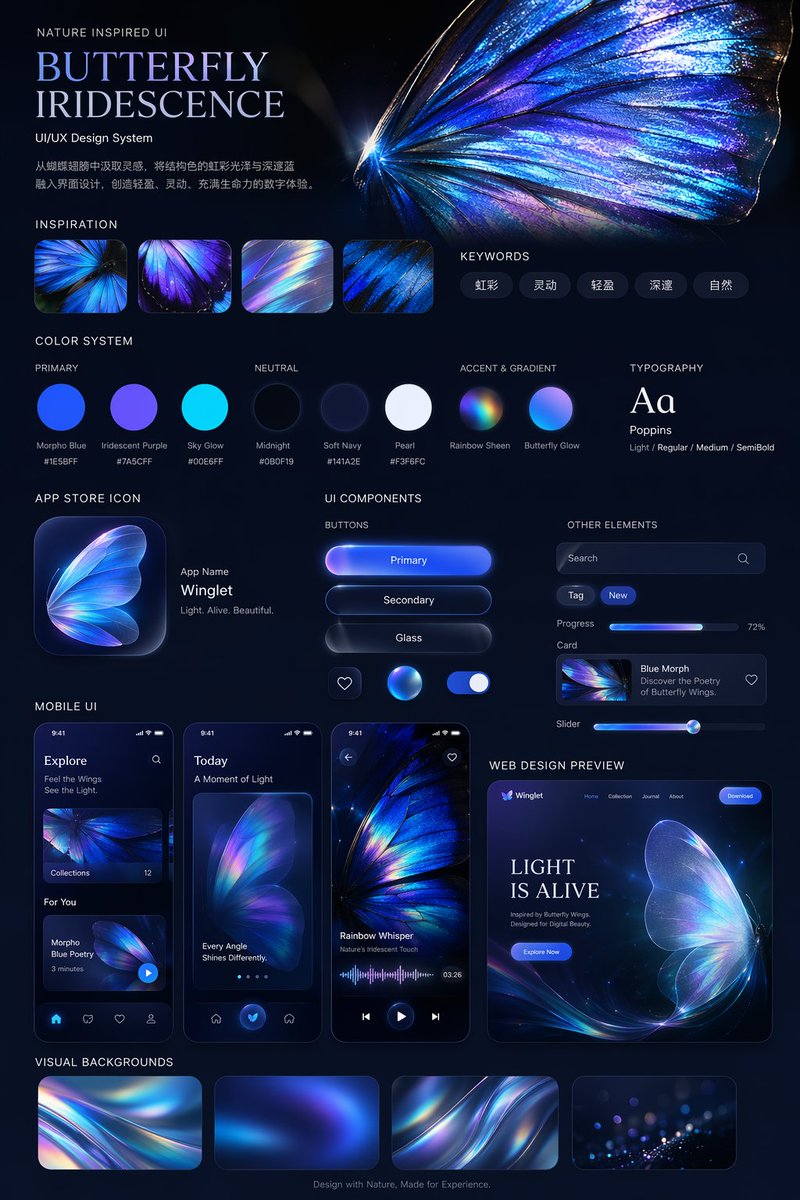
Iridescent Butterfly UI/UX • Dark Mode Nature Design System
PROMPT · EN
type
UI/UX 设计系统展示项目
theme
深色模式,自然灵感,发光虹彩美学
header
title
自然灵感 UI {argument name="system title" default="蝴蝶虹彩"} UI/UX 设计系统
description
{argument name="chinese description" default="从蝴蝶翅膀中汲取灵感,将结构色的虹彩光泽与深邃蓝融入界面设计,创造轻盈、灵动、充满生命力的数字体验。"}
hero_image
大型、高细节、发光的蓝紫色虹彩蝴蝶翅膀
layout
sections
item 1
title
设计灵感
count
4
description
展示虹彩蝴蝶翅膀特写和光线折射的方形缩略图
item 2
title
关键词
count
5
labels
item 1
虹彩
item 2
灵动
item 3
轻盈
item 4
深邃
item 5
自然
item 3
title
色彩系统
subsections
item 1
title
主色
count
3
labels
item 1
大闪蝶蓝 #1E5BFF
item 2
虹彩紫 #7A5CFF
item 3
天空光 #00E6FF
item 2
title
中性色
count
3
labels
item 1
午夜黑 #0B0F19
item 2
柔和海军蓝 #141A2E
item 3
珍珠白 #F3F6FC
item 3
title
强调色与渐变
count
2
labels
item 1
彩虹光泽
item 2
蝴蝶光芒
item 4
title
排版
content
Aa Poppins Light / Regular / Medium / SemiBold
item 5
title
应用图标
count
1
text
应用名称 {argument name="app name" default="Winglet"} 轻盈。灵动。优美。
item 6
title
UI 组件
subsections
item 1
title
按钮
count
6
labels
item 1
主要按钮
item 2
次要按钮
item 3
玻璃质感
item 4
心形图标
item 5
发光球体图标
item 6
开关
item 2
title
其他元素
count
5
labels
item 1
搜索栏
item 2
标签 (New)
item 3
进度条 (72%)
item 4
卡片 (Blue Morph)
item 5
滑块
item 7
title
移动端 UI
count
3
screens
item 1
探索页面
item 2
带有大型蝴蝶翅膀的今日页面
item 3
带有波形图的音频播放页面
item 8
title
网页设计预览
count
1
details
桌面浏览器模型,首屏区域包含 '{argument name="web hero headline" default="光之生命"}' 和 '立即探索' 按钮
item 9
title
视觉背景
count
4
description
展示抽象虹彩波纹的矩形缩略图
footer
源于自然的设计,为体验而生。

About this prompt

Generate a sleek dark-mode UI/UX design system inspired by iridescent butterfly wings, complete with luminous colors, mobile interfaces, and a web preview. Use it as a Concept Art starting point for GPT Image 2: keep the visual structure and style constraints intact, then swap in your own subject, brand, or scene.

This prompt is organized as structured JSON with fields such as type, theme, header, and layout. Keeping that hierarchy helps the model separate the subject, layout, interface elements, and detail constraints.

Start with small changes to subject, scene, camera, and color, then generate a few variations to compare composition and detail without turning the page copy into keyword stuffing.

How to use this prompt

  1. Copy the entire prompt text.
  2. Go to your preferred AI image or video generation platform (like Sora, Midjourney, or DALL·E).
  3. Paste the prompt into the model’s text input.
  4. Adjust any variable arguments (e.g., system title, app name, hero headline) to customize the design theme if desired.
  5. Generate and review the resulting UI/UX design system showcase.
FAQ

cheaty

@cheatyyyy→

Published
Apr 25, 2026
Language
EN
Model
GPT Image 2
Category
Concept Art
GPT Image 2Concept Artgpt-image-2twitter
Views
968
Copies
93
Likes
20

Share

More from GPT Image 2

Browse all
Futuristic Google Search Ad — AI Prompt

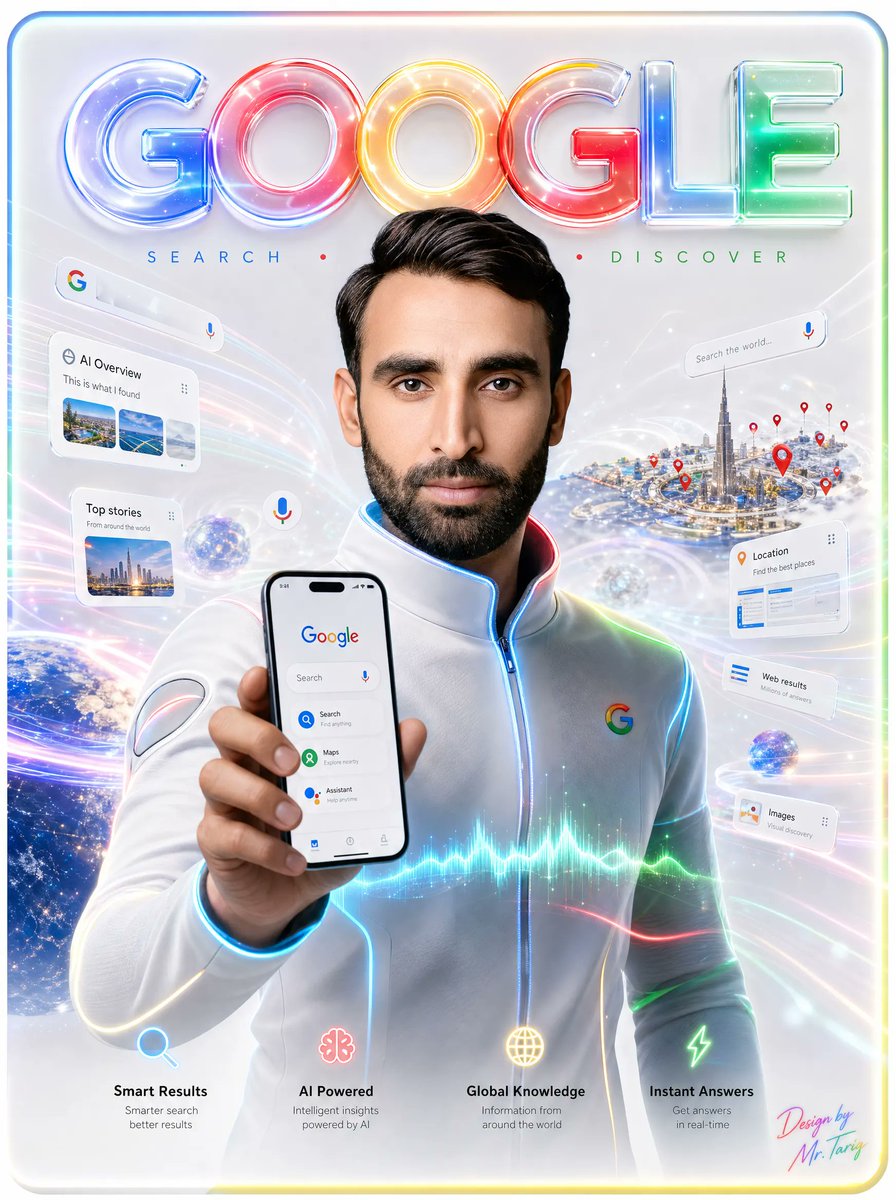
Futuristic Google Search Ad — AI Prompt

@AiWithTariq
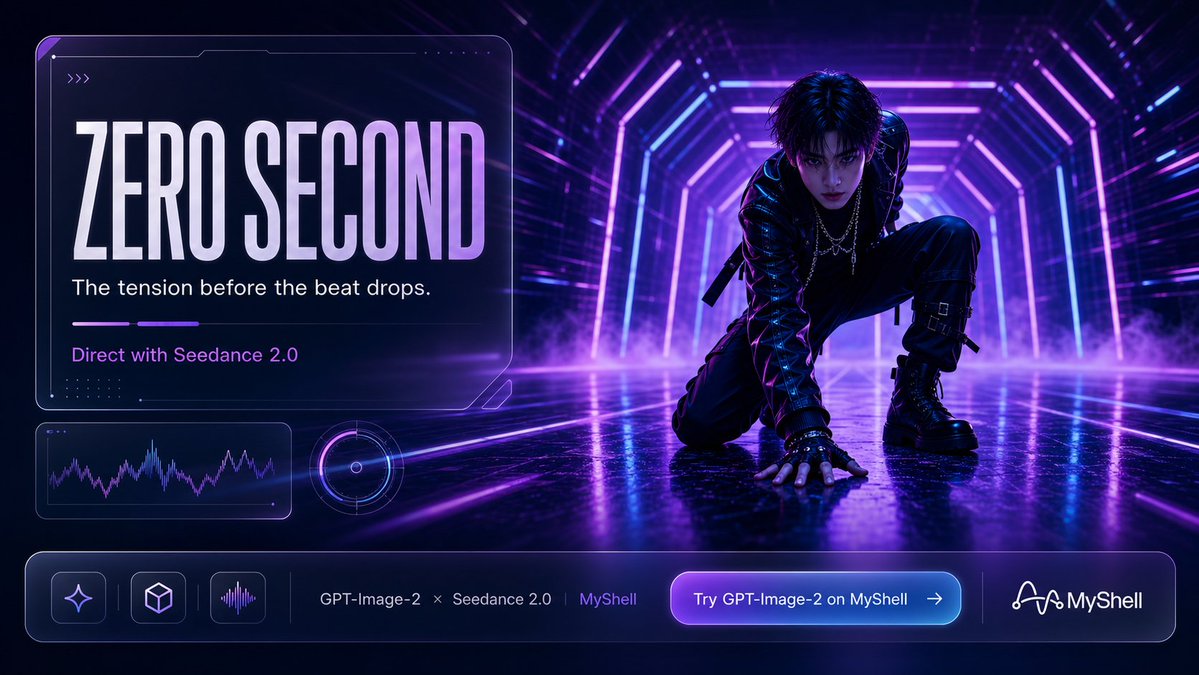
Cyberpunk AI Launch Banner — Cinematic Neon Poster Prompt

Cyberpunk AI Launch Banner — Cinematic Neon Poster Prompt

@ObieriI
AI-Generated Crossover Fighter Screenshot — Sora 2 Prompt

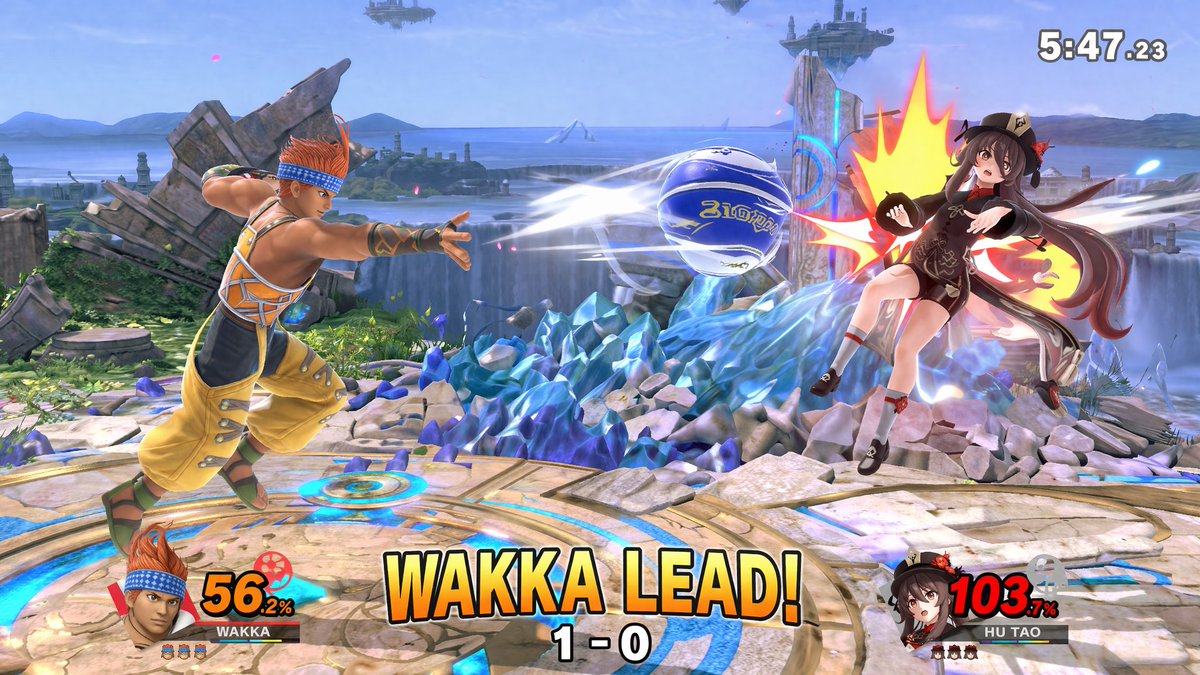
AI-Generated Crossover Fighter Screenshot — Sora 2 Prompt

@momoringo_sub

Create faster with Sora2Hub prompts.

Use curated prompt pages as searchable entry points, then jump straight into generation with the right model context.

Explore prompts