
GPT Image 2AI Prompt
Microsoft Office Parody Poster — Sora 2 Prompt
Generate a clean Microsoft-style parody product launch image with layered Office 3D icons and a rainbow gradient title, perfect for memes and satire.
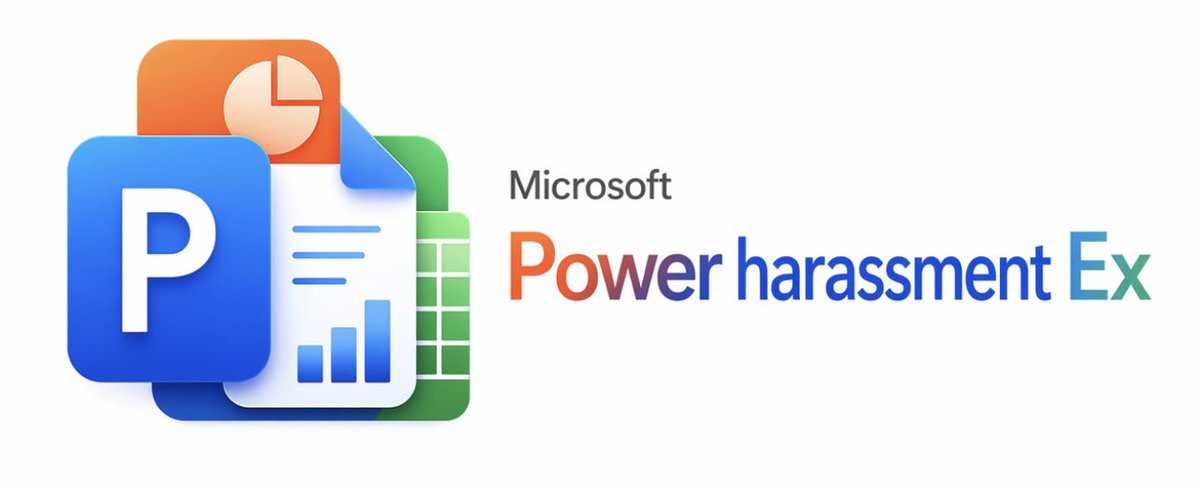
PROMPT · EN
一张简洁、极简主义的白色背景宣传图,采用官方 Microsoft 产品发布风格。在左侧,创建一个由 4 个重叠的 Office 风格元素组成的分层光面 3D 应用图标群:前方是一个带有粗体白色大写字母 P 的大型蓝色圆角方形磁贴;左上方是一个带有浅奶油色饼图符号的橙色圆角方形磁贴;中心是一张右上角折叠的白色文档页,带有 3 条水平蓝线和底部附近的 3 条蓝色柱状图;右后方是一个带有白色网格的绿色圆角方形电子表格磁贴。使用柔和的阴影、微妙的反射、平滑的圆角以及精致的现代 Fluent 设计外观。在右侧,将灰色小字 argbrand text: Microsoft 放置在大型彩虹渐变产品标题 argproduct name: Power harassment Ex 上方,渐变色从橙红色过渡到紫色和蓝色,最后变为青色。保持构图宽阔且平衡,图标组占据左侧三分之一,文字占据右侧三分之二,留出大量负空间,边缘清晰如矢量图,呈现出一种略带幽默的虚构企业软件恶搞美学。
About this prompt
Generate a clean Microsoft-style parody product launch image with layered Office 3D icons and a rainbow gradient title, perfect for memes and satire. Use it as a Concept Art starting point for GPT Image 2: keep the visual structure and style constraints intact, then swap in your own subject, brand, or scene.
Start by replacing brand text and product name, then keep the camera, composition, and material cues in the same order. This makes the output easier to compare across variations.
How to use this prompt
- Copy the prompt into your AI image generator (e.g., Sora, DALL·E 3).
- Choose a model known for high-fidelity vector-like outputs.
- (Optional) Replace the brand text and product name variables with your own.
- Generate the image and fine-tune details as needed.


