
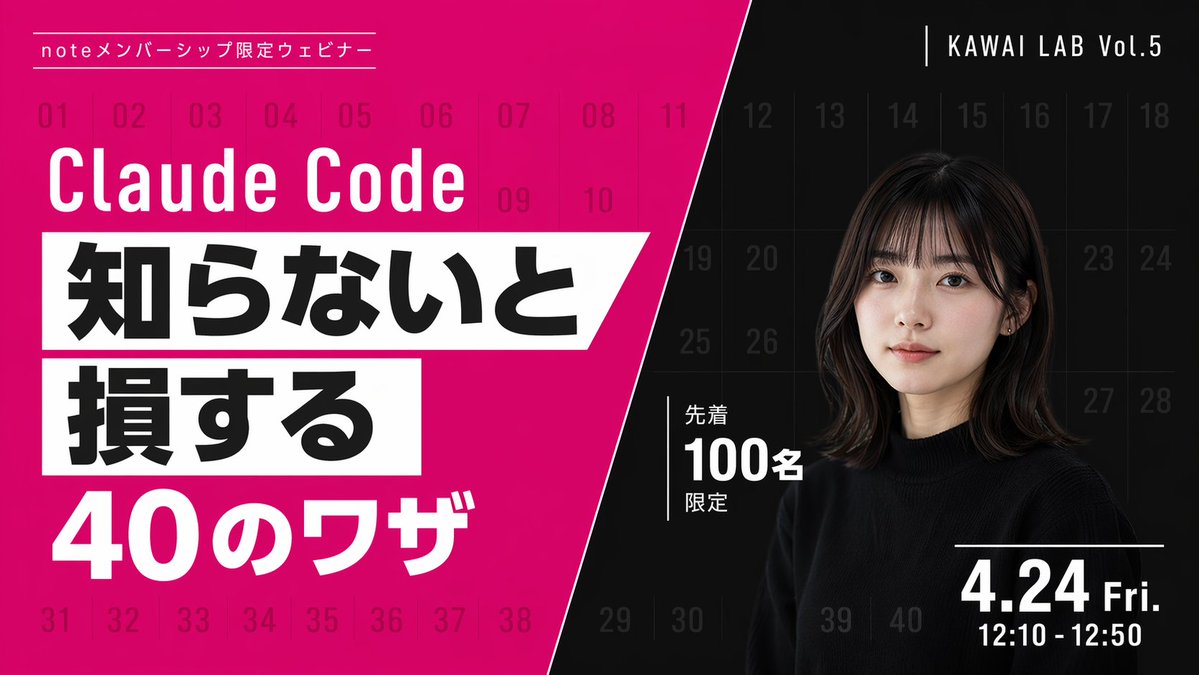
Japanese Webinar Banner — Bold Diagonal Split & Portrait Prompt
Creates a high-contrast, diagonally split promotional banner with bold typography, magenta accents, and a professional portrait, perfect for webinar announcements and event marketing.
About this prompt
Creates a high-contrast, diagonally split promotional banner with bold typography, magenta accents, and a professional portrait, perfect for webinar announcements and event marketing. Use it as a Concept Art starting point for GPT Image 2: keep the visual structure and style constraints intact, then swap in your own subject, brand, or scene.
This prompt is organized as structured JSON with fields such as type, style, background, left section, and right section. Keeping that hierarchy helps the model separate the subject, layout, interface elements, and detail constraints.
Start with small changes to subject, scene, camera, and color, then generate a few variations to compare composition and detail without turning the page copy into keyword stuffing.
How to use this prompt
- Copy the entire prompt JSON into your preferred AI image generator that supports structured prompts.
- Select a model known for strong typographic and layout rendering, such as DALL·E 3, Midjourney, or Sora.
- Customize the argument variables—top label, main title, highlight texts, and date—to match your specific webinar details.
- Adjust the portrait description in the
subjectfield to feature your desired speaker or presenter appearance. - Generate the image and iterate on the prompt text or color values until you achieve the desired look.


