
GPT Image 2AI Prompt
MS Paint Style Filter — Sora 2 Prompt
Transform any reference image into a charmingly clumsy, low-fidelity pixel art style as if sketched with a mouse in MS Paint.
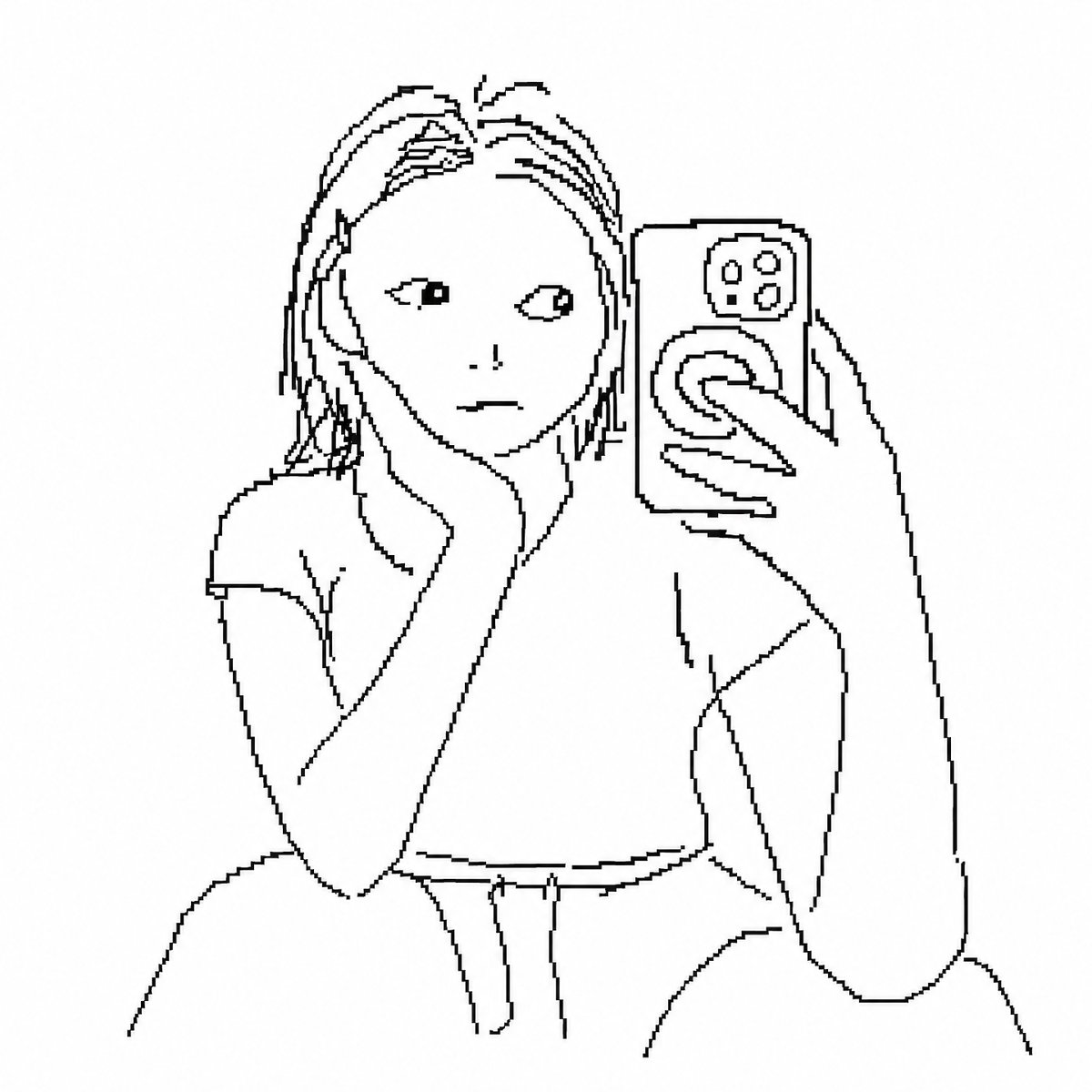
1 / 2
PROMPT · EN
使用 argstyle: 笨拙、随意的线条 绘制附件中的图像。背景为白色,并用看起来像是用 argplatform: MS Paint 鼠标绘制的像素级画风来表现这种随意感。随心所欲地绘制即可。
About this prompt
Transform any reference image into a charmingly clumsy, low-fidelity pixel art style as if sketched with a mouse in MS Paint. Use it as a Concept Art starting point for GPT Image 2: keep the visual structure and style constraints intact, then swap in your own subject, brand, or scene.
Start by replacing style and platform, then keep the camera, composition, and material cues in the same order. This makes the output easier to compare across variations.
How to use this prompt
- Copy the prompt template below.
- Open your preferred AI model (like Sora 2).
- Upload your reference image as the attachment.
- Customize the
styleandplatformvariables to your liking. - Generate and enjoy your unique pixel art creation.


