
GPT Image 2AI Prompt
Bad MS Paint Redraw — Sora 2 Prompt
Transform any image into a hilariously bad, pixelated MS Paint-style redraw with a white background and intentionally clumsy, awkward aesthetics.
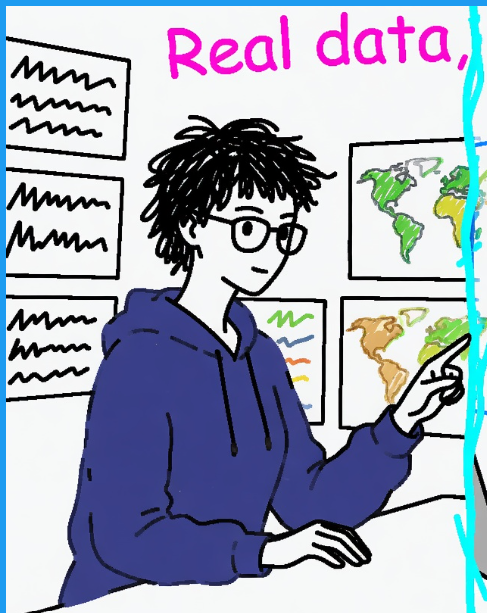
PROMPT · EN
请将 argreference image: 附图 尽可能拙劣、笨拙且荒谬地重绘出来。使用白色背景,营造出一种用鼠标在 MS Paint 中绘制的感觉。它看起来应该与原图有几分相似,但又有些不对劲,显得尴尬且像素化,带有那种低质量的质感,从而展现出那种滑稽的糟糕美学。其实无所谓,你想怎么画就怎么画吧。
About this prompt
Transform any image into a hilariously bad, pixelated MS Paint-style redraw with a white background and intentionally clumsy, awkward aesthetics. Use it as a Concept Art starting point for GPT Image 2: keep the visual structure and style constraints intact, then swap in your own subject, brand, or scene.
Start by replacing reference image, then keep the camera, composition, and material cues in the same order. This makes the output easier to compare across variations.
How to use this prompt
- Copy the prompt text and paste it into your Sora 2 or compatible AI image generator.
- Replace the default reference image placeholder with your desired image or description.
- Choose your preferred AI model (Sora 2, Runway, etc.) for best results.
- Tweak the prompt by adding details about specific elements you want exaggerated in the clumsy style.
- Generate the image and enjoy the intentionally low-quality, humorous result.


