
Winter Portrait with Falling Snow — Sora 2 Prompt
Create a stunning, photorealistic portrait of a person in cozy winter clothing with customizable falling snow and a text overlay.
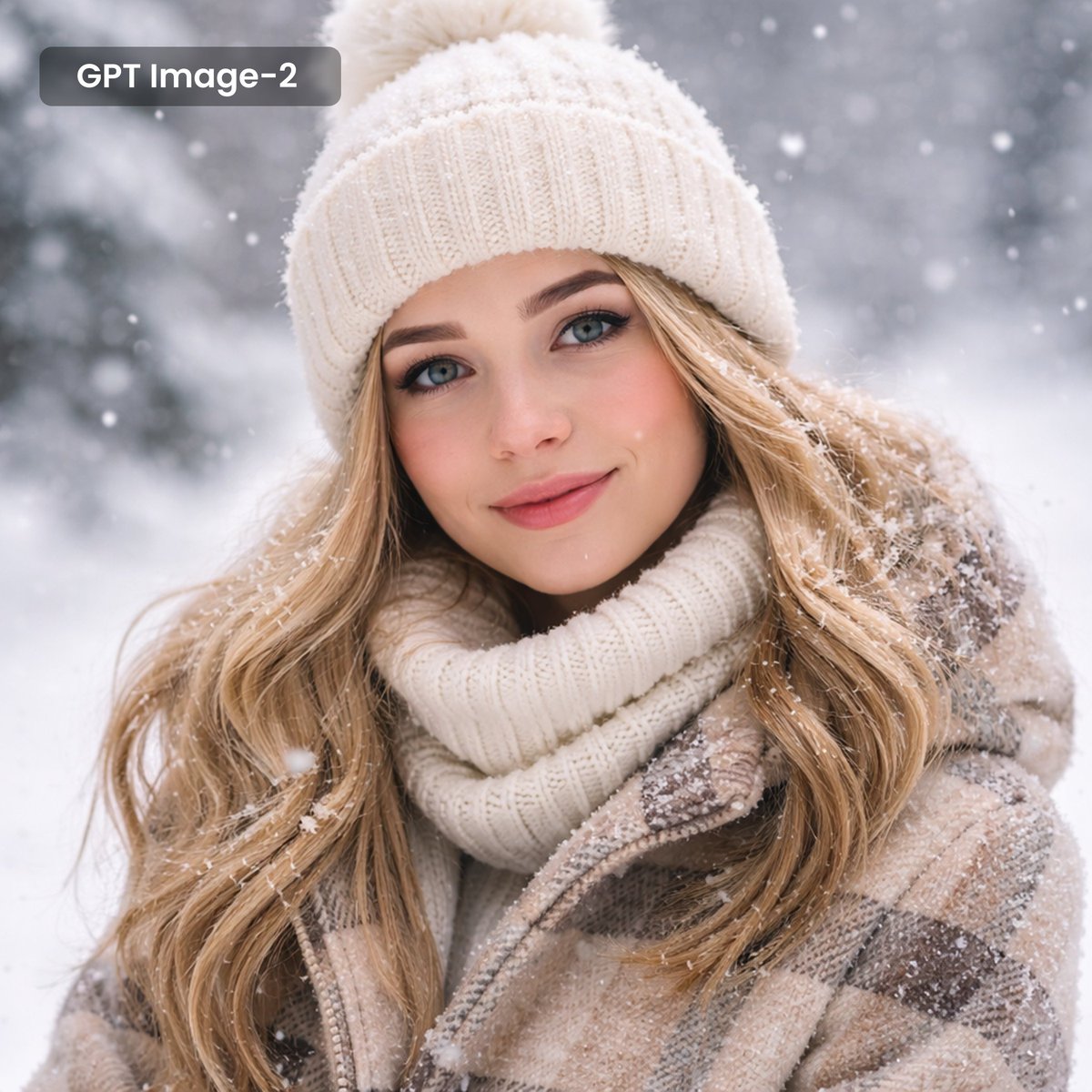
A photorealistic close-up portrait of a beautiful young woman with arghair style: long wavy blonde hair and striking blue eyes, looking directly at the viewer with a gentle, warm smile. She is dressed for cold weather, wearing argwinter outfit: a white ribbed knit beanie with a pom-pom, a thick matching white turtleneck sweater, and a beige and brown plaid winter coat. Soft snowflakes are falling gently around her, with several flakes resting naturally on her hair, hat, and shoulders. The background is a softly blurred argbackground: snowy winter forest landscape. In the top left corner, there is a dark translucent rounded rectangle containing the white text "argoverlay text: GPT Image-2".
About this prompt
Create a stunning, photorealistic portrait of a person in cozy winter clothing with customizable falling snow and a text overlay. Use it as a Concept Art starting point for GPT Image 2: keep the visual structure and style constraints intact, then swap in your own subject, brand, or scene.
Common directions include gptimage2api prompts, gptimage2api, and en. Treat these tags as creative cues; the prompt structure and preview image are the more useful guide.
Start by replacing hair style, winter outfit, background, and overlay text, then keep the camera, composition, and material cues in the same order. This makes the output easier to compare across variations.
How to use this prompt
- Copy the prompt and its argument placeholders into your chosen AI model.
- Select a model known for photorealistic portraits, such as GPT-4o, Sora, or Midjourney v6.
- Replace the placeholder text for "hair style," "winter outfit," and "background" to match your vision.
- Change the default "overlay text" to display your desired message or branding.
- Generate the image and iterate by refining the prompt for the perfect snowy scene.


