Sora2 Hub
Sora2 Hub
  • Prompt Library
  • Pricing
  • Showcase
  • Blog
Sora2 Hub
Sora2 Hub
Sora2 Hub

Sora2 Hub

Professional AI creation platform powered by Sora 2, Veo 3.1, and Nano Banana Pro. Create stunning videos and studio-grade images with advanced control, HD quality, and no watermarks.

Email:support@sora2hub.org

AI Video Generator

  • Text to Video
  • Image to Video
  • Veo 3.1
  • Sora 2
  • Kling 3.0
  • Kling 2.6
  • Kling 2.5
  • Runway
  • Wan 2.6
  • Seedance 2.0
  • Hailuo 2.3
  • Grok Imagine
  • HappyHorse-1.0

AI Image Generator

  • Text to Image
  • Image to Image
  • Nano Banana Pro
  • Nano Banana
  • 4o Image
  • Flux Kontext
  • Z Image
  • Seedream 4.5
  • Seedream 5.0 Lite
  • Nano Banana 2
  • GPT Image 2
  • AI Image Upscaler

AI Effects

  • AI Age Filter
  • AI Gender Swap
  • AI Kiss
  • AI Hug
  • Ghibli Image
  • AI Mermaid Filter
  • AI Bodyshake
  • Smiling Filter
  • AI Fat
  • Action Figure

Product

  • Features
  • Showcases
  • Pricing

Company

  • About
  • Contact

© 2025 • Sora2 Hub ORG All rights reserved.

  • Privacy Policy
  • Terms of Service
  • Refund Policy
  1. Home
  2. /
  3. Prompts
  4. /
  5. GPT Image 2
  6. /
  7. Custom Branded Black Garbage Bag — Sora 2 Product Shot Prompt
GPT Image 2AI Prompt

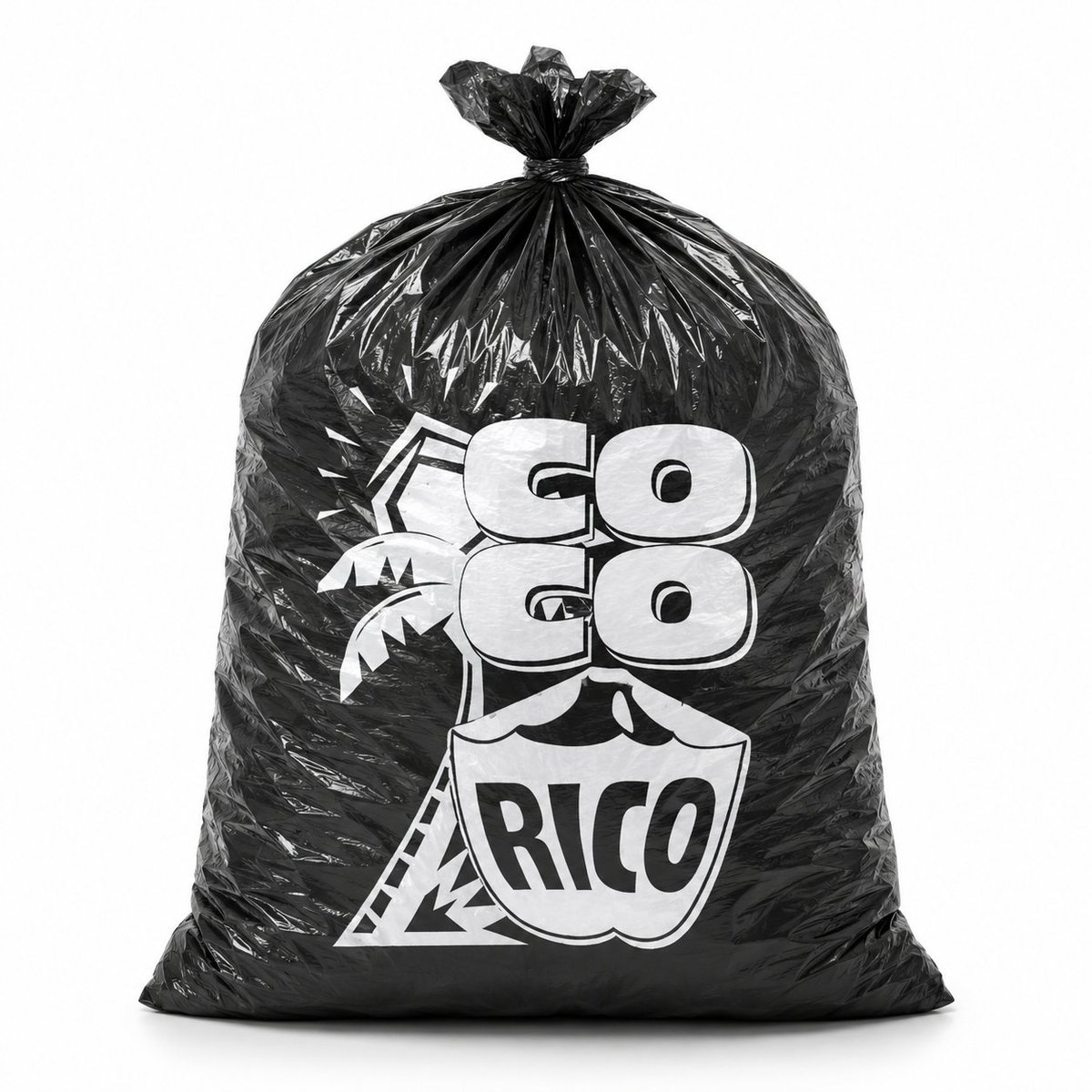
Custom Branded Black Garbage Bag — Sora 2 Product Shot Prompt

Generate a photorealistic studio product photo of a glossy black plastic bag with a custom white logo, perfect for packaging mockups and brand presentations.
Custom Branded Black Garbage Bag — Sora 2 Product Shot Prompt
PROMPT · EN
创作一张逼真的摄影级产品照,展示一个直立在干净白色无缝背景上的大型黑色塑料垃圾袋。袋子被撑得鼓鼓的,呈圆角矩形,底部平坦厚实,具有亮面褶皱聚乙烯质感,带有清晰的镜面高光,布满褶皱和折痕,顶部紧紧收拢并打成一个小结。袋子正面居中印有醒目的白色定制 Logo:argbrand text: GO GO RICO,采用厚实的圆角块状字体,两行“GO”字样位于盾牌形状的徽章上方,徽章内写有“RICO”;文字后方包含简单的热带棕榈树图形和几何轮廓。让印刷效果看起来像是在黑色塑料上真实的白色油墨,并因袋子的褶皱和弧度产生轻微变形。采用正面构图,完整展示袋子,使用柔和的摄影棚灯光,带有微妙的地面阴影,高对比度的黑白品牌设计,极简商业模型风格,无多余物品,无人物。

About this prompt

Generate a photorealistic studio product photo of a glossy black plastic bag with a custom white logo, perfect for packaging mockups and brand presentations. Use it as a Concept Art starting point for GPT Image 2: keep the visual structure and style constraints intact, then swap in your own subject, brand, or scene.

Start by replacing brand text, then keep the camera, composition, and material cues in the same order. This makes the output easier to compare across variations.

How to use this prompt

  1. Copy the full prompt text and paste it into your Sora 2 or other compatible AI image generator.
  2. Replace the {brand text} variable with your desired brand name or logo text.
  3. Select a high-resolution or photorealistic model setting for best results.
  4. Adjust the prompt by adding lighting or background details if needed.
  5. Generate the image and review; refine the logo text or bag shape by re-running with tweaked parameters.
FAQ

Henry M. | IA Práctica

@hmontilla_→

Published
May 15, 2026
Language
EN
Model
GPT Image 2
Category
Concept Art
GPT Image 2Concept Artgpt-image-2twitter
Views
134
Copies
9
Likes
6

Share

More from GPT Image 2

Browse all
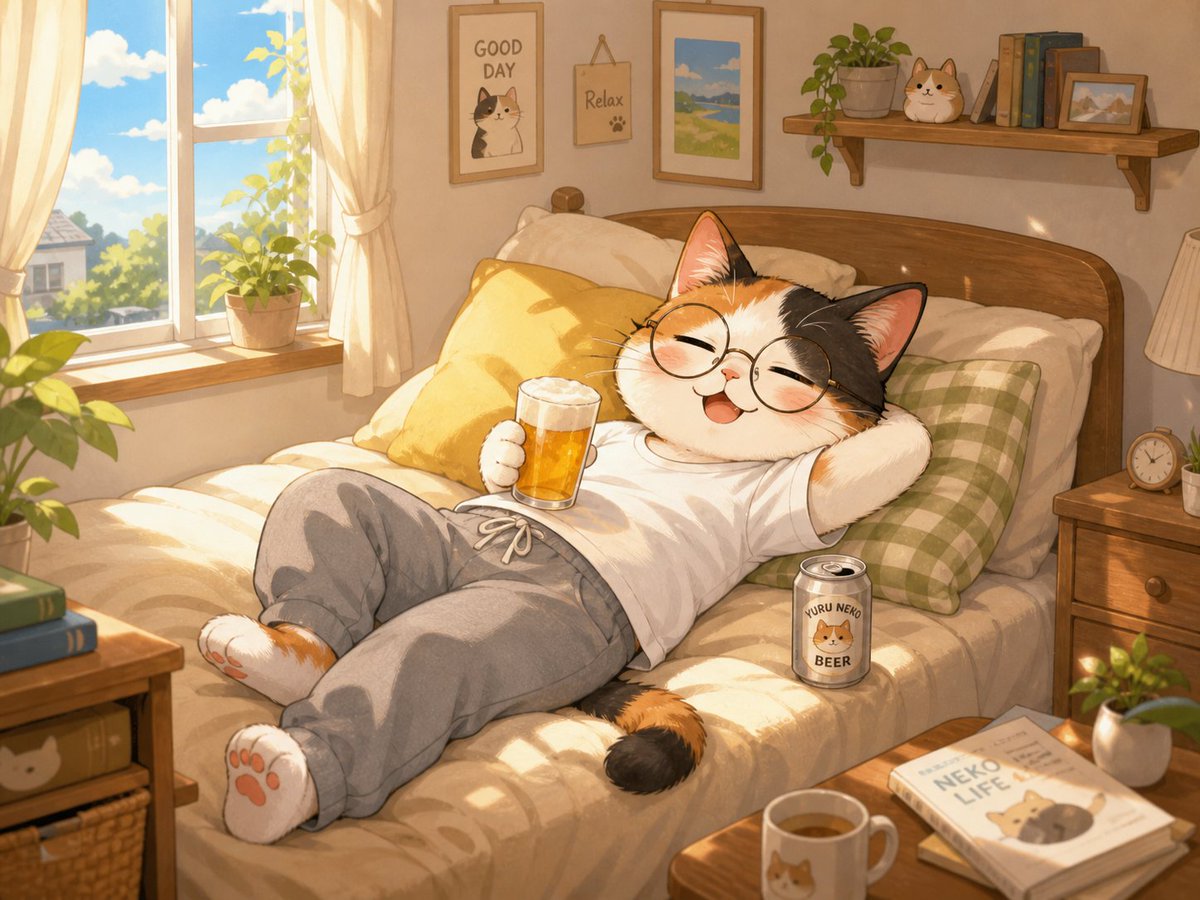
Cozy Anime Cat Holiday Bedroom — Sora 2 Prompt

Cozy Anime Cat Holiday Bedroom — Sora 2 Prompt

@miya_space
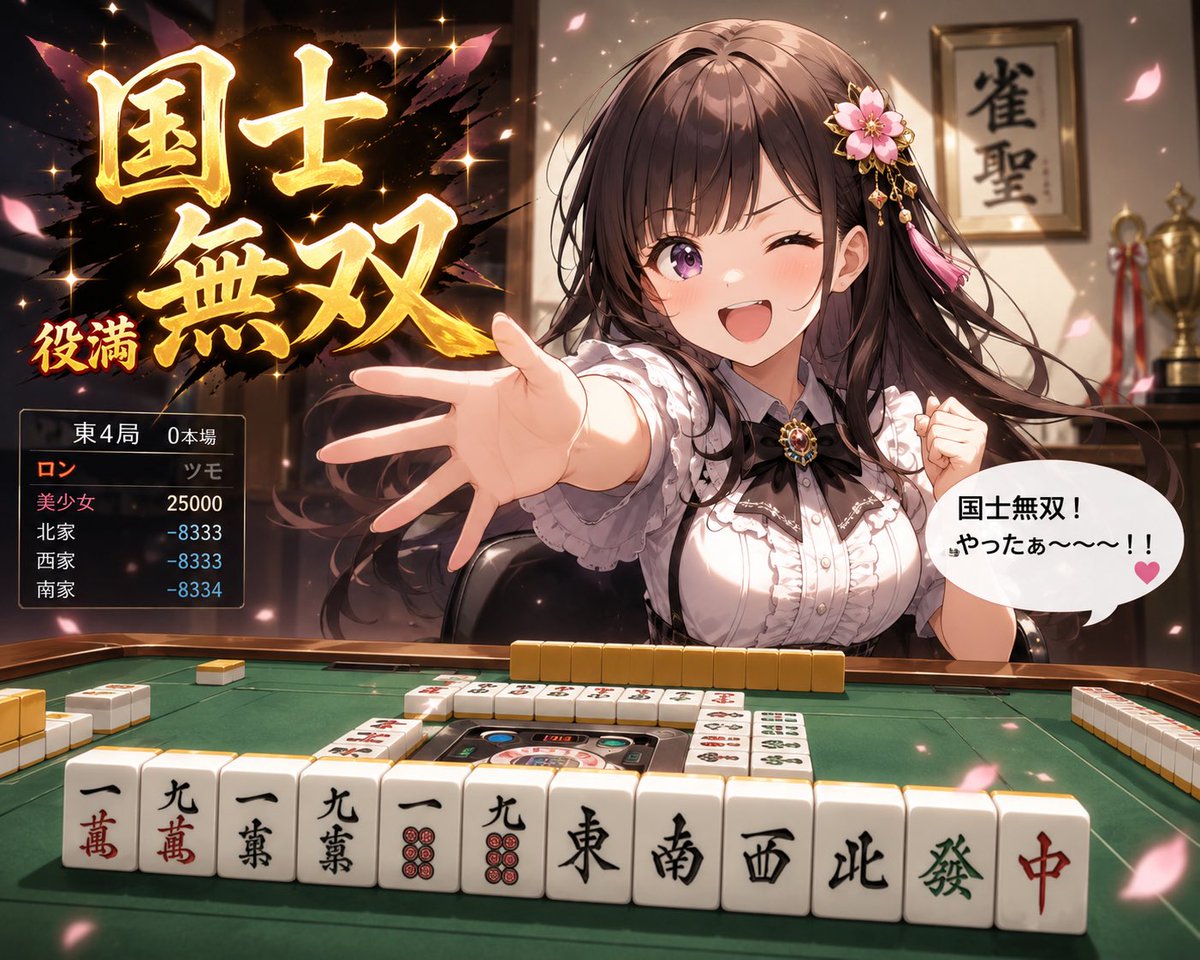
Anime Mahjong Win Scene with Yakuza Score UI — Sora 2 Prompt

Anime Mahjong Win Scene with Yakuza Score UI — Sora 2 Prompt

@AI_Ossan
AI-Generated Crossover Fighter Screenshot — Sora 2 Prompt

AI-Generated Crossover Fighter Screenshot — Sora 2 Prompt

@momoringo_sub

Create faster with Sora2Hub prompts.

Use curated prompt pages as searchable entry points, then jump straight into generation with the right model context.

Explore prompts