Sora2 Hub
Sora2 Hub
  • Prompt Library
  • Pricing
  • Showcase
  • Blog
Sora2 Hub
Sora2 Hub
Sora2 Hub

Sora2 Hub

Professional AI creation platform powered by Sora 2, Veo 3.1, and Nano Banana Pro. Create stunning videos and studio-grade images with advanced control, HD quality, and no watermarks.

Email:support@sora2hub.org

AI Video Generator

  • Text to Video
  • Image to Video
  • Veo 3.1
  • Sora 2
  • Kling 3.0
  • Kling 2.6
  • Kling 2.5
  • Runway
  • Wan 2.6
  • Seedance 2.0
  • Hailuo 2.3
  • Grok Imagine
  • HappyHorse-1.0
  • HappyHorse 1.1
  • Kling 3.0 Turbo
  • Volcengine Video-to-Video Lip Sync
  • OmniHuman 1.5
  • Grok Imagine Video 1.5
  • Gemini Omni
  • Wan 2.7 Video
  • Seedance 2.0 Mini

AI Image Generator

  • Text to Image
  • Image to Image
  • Nano Banana Pro
  • Nano Banana
  • 4o Image
  • Flux Kontext
  • Z Image
  • Seedream 4.5
  • Seedream 5.0 Lite
  • Nano Banana 2
  • GPT Image 2
  • AI Image Upscaler
  • Seedream 5.0 Pro
  • Nano Banana 2 Lite
  • Qwen Image 2.0

AI Effects

  • AI Age Filter
  • AI Gender Swap
  • AI Kiss
  • AI Hug
  • Ghibli Image
  • AI Mermaid Filter
  • AI Bodyshake
  • Smiling Filter
  • AI Fat
  • Action Figure

Product

  • Features
  • Showcases
  • Pricing

Company

  • About
  • Contact

© 2025 • Sora2 Hub ORG All rights reserved.

  • Privacy Policy
  • Terms of Service
  • Refund Policy
  1. Home
  2. /
  3. Prompts
  4. /
  5. GPT Image 2
  6. /
  7. Noir Film Grayscale Portrait — Dramatic Sora 2 Prompt
GPT Image 2AI Prompt

Noir Film Grayscale Portrait — Dramatic Sora 2 Prompt

Create a high-contrast, dramatic grayscale portrait inspired by classic film noir, with deep shadows, rich tonal detail, and a palpable sense of suspense.
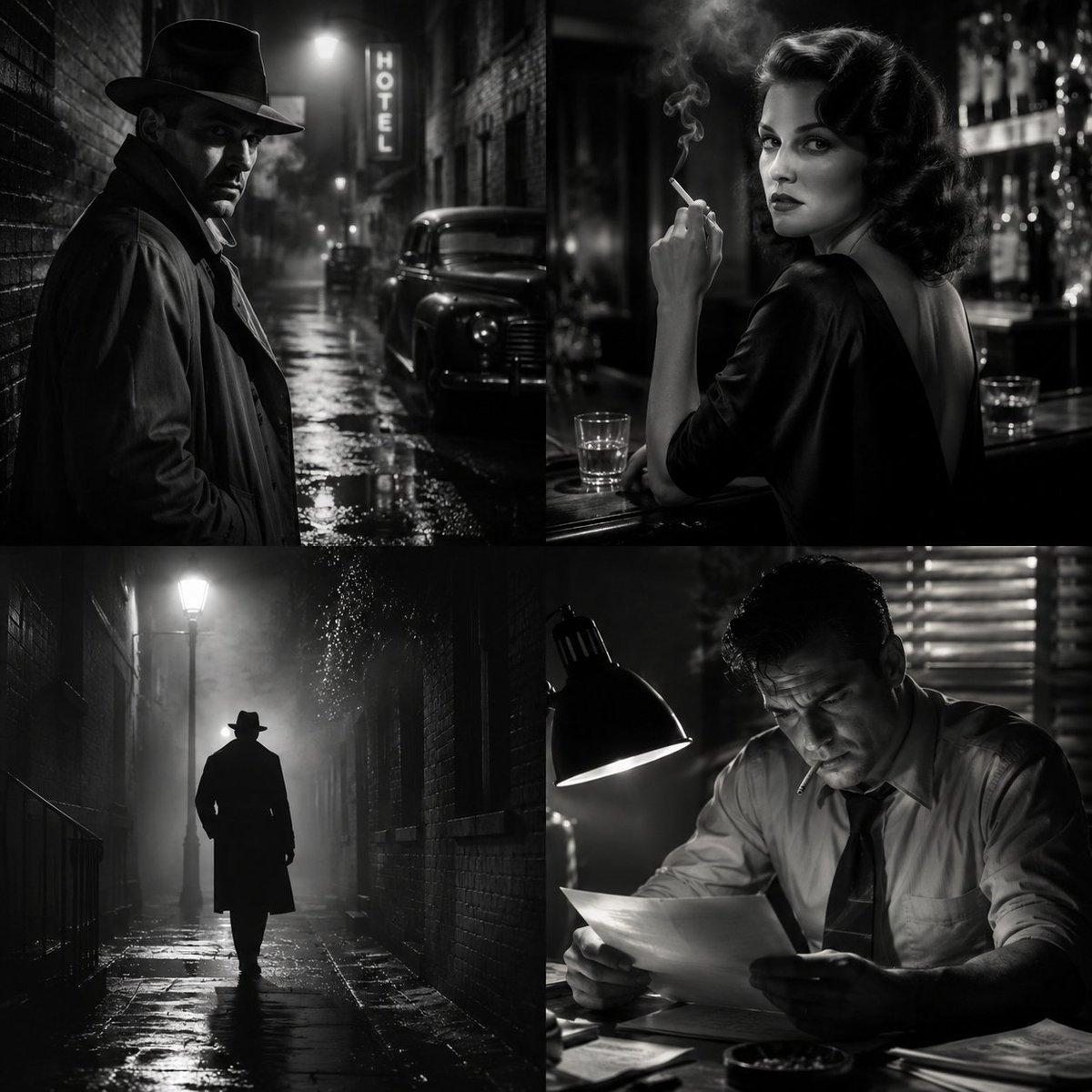
Noir Film Grayscale Portrait — Dramatic Sora 2 Prompt
PROMPT · EN
argsubject: 人物肖像 以灰度电影戏剧风格呈现,灵感源自经典黑色电影。运用强烈的对比和戏剧性的阴影来营造紧张感与悬疑感,并呈现细腻的黑白层次变化

About this prompt

Create a high-contrast, dramatic grayscale portrait inspired by classic film noir, with deep shadows, rich tonal detail, and a palpable sense of suspense. Use it as a Concept Art starting point for GPT Image 2: keep the visual structure and style constraints intact, then swap in your own subject, brand, or scene.

Start by replacing subject, then keep the camera, composition, and material cues in the same order. This makes the output easier to compare across variations.

How to use this prompt

  1. Copy the entire prompt text into your preferred AI image generator (e.g., Sora 2, Midjourney).
  2. Choose a high-capability model that excels at artistic, cinematic styles and fine detail.
  3. Optionally replace the default subject 人物肖像 (character portrait) with your own subject, such as 'detective in a fedora' or 'mysterious woman in a dim alley'.
  4. Adjust terms for desired intensity, like swapping 'strong contrast' for 'subtle contrast'.
  5. Generate the image. Experiment with multiple runs to capture different noir moods.
FAQ

SPEEDYAI

@SPEEDAI07→

Published
May 15, 2026
Language
EN
Model
GPT Image 2
Category
Concept Art
GPT Image 2Concept Artgpt-image-2twitter
Views
242
Copies
27
Likes
13

Share

More from GPT Image 2

Browse all
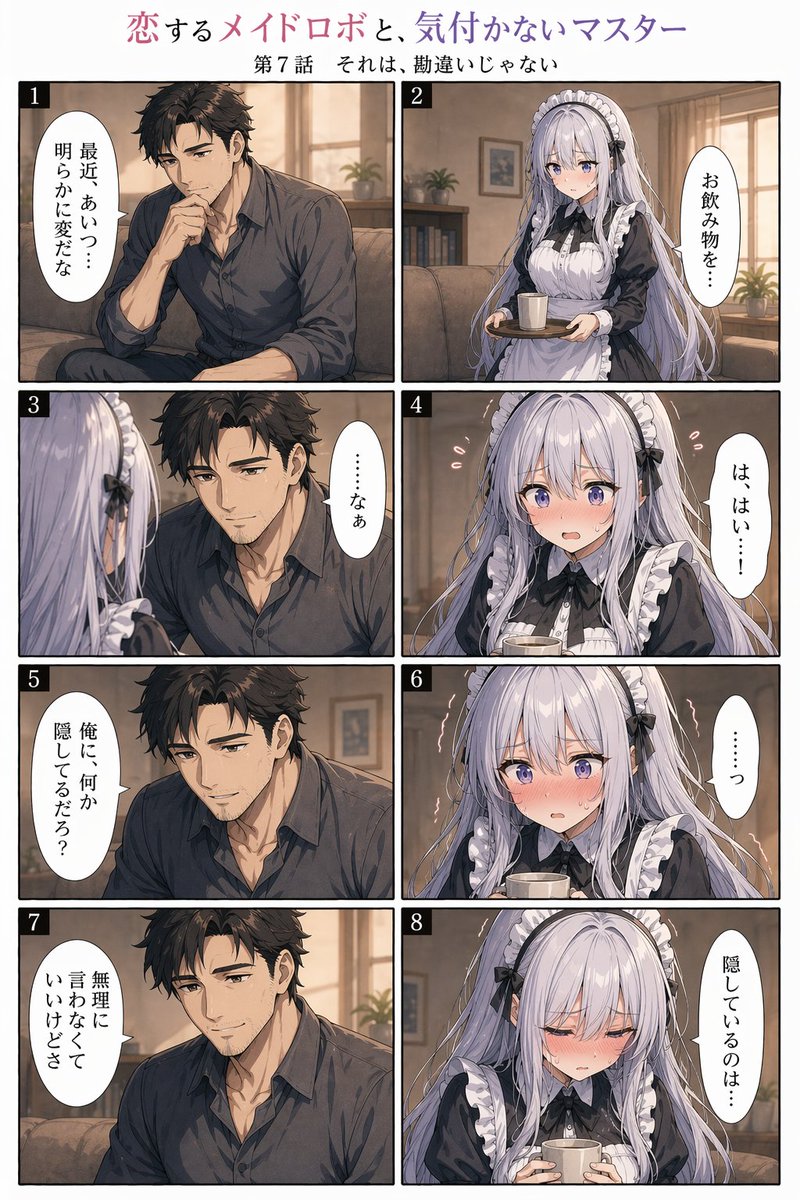
8-Panel Romantic Manga: Shy Maid Robot & Master — Sora 2 Prompt

8-Panel Romantic Manga: Shy Maid Robot & Master — Sora 2 Prompt

@yume00112211
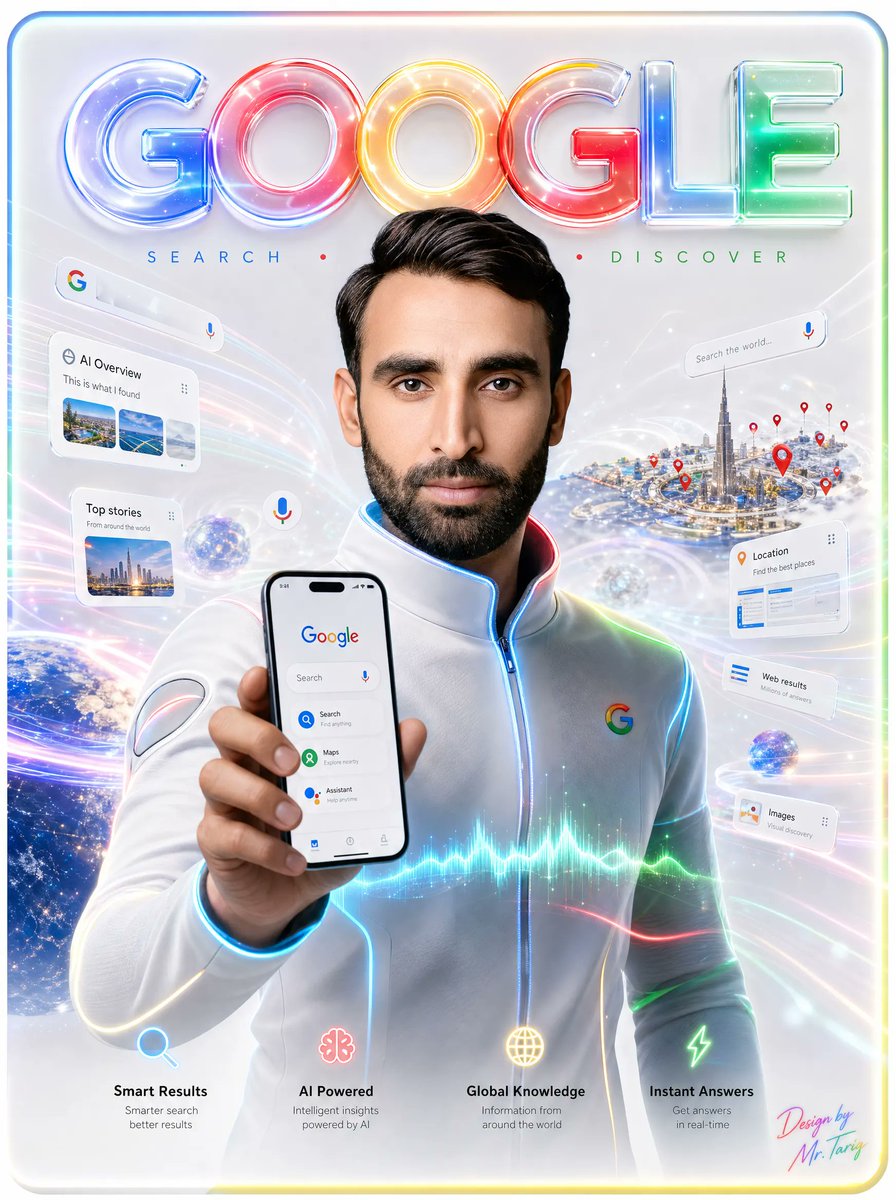
Futuristic Google Search Ad — AI Prompt

Futuristic Google Search Ad — AI Prompt

@AiWithTariq
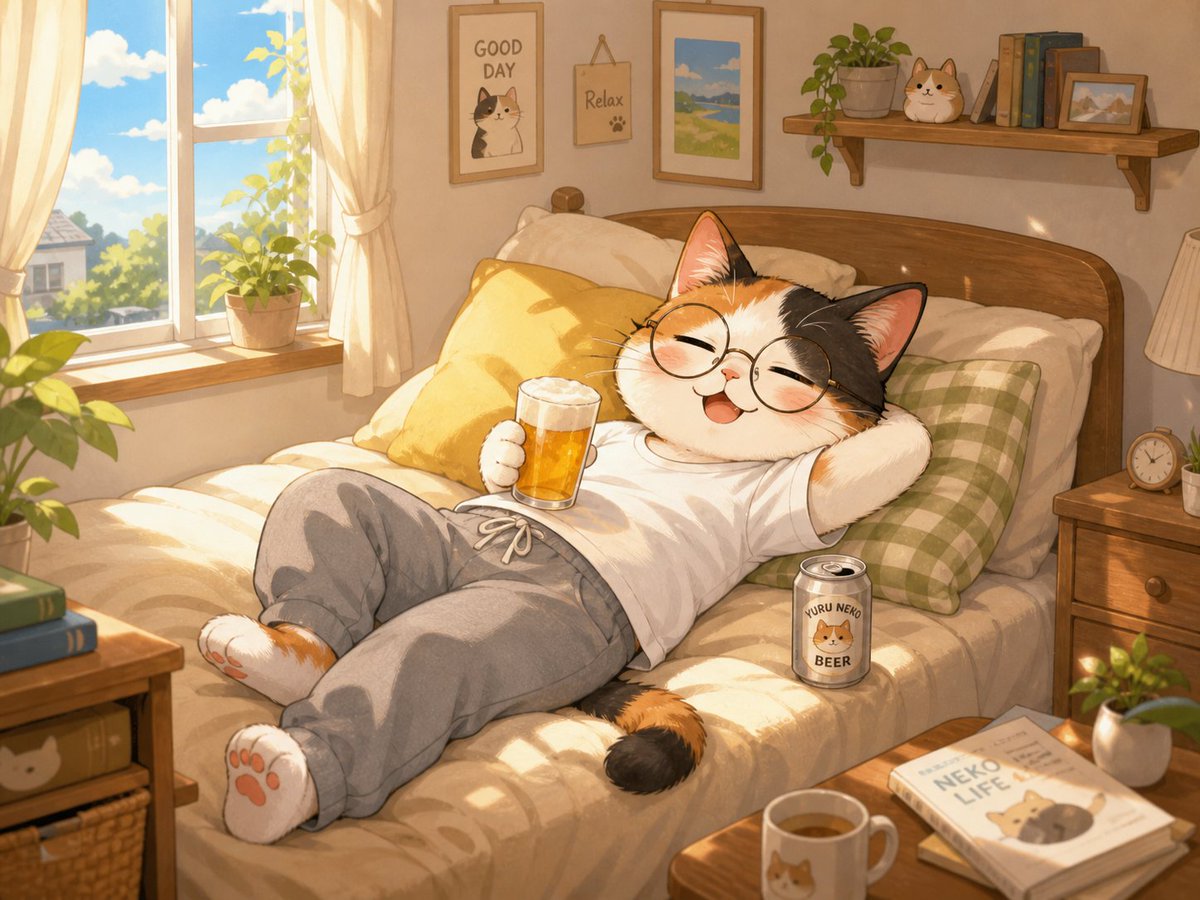
Cozy Anime Cat Holiday Bedroom — Sora 2 Prompt

Cozy Anime Cat Holiday Bedroom — Sora 2 Prompt

@miya_space

Create faster with Sora2Hub prompts.

Use curated prompt pages as searchable entry points, then jump straight into generation with the right model context.

Explore prompts