Sora2 Hub
Sora2 Hub
  • Prompt Library
  • Pricing
  • Showcase
  • Blog
Sora2 Hub
Sora2 Hub
Sora2 Hub

Sora2 Hub

Professional AI creation platform powered by Sora 2, Veo 3.1, and Nano Banana Pro. Create stunning videos and studio-grade images with advanced control, HD quality, and no watermarks.

Email:support@sora2hub.org

AI Video Generator

  • Text to Video
  • Image to Video
  • Veo 3.1
  • Sora 2
  • Kling 3.0
  • Kling 2.6
  • Kling 2.5
  • Runway
  • Wan 2.6
  • Seedance 2.0
  • Hailuo 2.3
  • Grok Imagine
  • HappyHorse-1.0
  • HappyHorse 1.1
  • Kling 3.0 Turbo
  • Volcengine Video-to-Video Lip Sync
  • OmniHuman 1.5
  • Grok Imagine Video 1.5
  • Gemini Omni
  • Wan 2.7 Video
  • Seedance 2.0 Mini

AI Image Generator

  • Text to Image
  • Image to Image
  • Nano Banana Pro
  • Nano Banana
  • 4o Image
  • Flux Kontext
  • Z Image
  • Seedream 4.5
  • Seedream 5.0 Lite
  • Nano Banana 2
  • GPT Image 2
  • AI Image Upscaler
  • Seedream 5.0 Pro
  • Nano Banana 2 Lite
  • Qwen Image 2.0

AI Effects

  • AI Age Filter
  • AI Gender Swap
  • AI Kiss
  • AI Hug
  • Ghibli Image
  • AI Mermaid Filter
  • AI Bodyshake
  • Smiling Filter
  • AI Fat
  • Action Figure

Product

  • Features
  • Showcases
  • Pricing

Company

  • About
  • Contact

© 2025 • Sora2 Hub ORG All rights reserved.

  • Privacy Policy
  • Terms of Service
  • Refund Policy
  1. Home
  2. /
  3. Prompts
  4. /
  5. GPT Image 2
  6. /
  7. Cyberpunk Rainy City Night — Cinematic Sora 2 Prompt
GPT Image 2AI Prompt

Cyberpunk Rainy City Night — Cinematic Sora 2 Prompt

Create a moody, cinematic illustration of a woman under neon lights in a dystopian rain-soaked city with this detailed AI prompt.
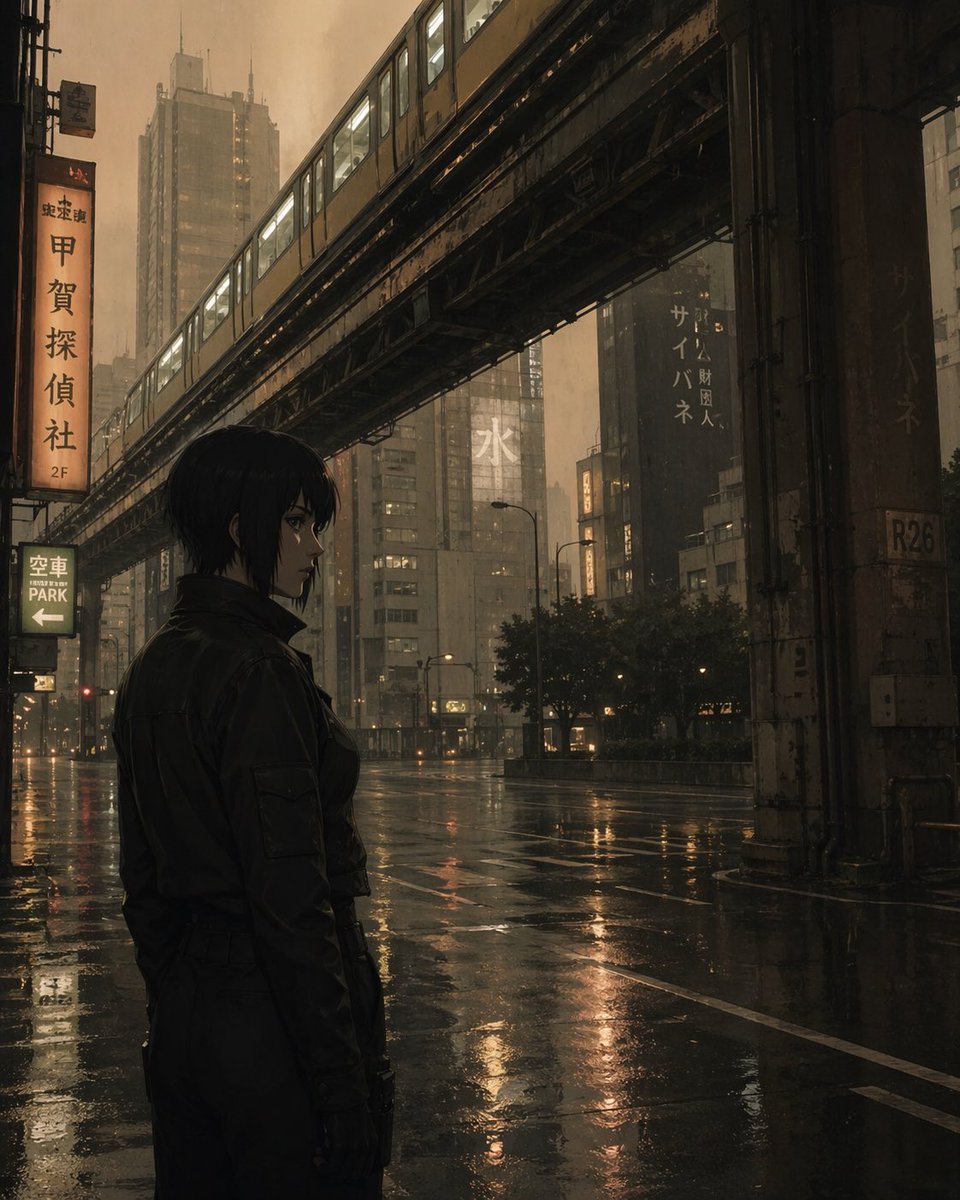
Cyberpunk Rainy City Night — Cinematic Sora 2 Prompt
PROMPT · EN
一张极具电影感和氛围感的插画,描绘了一位留着黑色短发的年轻女性站在夜晚潮湿的城市街道上。她身穿深色夹克,目光看向一侧。在她上方,一条高架铁轨斜穿过街道,一列黄色列车正呼啸而过。城市中高楼林立,部分建筑上悬挂着带有日文字符的霓虹灯牌。街道被雨水打湿,倒映着城市和列车温暖而柔和的灯光。整体色调以深褐色、棕色和柔和的黄色为主,营造出一种忧郁、反乌托邦或赛博朋克的氛围。光线昏暗且弥散,呈现出大都市雨夜的典型景象。

About this prompt

Create a moody, cinematic illustration of a woman under neon lights in a dystopian rain-soaked city with this detailed AI prompt. Use it as a Concept Art starting point for GPT Image 2: keep the visual structure and style constraints intact, then swap in your own subject, brand, or scene.

Start with small changes to subject, scene, camera, and color, then generate a few variations to compare composition and detail without turning the page copy into keyword stuffing.

How to use this prompt

  1. Copy the entire prompt text from the page.
  2. Select your preferred AI image generation model (e.g., Sora 2, DALL-E, Midjourney).
  3. Paste the prompt into the input field. You can optionally tweak specific details like hair color, jacket style, or train color.
  4. Generate the image and review the output. For variations, adjust elements like the city signage text or lighting mood.
FAQ

nic

@nicdunz→

Published
Apr 25, 2026
Language
EN
Model
GPT Image 2
Category
Concept Art
GPT Image 2Concept Artgpt-image-2twitter
Views
53
Copies
5
Likes
1

Share

More from GPT Image 2

Browse all
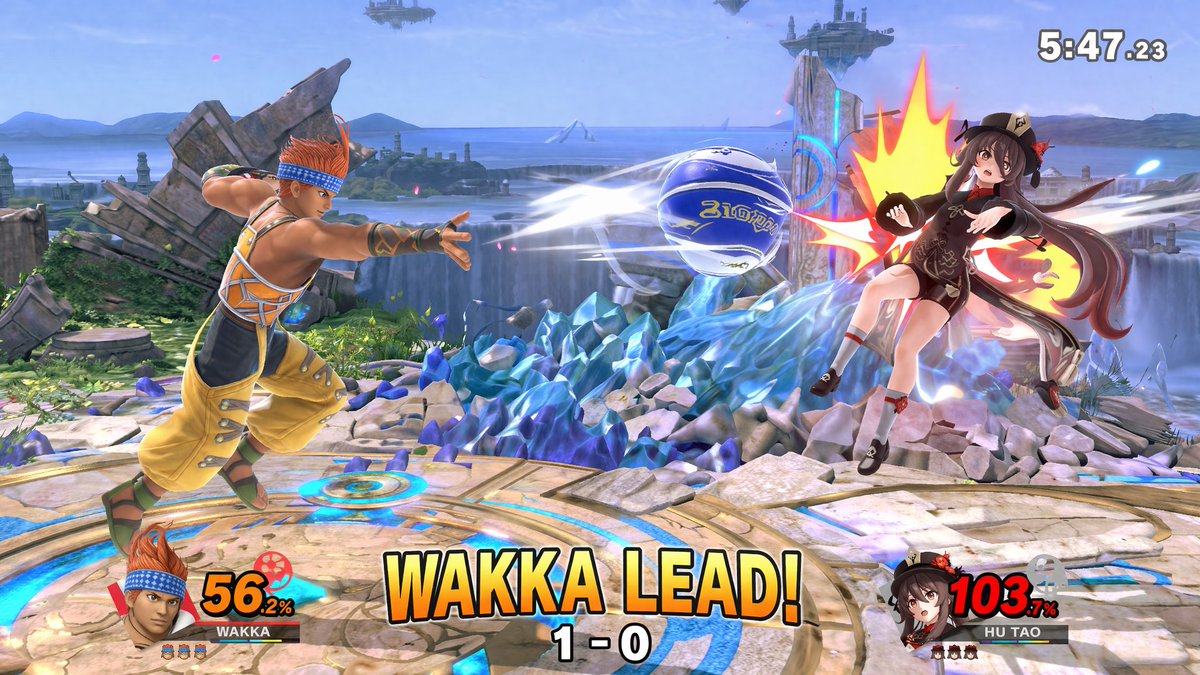
AI-Generated Crossover Fighter Screenshot — Sora 2 Prompt

AI-Generated Crossover Fighter Screenshot — Sora 2 Prompt

@momoringo_sub
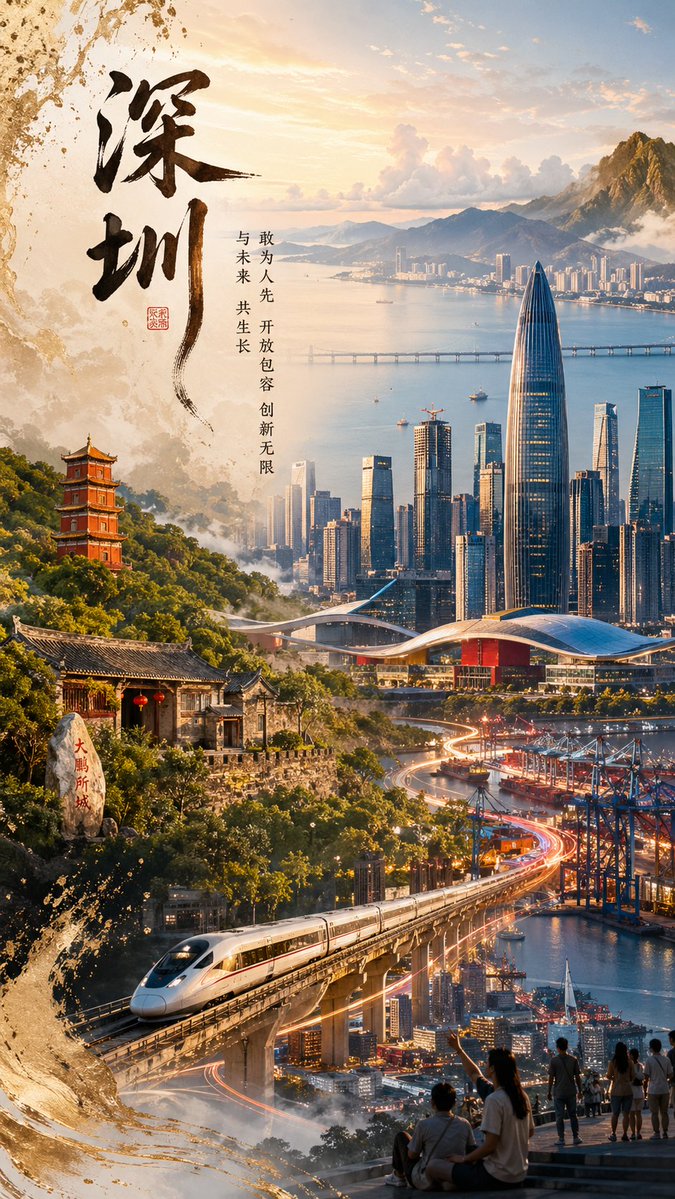
Shenzhen Golden Hour City Prompt: Futuristic Heritage Poster

Shenzhen Golden Hour City Prompt: Futuristic Heritage Poster

@ivanalog_com
Sleeping Anime Star Witch — Dreamy Cosmic Sora 2 Prompt

Sleeping Anime Star Witch — Dreamy Cosmic Sora 2 Prompt

@prompts

Create faster with Sora2Hub prompts.

Use curated prompt pages as searchable entry points, then jump straight into generation with the right model context.

Explore prompts