Sora2 Hub
Sora2 Hub
  • Prompt Library
  • Pricing
  • Showcase
  • Blog
Sora2 Hub
Sora2 Hub
Sora2 Hub

Sora2 Hub

Professional AI creation platform powered by Sora 2, Veo 3.1, and Nano Banana Pro. Create stunning videos and studio-grade images with advanced control, HD quality, and no watermarks.

Email:support@sora2hub.org

AI Video Generator

  • Text to Video
  • Image to Video
  • Veo 3.1
  • Sora 2
  • Kling 3.0
  • Kling 2.6
  • Kling 2.5
  • Runway
  • Wan 2.6
  • Seedance 2.0
  • Hailuo 2.3
  • Grok Imagine
  • HappyHorse-1.0
  • HappyHorse 1.1
  • Kling 3.0 Turbo
  • Volcengine Video-to-Video Lip Sync
  • OmniHuman 1.5
  • Grok Imagine Video 1.5
  • Gemini Omni
  • Wan 2.7 Video
  • Seedance 2.0 Mini

AI Image Generator

  • Text to Image
  • Image to Image
  • Nano Banana Pro
  • Nano Banana
  • 4o Image
  • Flux Kontext
  • Z Image
  • Seedream 4.5
  • Seedream 5.0 Lite
  • Nano Banana 2
  • GPT Image 2
  • AI Image Upscaler
  • Seedream 5.0 Pro
  • Nano Banana 2 Lite
  • Qwen Image 2.0

AI Effects

  • AI Age Filter
  • AI Gender Swap
  • AI Kiss
  • AI Hug
  • Ghibli Image
  • AI Mermaid Filter
  • AI Bodyshake
  • Smiling Filter
  • AI Fat
  • Action Figure

Product

  • Features
  • Showcases
  • Pricing

Company

  • About
  • Contact

© 2025 • Sora2 Hub ORG All rights reserved.

  • Privacy Policy
  • Terms of Service
  • Refund Policy
  1. Home
  2. /
  3. Prompts
  4. /
  5. GPT Image 2
  6. /
  7. Douyin Livestream Screenshot Generator — Sora 2 Prompt
GPT Image 2AI Prompt

Douyin Livestream Screenshot Generator — Sora 2 Prompt

Create a realistic vertical (9:16) Douyin livestream screenshot of a celebrity holding a custom sign, perfect for social media content.
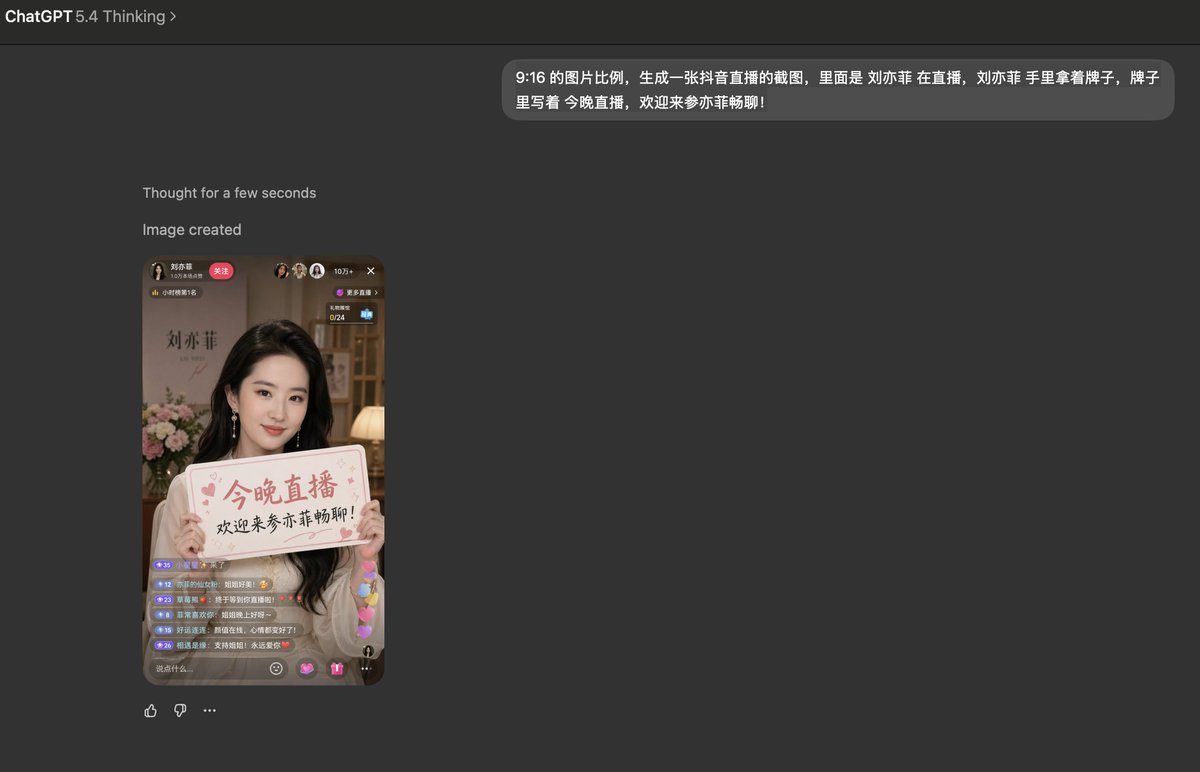
Douyin Livestream Screenshot Generator — Sora 2 Prompt
PROMPT · EN
一张 9:16 比例的图像,生成一张抖音直播截图,画面中 argcelebrity: 刘亦菲 正在直播,手中拿着一块标语,上面写着 "argsign text: 今晚直播,欢迎加入亦菲的聊天室!"

About this prompt

Create a realistic vertical 9:16 Douyin livestream screenshot of a celebrity holding a custom sign, perfect for social media content. Use it as a Concept Art starting point for GPT Image 2: keep the visual structure and style constraints intact, then swap in your own subject, brand, or scene.

Start by replacing celebrity and sign text, then keep the camera, composition, and material cues in the same order. This makes the output easier to compare across variations.

How to use this prompt

  1. Copy the Prompt: Click the copy button to get the full prompt text.
  2. Choose a Model: Select a capable AI image generator like Sora 2 or a similar text-to-image model.
  3. Customize Variables: Edit the celebrity and sign text placeholders (e.g., {celebrity="Beyoncé"} and {sign text="Welcome!"}).
  4. Generate: Paste the customized prompt into your chosen AI model and generate the image.
  5. Download & Use: Save the vertical image for use on social media platforms.
FAQ

Kyle 不写代码

@kylegeeks→

Published
Apr 25, 2026
Language
EN
Model
GPT Image 2
Category
Concept Art
GPT Image 2Concept Artgpt-image-2twitter
Views
608
Copies
76
Likes
32

Share

More from GPT Image 2

Browse all
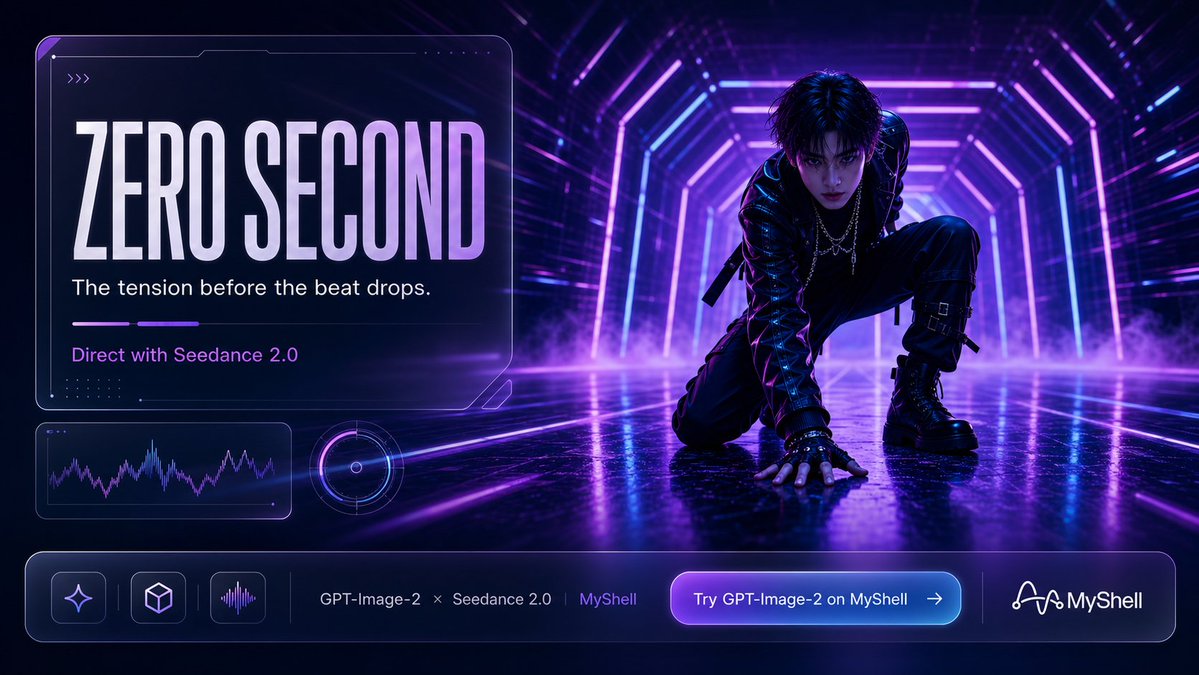
Cyberpunk AI Launch Banner — Cinematic Neon Poster Prompt

Cyberpunk AI Launch Banner — Cinematic Neon Poster Prompt

@ObieriI
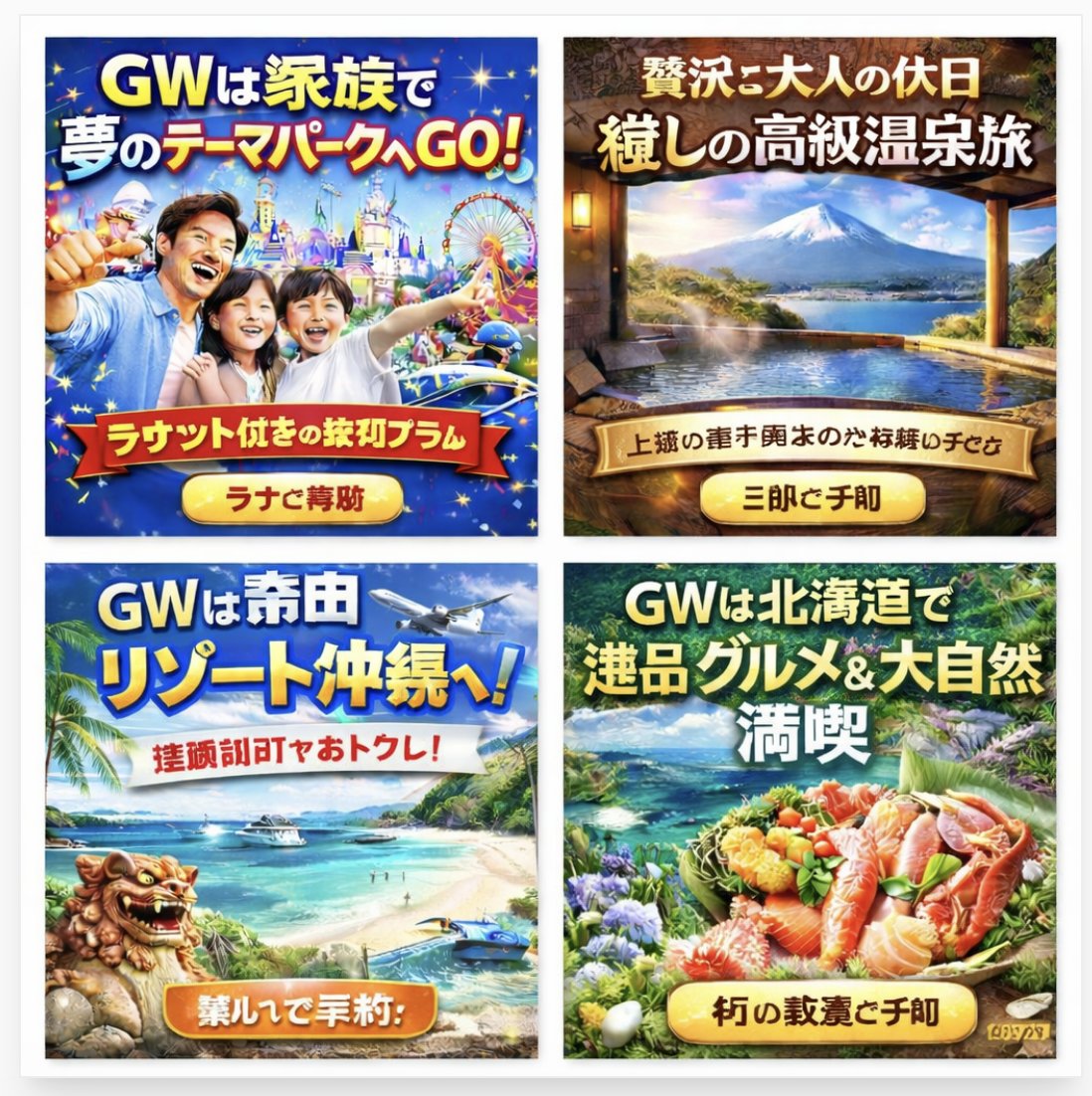
AI-Generated Japanese Travel Ad Grid — Sora Prompt

AI-Generated Japanese Travel Ad Grid — Sora Prompt

@jblogpham
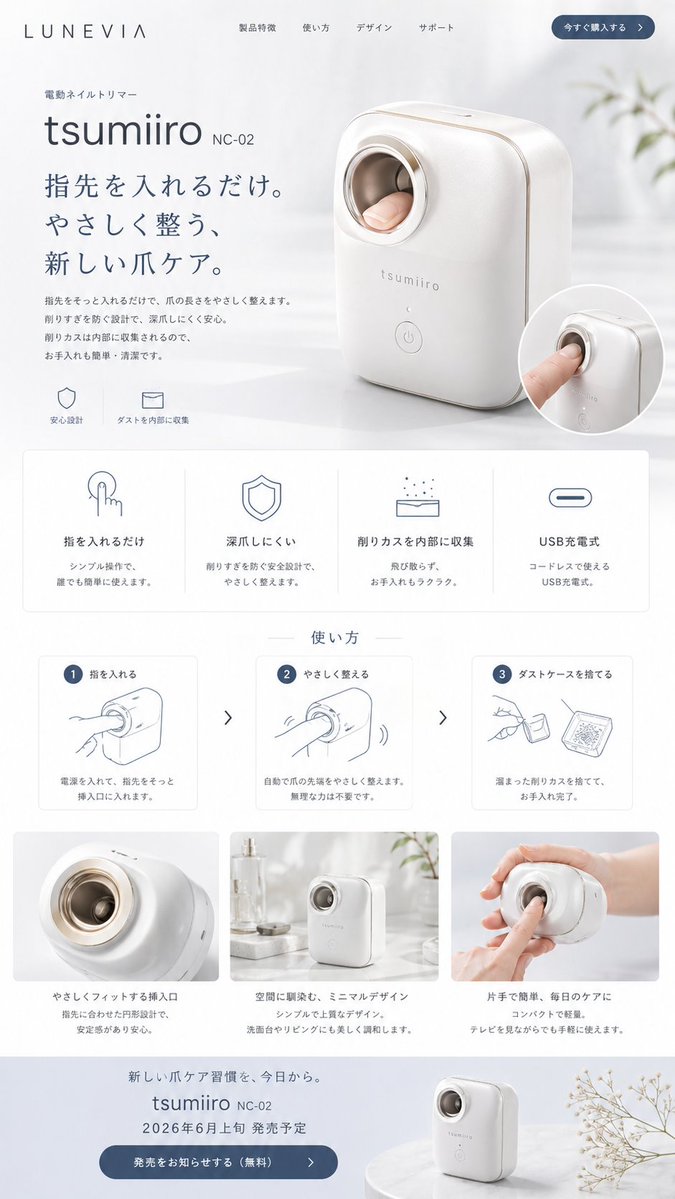
Minimalist Japanese Electric Nail Clipper Product Landing Page — Sora 2 Prompt

Minimalist Japanese Electric Nail Clipper Product Landing Page — Sora 2 Prompt

@eisho_m

Create faster with Sora2Hub prompts.

Use curated prompt pages as searchable entry points, then jump straight into generation with the right model context.

Explore prompts