
GPT Image 2AI Prompt
Pink & Silver Fantasy Style Transfer — Sora 2 Prompt
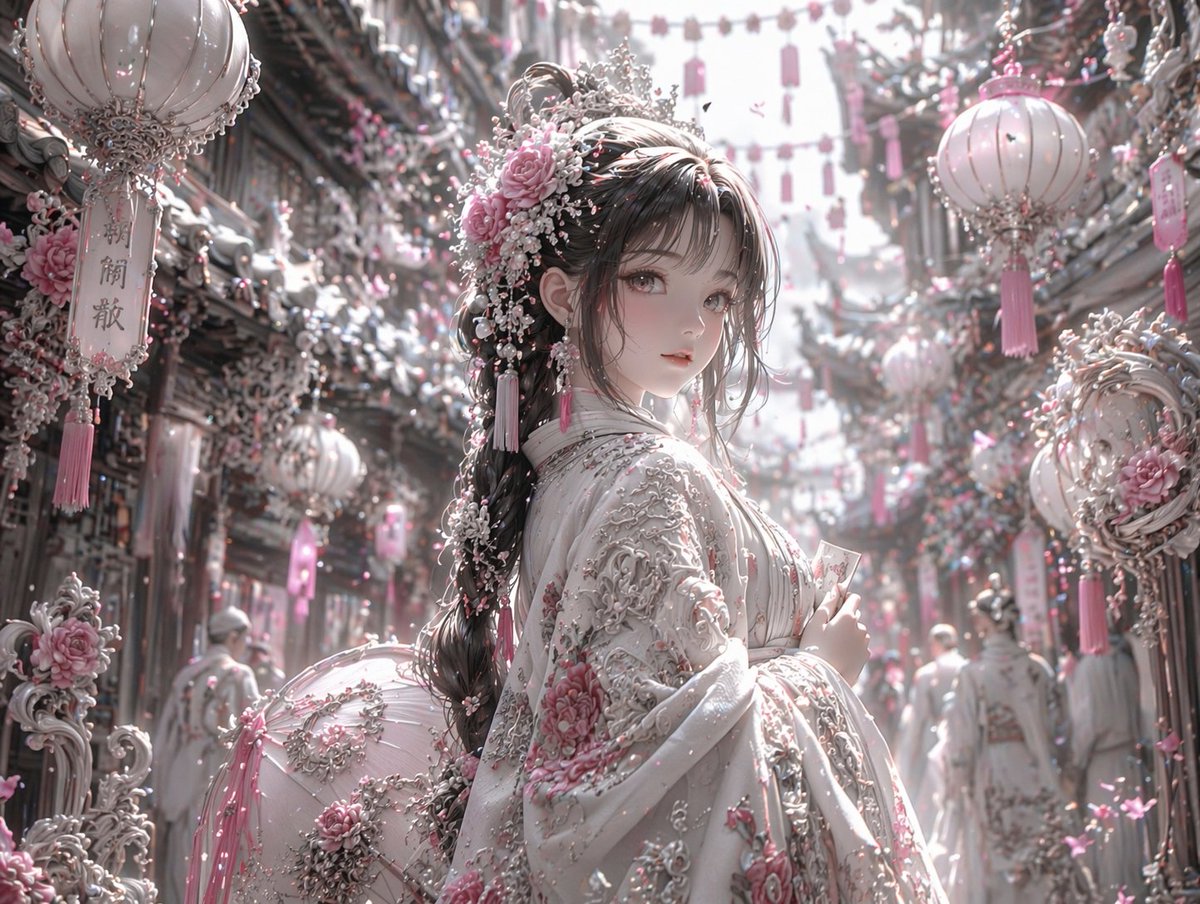
Transform any image into a highly detailed fantasy scene with soft pink, white, and silver hues, ethereal lighting, and ornate details.
PROMPT · EN
使用 REFERENCE_0,将图像的美学风格转换为高度细腻的华丽奇幻风格。将整体色调从暖红色和黑色更改为 argcolor palette: 柔粉色、白色和银色。将角色的深色服装转换为带有 argclothing details: 粉色花卉刺绣和厚重银色金银丝细工 的奢华白色服饰。将其发饰替换为精致的粉色玫瑰、白色珍珠和银色装饰品。在背景中,将 3 个显眼的悬挂灯笼转换为 arglantern style: 带有流苏的白色和粉色华丽灯笼。用 argenvironment details: 白色和粉色花朵以及复杂的银色建筑元素 覆盖周围的街道和建筑物。将光照调整为 arglighting: 明亮、柔和、空灵的日光。保留角色原本的姿势、面部表情以及场景的整体结构构图。
About this prompt
Transform any image into a highly detailed fantasy scene with soft pink, white, and silver hues, ethereal lighting, and ornate details. Use it as a Concept Art starting point for GPT Image 2: keep the visual structure and style constraints intact, then swap in your own subject, brand, or scene.
Start by replacing color palette, clothing details, lantern style, and environment details, then keep the camera, composition, and material cues in the same order. This makes the output easier to compare across variations.
How to use this prompt
- Copy the prompt template from this page.
- Open an AI image model that supports style transfer (e.g., Stable Diffusion with ControlNet, Midjourney).
- Upload your reference image and replace the variables in parentheses with your preferred settings (color palette, clothing details, etc.).
- Generate the image and iterate by tweaking the arguments until you achieve the desired look.


