Sora2 Hub
Sora2 Hub
  • Prompt Library
  • Pricing
  • Showcase
  • Blog
Sora2 Hub
Sora2 Hub
Sora2 Hub

Sora2 Hub

Professional AI creation platform powered by Sora 2, Veo 3.1, and Nano Banana Pro. Create stunning videos and studio-grade images with advanced control, HD quality, and no watermarks.

Email:support@sora2hub.org

AI Video Generator

  • Text to Video
  • Image to Video
  • Veo 3.1
  • Sora 2
  • Kling 3.0
  • Kling 2.6
  • Kling 2.5
  • Runway
  • Wan 2.6
  • Seedance 2.0
  • Hailuo 2.3
  • Grok Imagine
  • HappyHorse-1.0

AI Image Generator

  • Text to Image
  • Image to Image
  • Nano Banana Pro
  • Nano Banana
  • 4o Image
  • Flux Kontext
  • Z Image
  • Seedream 4.5
  • Seedream 5.0 Lite
  • Nano Banana 2
  • GPT Image 2
  • AI Image Upscaler

AI Effects

  • AI Age Filter
  • AI Gender Swap
  • AI Kiss
  • AI Hug
  • Ghibli Image
  • AI Mermaid Filter
  • AI Bodyshake
  • Smiling Filter
  • AI Fat
  • Action Figure

Product

  • Features
  • Showcases
  • Pricing

Company

  • About
  • Contact

© 2025 • Sora2 Hub ORG All rights reserved.

  • Privacy Policy
  • Terms of Service
  • Refund Policy
  1. Home
  2. /
  3. Prompts
  4. /
  5. GPT Image 2
  6. /
  7. Lone Samurai Wildfire Night — Sora 2 Prompt
GPT Image 2AI Prompt

Lone Samurai Wildfire Night — Sora 2 Prompt

Generate an epic cinematic scene featuring a lone samurai silhouette standing before a diagonal wildfire on a dark hillside, with intense atmosphere and dramatic backlighting.
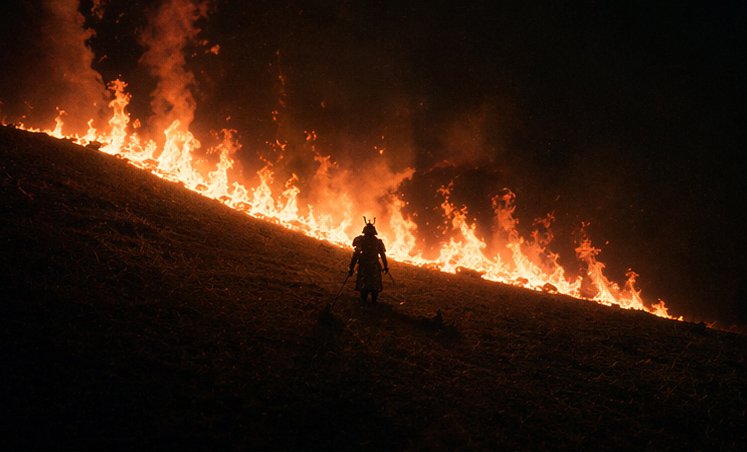
Lone Samurai Wildfire Night — Sora 2 Prompt
PROMPT · EN
这是一场电影般的夜景,场景设定在陡峭的草坡上,正值野火蔓延。画面中下方中心位置站着一名孤独的武士,呈现出深色剪影。山坡从左上角向右下角呈对角线延伸,一道连绵的明亮橙色火焰在人物身后的坡面上蔓延,在黑暗的地面与漆黑烟雾弥漫的天空之间形成了一道发光的边界。武士身着传统盔甲,头戴带角的兜鍪(kabuto),腰间佩戴双刀,面朝上坡方向凝视着火焰。人物比例需相对于景观保持较小,以强调规模感与孤独感。采用极低调的布光,利用火焰产生的强烈背光,营造深邃的黑色调、浓重的烟雾、飘散的余烬,以及由黑色、余烬红和火橙色组成的深沉高对比度色调。画面应呈现出史诗级日本战争电影的质感,采用宽画幅构图、极简主义取景、戏剧性的留白、写实的纹理以及浓郁的氛围烟雾。

About this prompt

Generate an epic cinematic scene featuring a lone samurai silhouette standing before a diagonal wildfire on a dark hillside, with intense atmosphere and dramatic backlighting. Use it as a Concept Art starting point for GPT Image 2: keep the visual structure and style constraints intact, then swap in your own subject, brand, or scene.

Start with small changes to subject, scene, camera, and color, then generate a few variations to compare composition and detail without turning the page copy into keyword stuffing.

How to use this prompt

  1. Copy the prompt text from the page.
  2. Paste it into an AI image generator like Sora 2, Midjourney, or DALL·E 3.
  3. Set a wide aspect ratio (e.g., 16:9) and add style modifiers like 'cinematic lighting' if needed.
  4. Generate and tweak keywords such as 'low-key lighting' or 'heavy smoke' to refine the mood.
  5. Pick the best result and upscale for a high-resolution epic still.
FAQ

Mac Baconai

@Macbaconai→

Published
Apr 25, 2026
Language
EN
Model
GPT Image 2
Category
Concept Art
GPT Image 2Concept Artgpt-image-2twitter
Views
2.6K
Copies
294
Likes
125

Share

More from GPT Image 2

Browse all
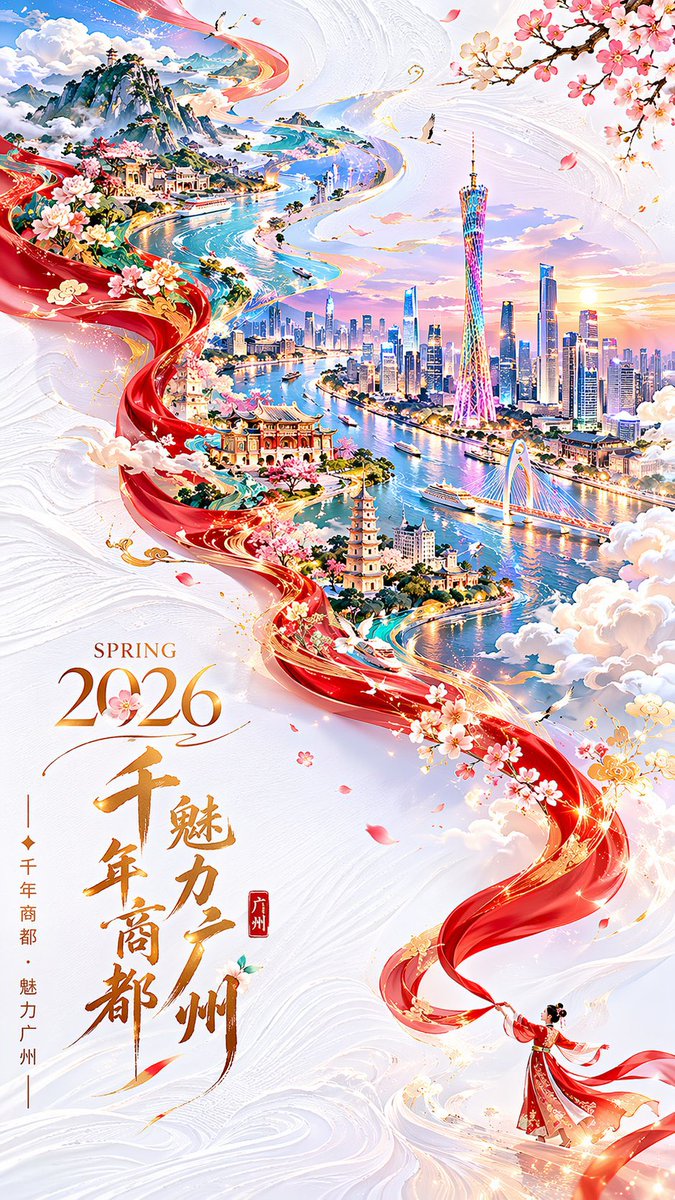
Guangzhou 2026 Poster: Silk Ribbon Cityscape — Sora 2 Prompt

Guangzhou 2026 Poster: Silk Ribbon Cityscape — Sora 2 Prompt

@alanlovelq
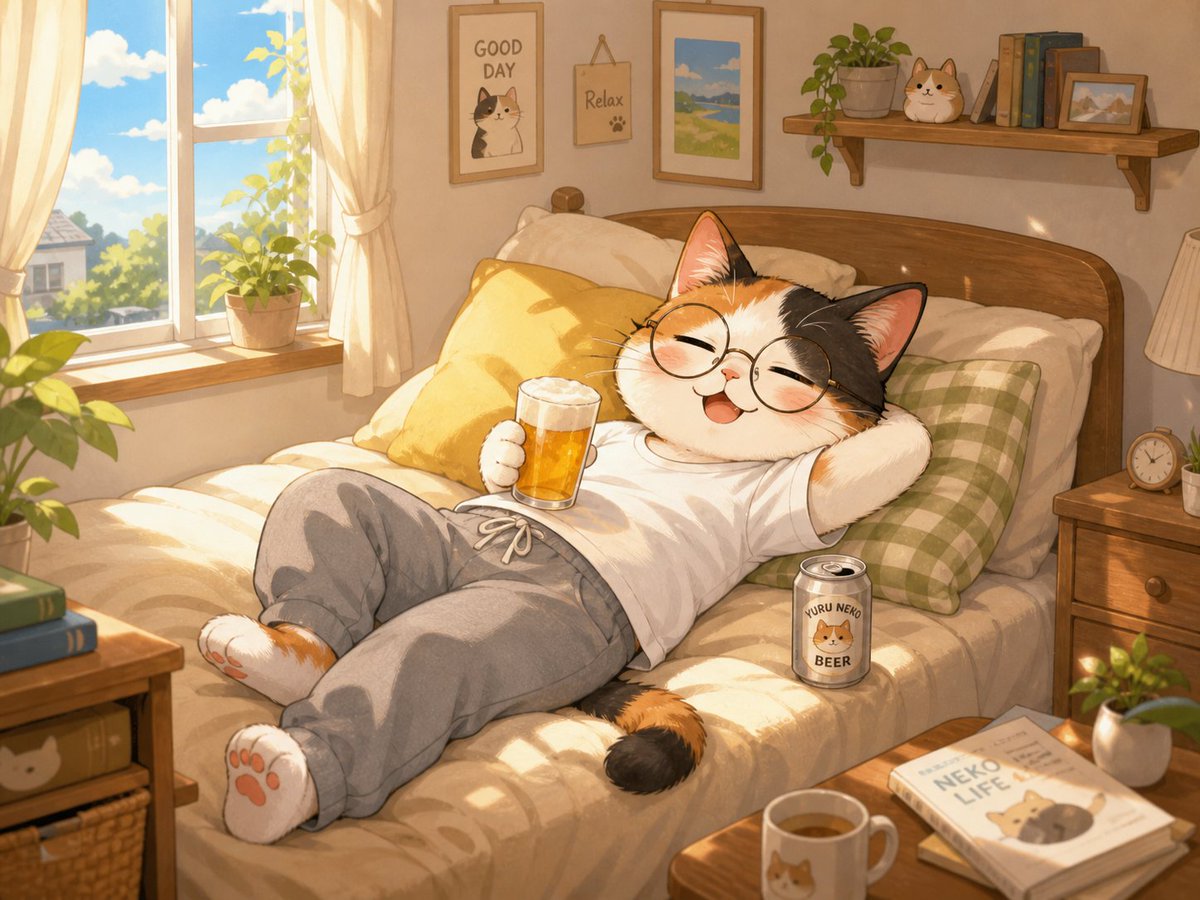
Cozy Anime Cat Holiday Bedroom — Sora 2 Prompt

Cozy Anime Cat Holiday Bedroom — Sora 2 Prompt

@miya_space
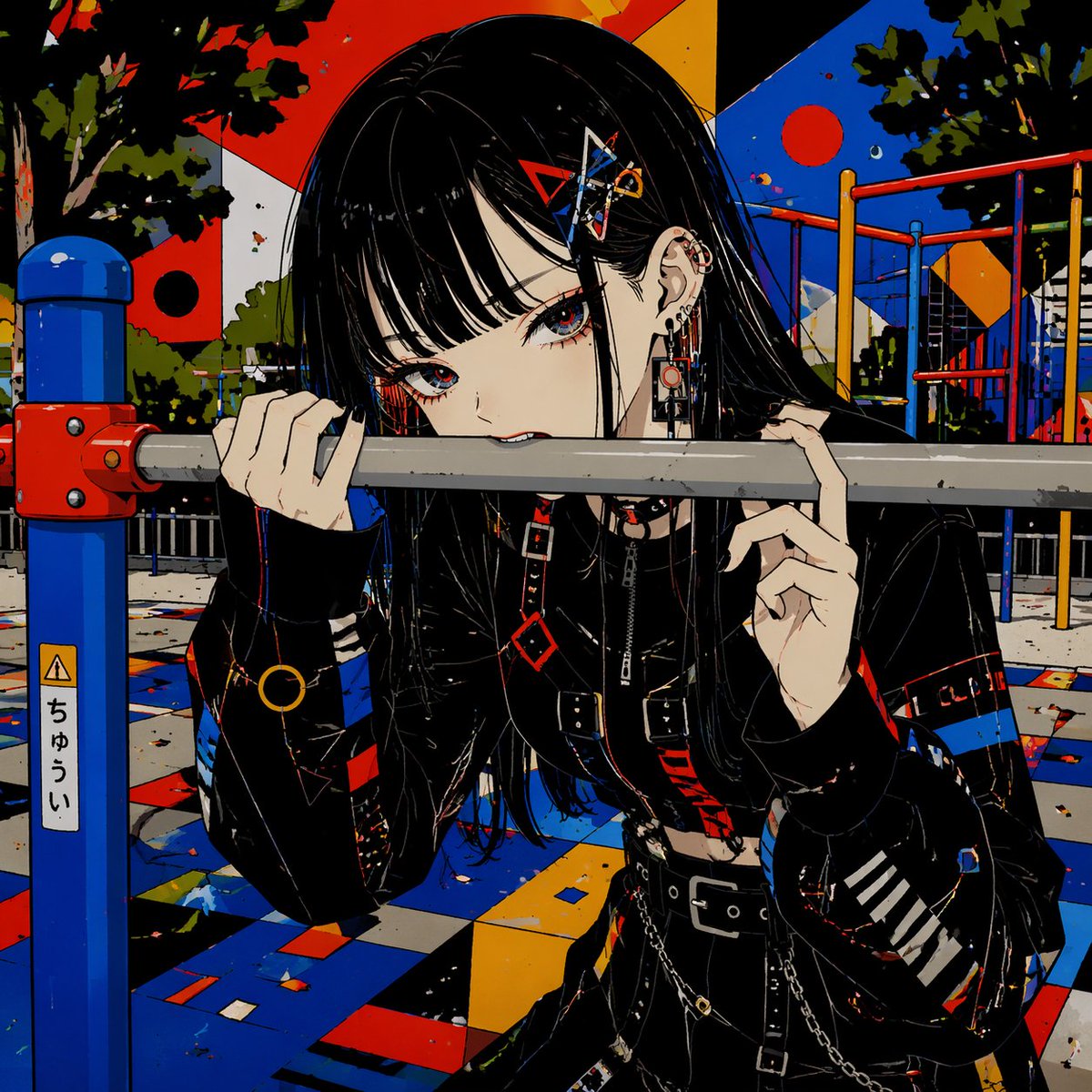
Gothic Anime Girl Bites Playground Rail — Sora 2 Prompt

Gothic Anime Girl Bites Playground Rail — Sora 2 Prompt

@hoshi122221

Create faster with Sora2Hub prompts.

Use curated prompt pages as searchable entry points, then jump straight into generation with the right model context.

Explore prompts