
GPT Image 2AI Prompt
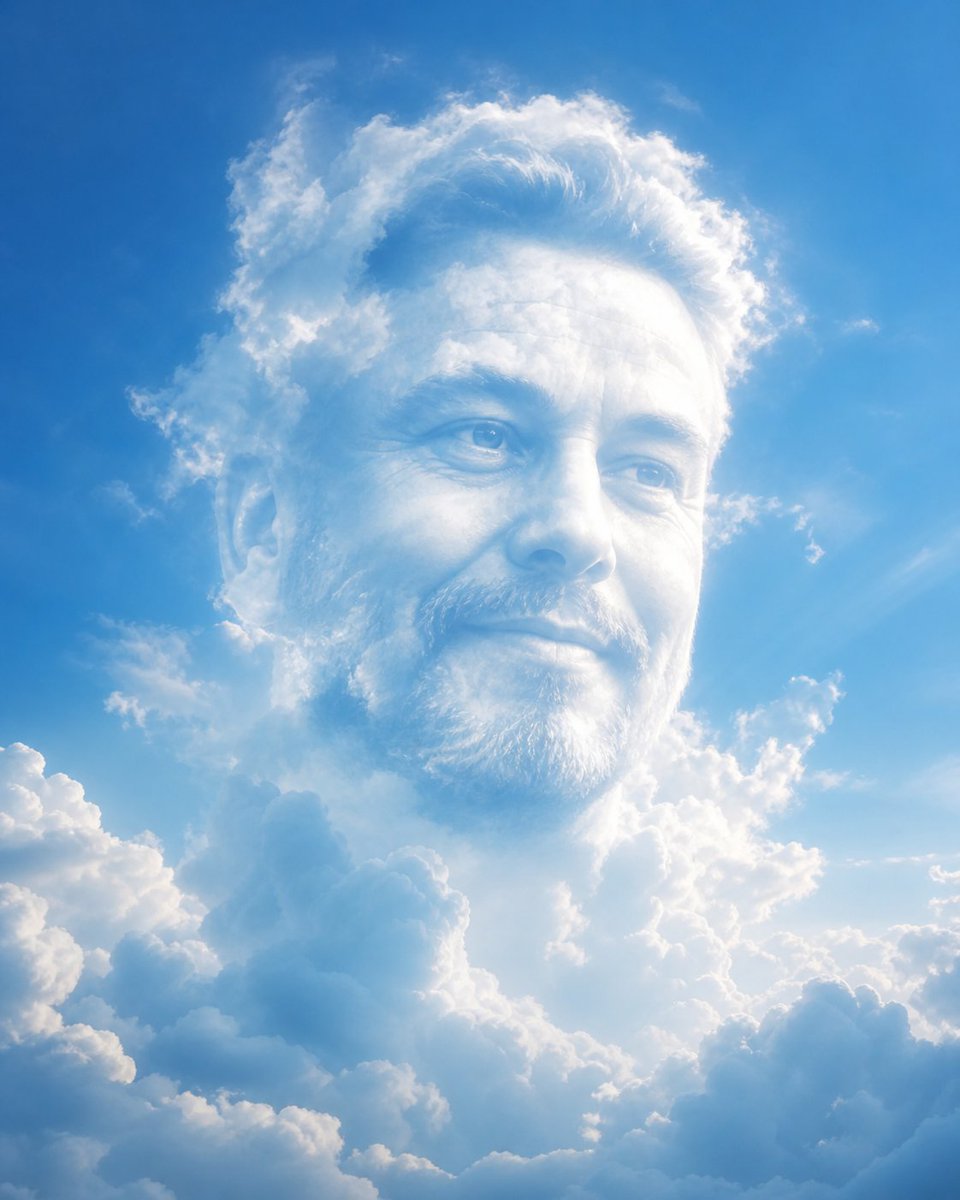
Ethereal Cloud Portrait — Sora 2 Prompt
Transform a face into a dreamy, atmospheric cloud formation against a serene blue sky, preserving key facial features in a surreal, cinematic blend.
1 / 2
PROMPT · EN
将 argsubject: [在此输入] 转化为柔和的大气云雾构图,同时保留主体可辨认的面部特征、表情和身份。
面部应呈现出由云雾微妙构成的形态,自然地融入明亮的蓝天背景中。使用柔和的漫射光,配合轻柔的高光和空灵的阴影,以营造深度感与真实感。
确保这种变换是象征性的而非字面意义上的——避免生硬的边缘、皮肤纹理或锐利的细节。主体应呈现出从云层中浮现或消融其中的感觉。
保持面部比例、眼睛、微笑以及关键特征在云雾结构中清晰可见。
风格:梦幻、空灵、超现实、电影感
光影:自然日光、柔和光晕、体积光
色调:天蓝、纯白、柔和渐变
氛围:宁静、振奋、启发性
在面部周围及内部添加微妙的云层,实现无缝融合。背景应为纯净的蓝天,并带有柔和的云雾渐变。
高分辨率,超写实云雾纹理,平滑融合,无文字,无水印。
About this prompt
Transform a face into a dreamy, atmospheric cloud formation against a serene blue sky, preserving key facial features in a surreal, cinematic blend. Use it as a Concept Art starting point for GPT Image 2: keep the visual structure and style constraints intact, then swap in your own subject, brand, or scene.
Start by replacing subject, then keep the camera, composition, and material cues in the same order. This makes the output easier to compare across variations.
How to use this prompt
- Copy the full prompt text from the page.
- Open your preferred AI image generator (like Sora 2, Midjourney, or DALL·E).
- Replace the
[在此输入]placeholder with your subject's description or upload a reference image. - Adjust the style, lighting, or color keywords if desired for a personal touch.
- Generate the image and refine the prompt if needed for optimal results.


