Sora2 Hub
Sora2 Hub
  • Prompt Library
  • Pricing
  • Showcase
  • Blog
Sora2 Hub
Sora2 Hub
Sora2 Hub

Sora2 Hub

Professional AI creation platform powered by Sora 2, Veo 3.1, and Nano Banana Pro. Create stunning videos and studio-grade images with advanced control, HD quality, and no watermarks.

Email:support@sora2hub.org

AI Video Generator

  • Text to Video
  • Image to Video
  • Veo 3.1
  • Sora 2
  • Kling 3.0
  • Kling 2.6
  • Kling 2.5
  • Runway
  • Wan 2.6
  • Seedance 2.0
  • Hailuo 2.3
  • Grok Imagine
  • HappyHorse-1.0

AI Image Generator

  • Text to Image
  • Image to Image
  • Nano Banana Pro
  • Nano Banana
  • 4o Image
  • Flux Kontext
  • Z Image
  • Seedream 4.5
  • Seedream 5.0 Lite
  • Nano Banana 2
  • GPT Image 2
  • AI Image Upscaler

AI Effects

  • AI Age Filter
  • AI Gender Swap
  • AI Kiss
  • AI Hug
  • Ghibli Image
  • AI Mermaid Filter
  • AI Bodyshake
  • Smiling Filter
  • AI Fat
  • Action Figure

Product

  • Features
  • Showcases
  • Pricing

Company

  • About
  • Contact

© 2025 • Sora2 Hub ORG All rights reserved.

  • Privacy Policy
  • Terms of Service
  • Refund Policy
  1. Home
  2. /
  3. Prompts
  4. /
  5. GPT Image 2
  6. /
  7. iPhone-Style Wedding Snapshot: Bride & Father — Sora 2 Prompt
GPT Image 2AI Prompt

iPhone-Style Wedding Snapshot: Bride & Father — Sora 2 Prompt

Capture a heartfelt wedding moment: iPhone-style snapshot of the bride's speech with father's silhouette in foreground.
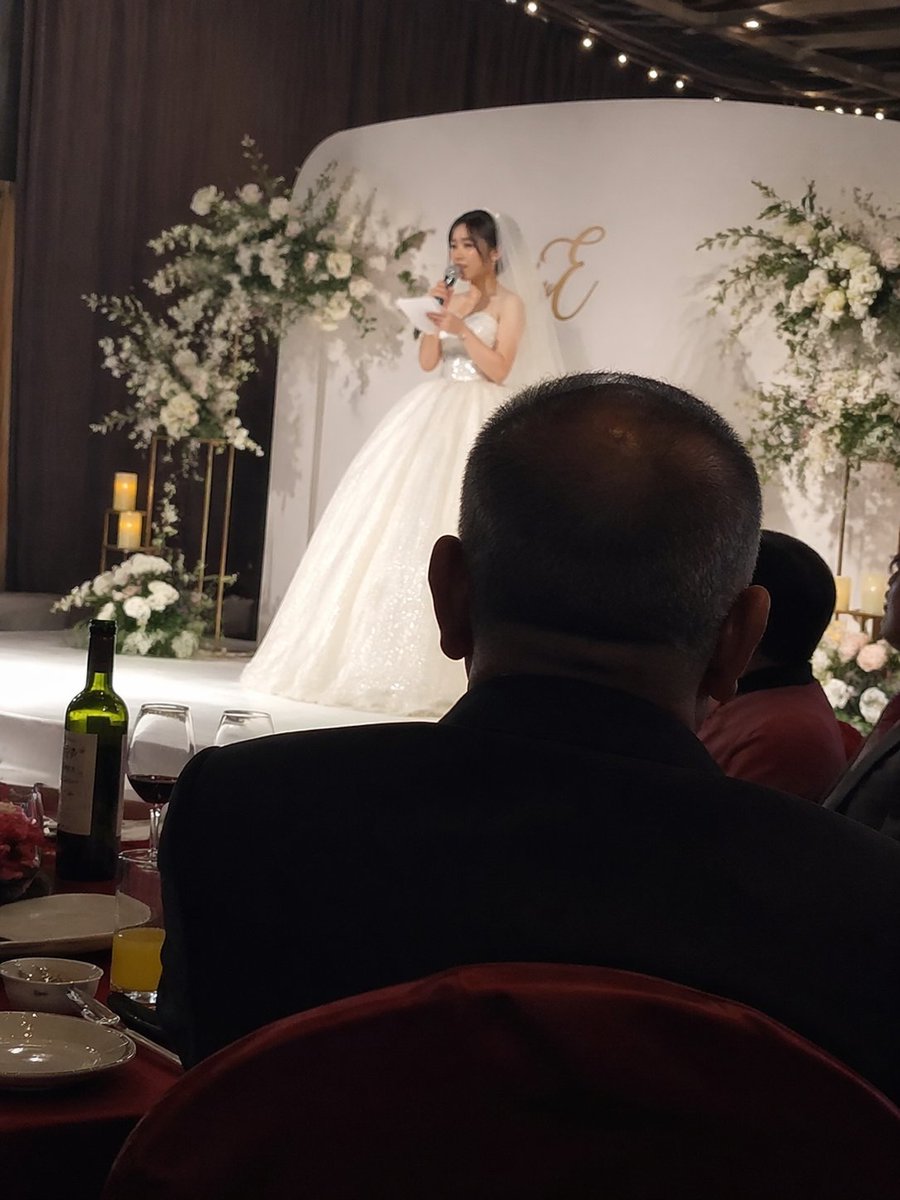
iPhone-Style Wedding Snapshot: Bride & Father — Sora 2 Prompt
PROMPT · EN
iPhone 风格抓拍,argspeaker: 新娘在婚礼舞台上致辞,前景为 argforeground subject: 坐在下方宴席桌旁的父亲背影。

About this prompt

Capture a heartfelt wedding moment: iPhone-style snapshot of the bride's speech with father's silhouette in foreground. Use it as a Concept Art starting point for GPT Image 2: keep the visual structure and style constraints intact, then swap in your own subject, brand, or scene.

Start by replacing speaker and foreground subject, then keep the camera, composition, and material cues in the same order. This makes the output easier to compare across variations.

How to use this prompt

  1. Copy the provided prompt template.
  2. Open Sora 2 (or any AI image generator that supports descriptive prompts).
  3. Replace the variables: {argument name="speaker" default="新娘在婚礼舞台上致辞"} with your desired speaker description, and {argument name="foreground subject" default="坐在下方宴席桌旁的父亲背影"} with your foreground subject.
  4. Generate the image and adjust settings like aspect ratio or style for an iPhone-like look.
  5. Experiment with synonyms or add details (like lighting, emotion) to refine the output.

FAQ

underwood

@underwoodxie96→

Published
Apr 25, 2026
Language
EN
Model
GPT Image 2
Category
Concept Art
GPT Image 2Concept Artgpt-image-2twitter
Views
1.6K
Copies
88
Likes
33

Share

More from GPT Image 2

Browse all
Sleeping Anime Star Witch — Dreamy Cosmic Sora 2 Prompt

Sleeping Anime Star Witch — Dreamy Cosmic Sora 2 Prompt

@prompts
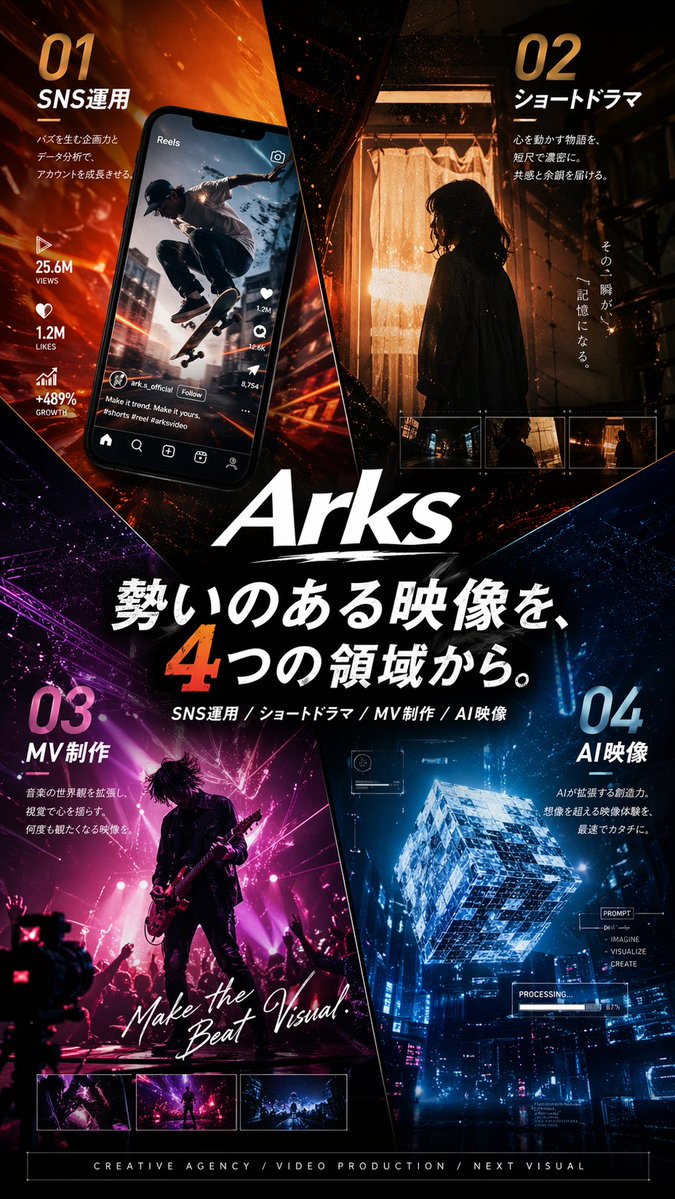
Japanese Cinematic Poster Prompt — 4-Panel Agency Ad

Japanese Cinematic Poster Prompt — 4-Panel Agency Ad

@kantamizutamari
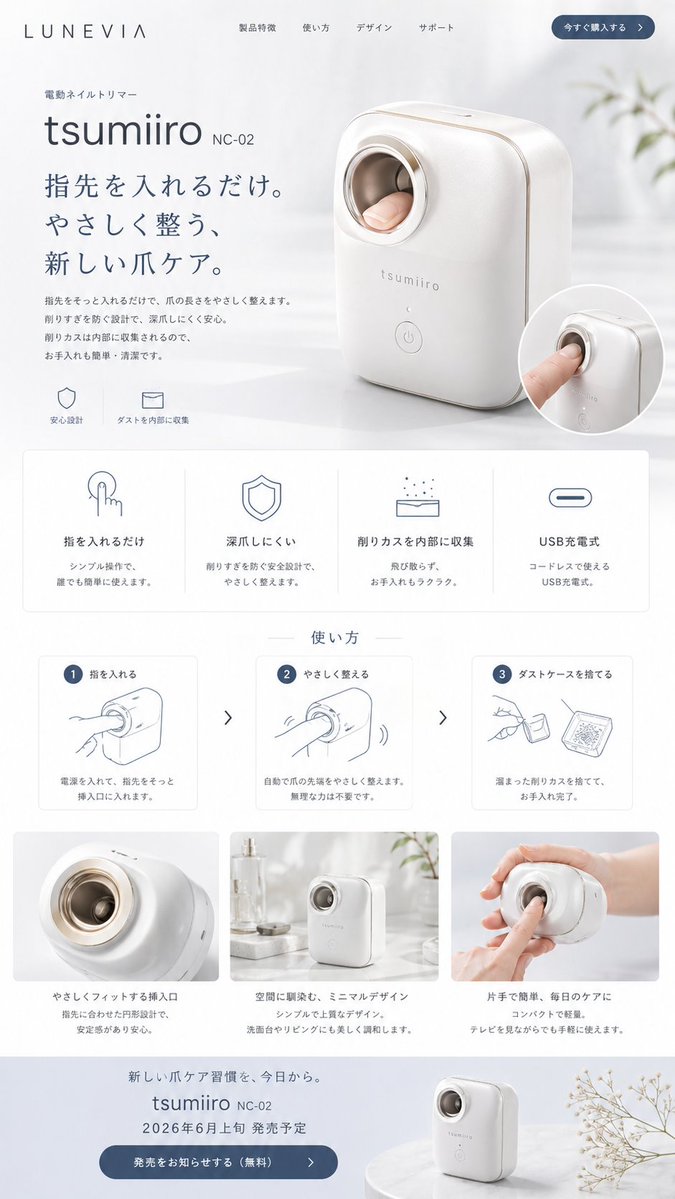
Minimalist Japanese Electric Nail Clipper Product Landing Page — Sora 2 Prompt

Minimalist Japanese Electric Nail Clipper Product Landing Page — Sora 2 Prompt

@eisho_m

Create faster with Sora2Hub prompts.

Use curated prompt pages as searchable entry points, then jump straight into generation with the right model context.

Explore prompts