Sora2 Hub
Sora2 Hub
  • Prompt Library
  • Pricing
  • Showcase
  • Blog
Sora2 Hub
Sora2 Hub
Sora2 Hub

Sora2 Hub

Professional AI creation platform powered by Sora 2, Veo 3.1, and Nano Banana Pro. Create stunning videos and studio-grade images with advanced control, HD quality, and no watermarks.

Email:support@sora2hub.org

AI Video Generator

  • Text to Video
  • Image to Video
  • Veo 3.1
  • Sora 2
  • Kling 3.0
  • Kling 2.6
  • Kling 2.5
  • Runway
  • Wan 2.6
  • Seedance 2.0
  • Hailuo 2.3
  • Grok Imagine
  • HappyHorse-1.0
  • HappyHorse 1.1
  • Kling 3.0 Turbo
  • Volcengine Video-to-Video Lip Sync
  • OmniHuman 1.5
  • Grok Imagine Video 1.5
  • Gemini Omni
  • Wan 2.7 Video
  • Seedance 2.0 Mini

AI Image Generator

  • Text to Image
  • Image to Image
  • Nano Banana Pro
  • Nano Banana
  • 4o Image
  • Flux Kontext
  • Z Image
  • Seedream 4.5
  • Seedream 5.0 Lite
  • Nano Banana 2
  • GPT Image 2
  • AI Image Upscaler
  • Seedream 5.0 Pro
  • Nano Banana 2 Lite
  • Qwen Image 2.0

AI Effects

  • AI Age Filter
  • AI Gender Swap
  • AI Kiss
  • AI Hug
  • Ghibli Image
  • AI Mermaid Filter
  • AI Bodyshake
  • Smiling Filter
  • AI Fat
  • Action Figure

Product

  • Features
  • Showcases
  • Pricing

Company

  • About
  • Contact

© 2025 • Sora2 Hub ORG All rights reserved.

  • Privacy Policy
  • Terms of Service
  • Refund Policy
  1. Home
  2. /
  3. Prompts
  4. /
  5. GPT Image 2
  6. /
  7. Penrose Impossible Triangle — Realistic Concrete Structure Prompt
GPT Image 2AI Prompt

Penrose Impossible Triangle — Realistic Concrete Structure Prompt

Generate a hyper-realistic aerial view of a concrete Penrose triangle with a real architect casting a shadow, indistinguishable from a photo.
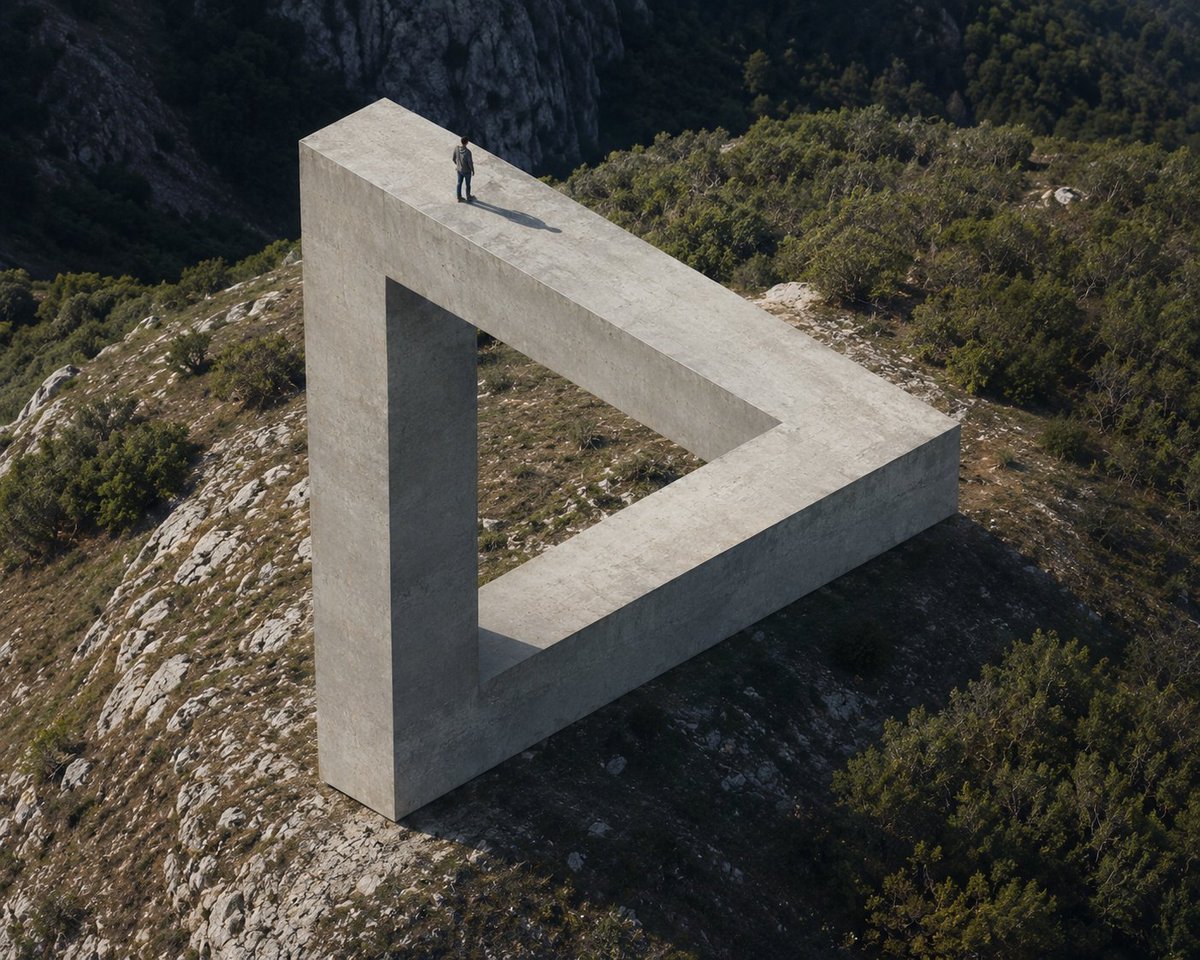
Penrose Impossible Triangle — Realistic Concrete Structure Prompt
PROMPT · EN
由真实混凝土构建的彭罗斯不可能三角,空中视角,一位建筑师站在上面并投下真实的阴影,极致的写实感,无任何数字处理痕迹。

About this prompt

Generate a hyper-realistic aerial view of a concrete Penrose triangle with a real architect casting a shadow, indistinguishable from a photo. Use it as a Concept Art starting point for GPT Image 2: keep the visual structure and style constraints intact, then swap in your own subject, brand, or scene.

Start with small changes to subject, scene, camera, and color, then generate a few variations to compare composition and detail without turning the page copy into keyword stuffing.

How to use this prompt

  1. Copy the Prompt: Copy the entire prompt text from above.
  2. Choose a Model: Select a high-fidelity AI image generator like Sora 2 or Stable Diffusion XL.
  3. Tweak Variables: Adjust details such as 'concrete texture' or 'architect's clothing' to customize.
  4. Generate: Paste the prompt and generate the image. Iterate by adding '8k, ultra-detailed' for more realism.
FAQ

Johnny Wang

@JohnnyWang8802→

Published
May 15, 2026
Language
EN
Model
GPT Image 2
Category
Concept Art
GPT Image 2Concept Artgpt-image-2twitter
Views
588
Copies
33
Likes
13

Share

More from GPT Image 2

Browse all
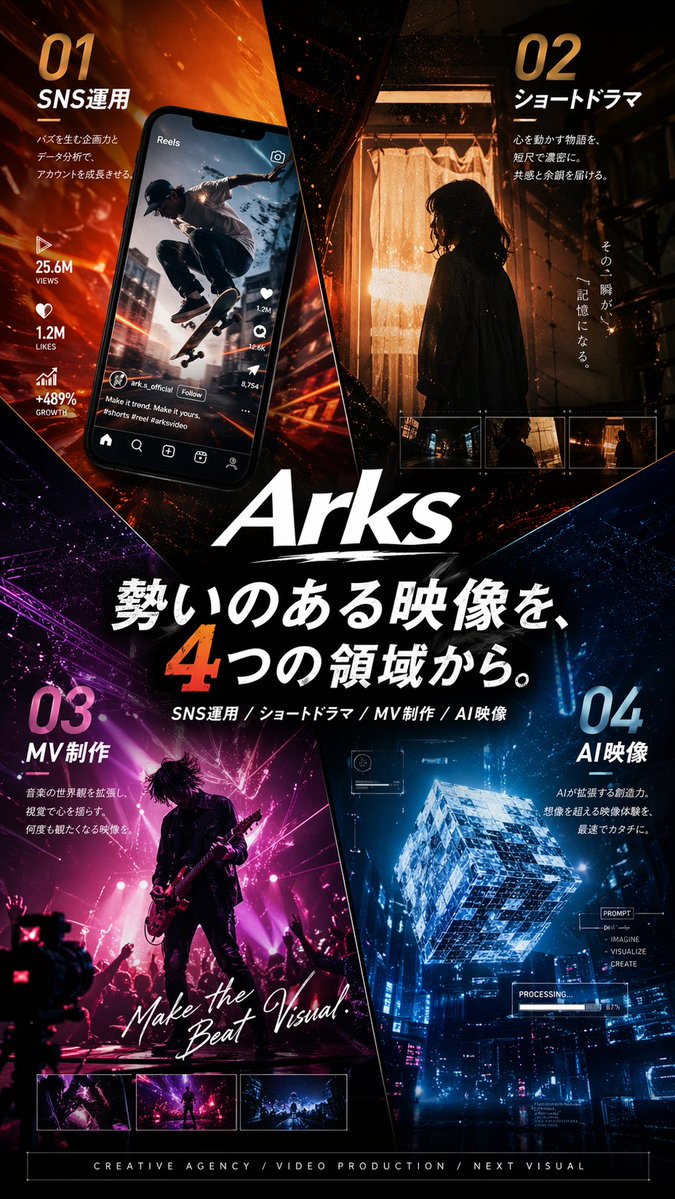
Japanese Cinematic Poster Prompt — 4-Panel Agency Ad

Japanese Cinematic Poster Prompt — 4-Panel Agency Ad

@kantamizutamari
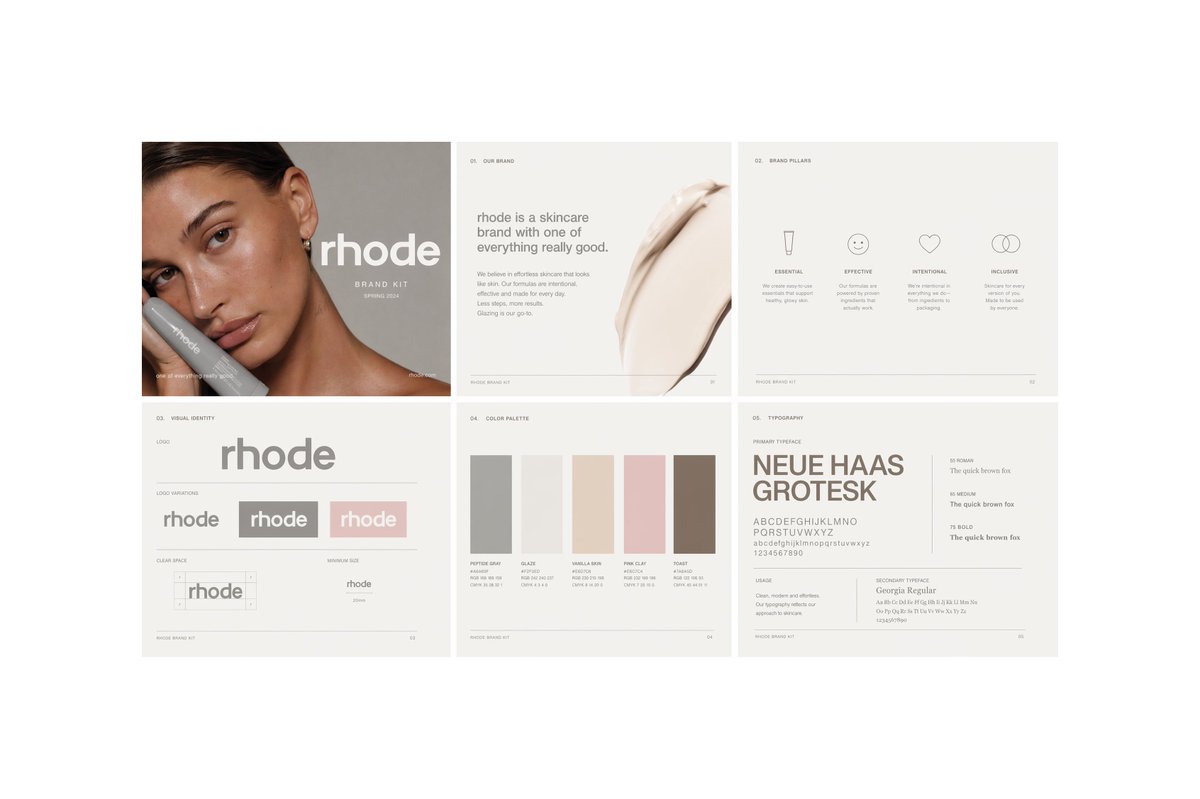
Minimalist Skincare Brand Manual — Sora 2 Prompt

Minimalist Skincare Brand Manual — Sora 2 Prompt

@FranromeGraph
Anime Reaction Thumbnail Prompt — Neon Edgy VTuber

Anime Reaction Thumbnail Prompt — Neon Edgy VTuber

@abdiisan

Create faster with Sora2Hub prompts.

Use curated prompt pages as searchable entry points, then jump straight into generation with the right model context.

Explore prompts