Sora2 Hub
Sora2 Hub
  • Prompt Library
  • Pricing
  • Showcase
  • Blog
Sora2 Hub
Sora2 Hub
Sora2 Hub

Sora2 Hub

Professional AI creation platform powered by Sora 2, Veo 3.1, and Nano Banana Pro. Create stunning videos and studio-grade images with advanced control, HD quality, and no watermarks.

Email:support@sora2hub.org

AI Video Generator

  • Text to Video
  • Image to Video
  • Veo 3.1
  • Sora 2
  • Kling 3.0
  • Kling 2.6
  • Kling 2.5
  • Runway
  • Wan 2.6
  • Seedance 2.0
  • Hailuo 2.3
  • Grok Imagine
  • HappyHorse-1.0
  • HappyHorse 1.1
  • Kling 3.0 Turbo
  • Volcengine Video-to-Video Lip Sync
  • OmniHuman 1.5
  • Grok Imagine Video 1.5
  • Gemini Omni
  • Wan 2.7 Video
  • Seedance 2.0 Mini

AI Image Generator

  • Text to Image
  • Image to Image
  • Nano Banana Pro
  • Nano Banana
  • 4o Image
  • Flux Kontext
  • Z Image
  • Seedream 4.5
  • Seedream 5.0 Lite
  • Nano Banana 2
  • GPT Image 2
  • AI Image Upscaler
  • Seedream 5.0 Pro
  • Nano Banana 2 Lite
  • Qwen Image 2.0

AI Effects

  • AI Age Filter
  • AI Gender Swap
  • AI Kiss
  • AI Hug
  • Ghibli Image
  • AI Mermaid Filter
  • AI Bodyshake
  • Smiling Filter
  • AI Fat
  • Action Figure

Product

  • Features
  • Showcases
  • Pricing

Company

  • About
  • Contact

© 2025 • Sora2 Hub ORG All rights reserved.

  • Privacy Policy
  • Terms of Service
  • Refund Policy
  1. Home
  2. /
  3. Prompts
  4. /
  5. GPT Image 2
  6. /
  7. Double Exposure Contemplative Portrait — Sora 2 Prompt
GPT Image 2AI Prompt

Double Exposure Contemplative Portrait — Sora 2 Prompt

Generate a cinematic, high-contrast double-exposure portrait where a man's face merges with a rainy city street in vertical slices for a moody, noir feel.
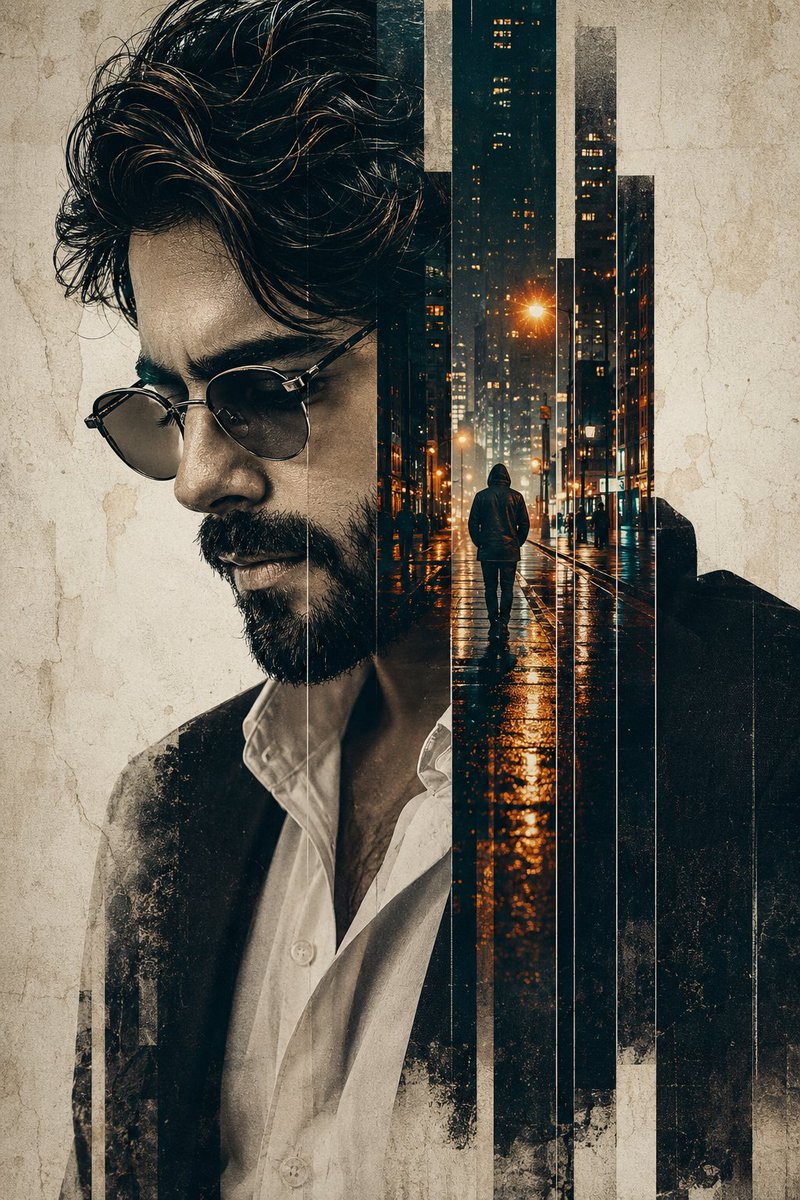
Double Exposure Contemplative Portrait — Sora 2 Prompt
PROMPT · EN
一张高对比度的双重曝光编辑类肖像,主体为 argsubject: 留着胡须的男人,正低头沉思。图像被创意性地分割成不同高度的垂直切片,背景为 argbackground: 带有纹理的米白色羊皮纸。叠加效果:在男性面部的垂直切片内,可见一个次要场景:arginner scene: 一个穿着连帽衫的孤独身影走在夜晚雨后的城市街道上。街道场景呈现出路灯发出的温暖橙色光斑以及湿润路面上的倒影,与肖像的冷色调形成鲜明对比。风格元素:光影:明暗对照法,深邃的阴影与男性白色衬衫及深色西装上的明亮高光形成对比。纹理:整张画布覆盖着细腻的胶片颗粒感和做旧的纸张纹理,赋予其粗粝的艺术质感。色彩搭配:肖像采用去饱和的单色调,并点缀着雨中城市景观带来的鲜艳琥珀色、金色和青色高光。氛围:忧郁、内省且具有现代黑色电影风格;面部胡须和皮肤纹理细节丰富。技术规格:使用 85mm 镜头拍摄,f/1.8 光圈,电影级布光,眼镜和胡须处焦点锐利,8k 分辨率,平面设计海报风格。

About this prompt

Generate a cinematic, high-contrast double-exposure portrait where a man's face merges with a rainy city street in vertical slices for a moody, noir feel. Use it as a Concept Art starting point for GPT Image 2: keep the visual structure and style constraints intact, then swap in your own subject, brand, or scene.

Start by replacing subject, background, and inner scene, then keep the camera, composition, and material cues in the same order. This makes the output easier to compare across variations.

How to use this prompt

  1. Copy the entire prompt text and variable placeholders (e.g., {argument name="subject"...}).
  2. Select a compatible image generation model like Sora 2, Midjourney, or DALL-E 3.
  3. Customize the variables: change 'subject', 'background', or 'inner scene' to fit your vision.
  4. Generate the image. For best results, use an 8K or high-resolution setting if available.
  5. Experiment with the lighting and texture keywords to fine-tune the mood and style.
FAQ

Zar⭕on

@Xaroon_x→

Published
May 15, 2026
Language
EN
Model
GPT Image 2
Category
Concept Art
GPT Image 2Concept Artgpt-image-2twitter
Views
193
Copies
26
Likes
6

Share

More from GPT Image 2

Browse all
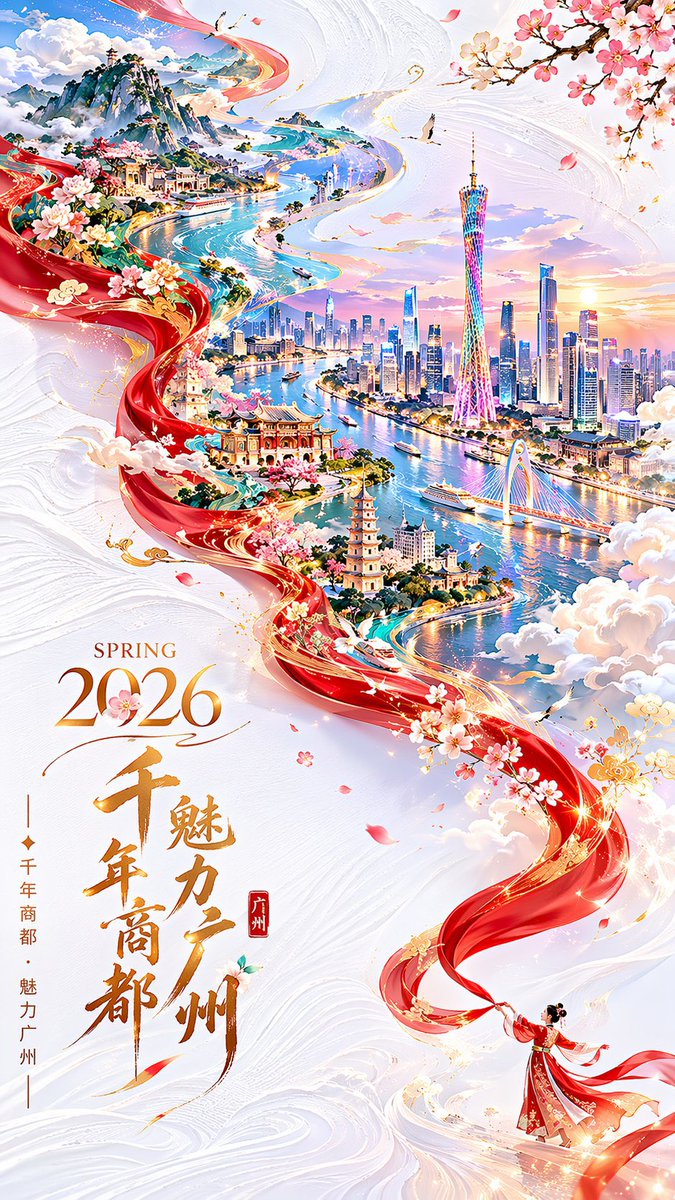
Guangzhou 2026 Poster: Silk Ribbon Cityscape — Sora 2 Prompt

Guangzhou 2026 Poster: Silk Ribbon Cityscape — Sora 2 Prompt

@alanlovelq
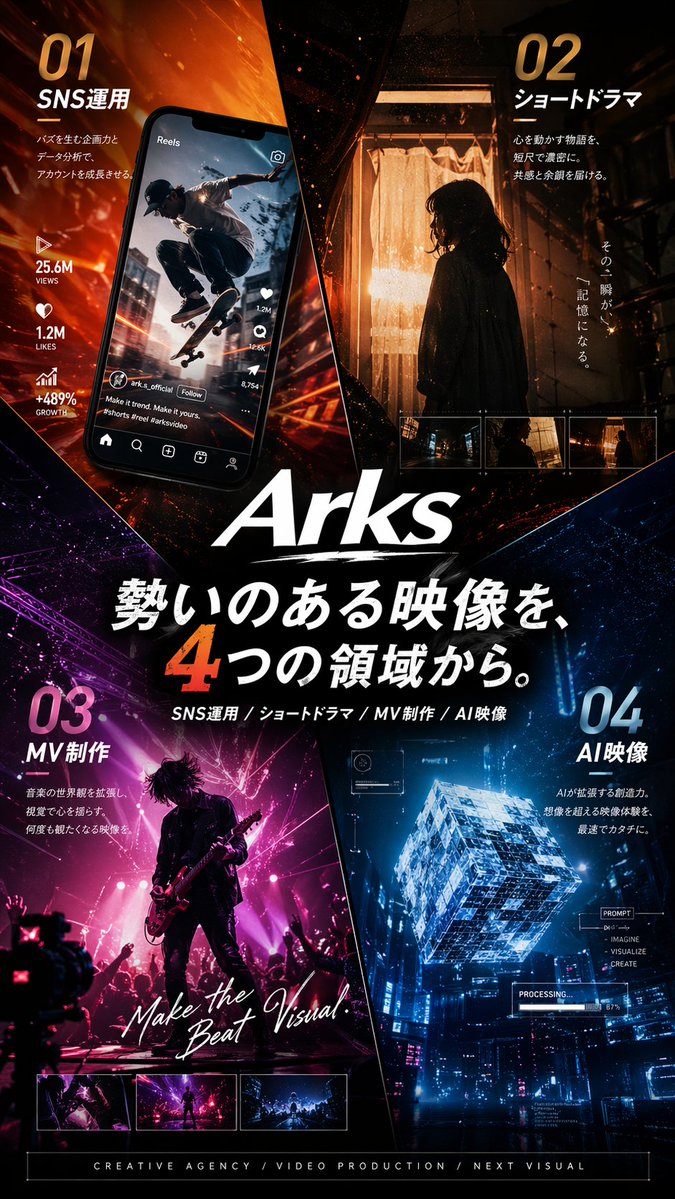
Japanese Cinematic Poster Prompt — 4-Panel Agency Ad

Japanese Cinematic Poster Prompt — 4-Panel Agency Ad

@kantamizutamari
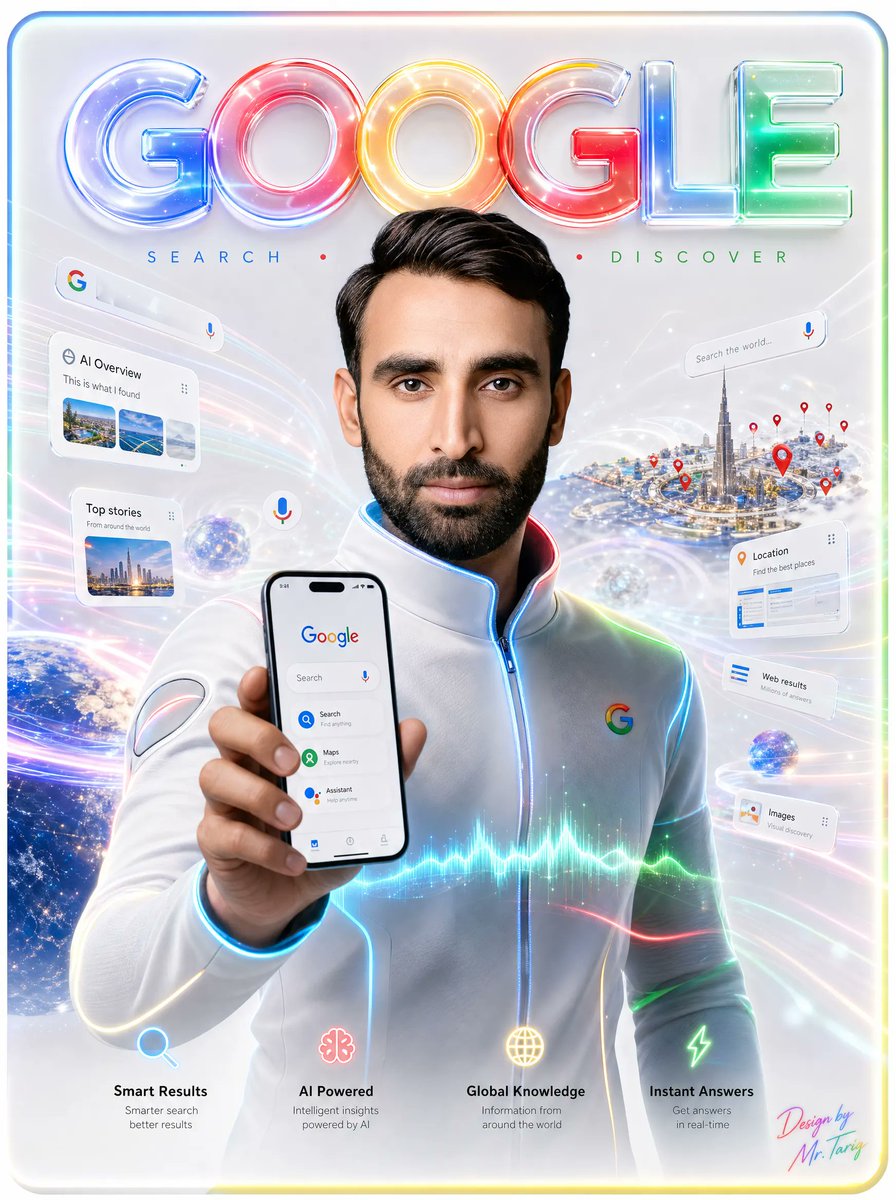
Futuristic Google Search Ad — AI Prompt

Futuristic Google Search Ad — AI Prompt

@AiWithTariq

Create faster with Sora2Hub prompts.

Use curated prompt pages as searchable entry points, then jump straight into generation with the right model context.

Explore prompts