
GPT Image 2AI Prompt
Dramatic Movie Filter — Sora 2 Prompt
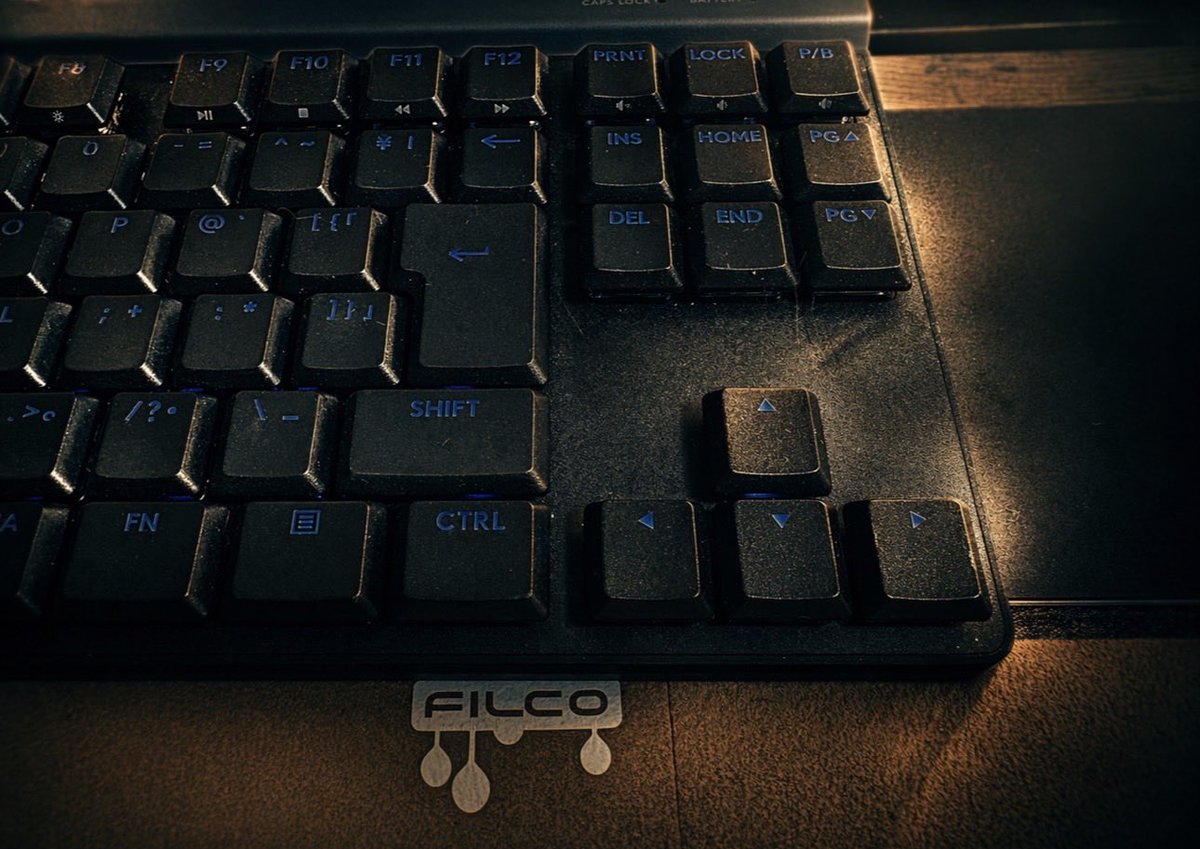
Apply a customizable dramatic movie-style filter to your photos with this AI image-to-image prompt, perfect for cinematic transformations.
PROMPT · EN
处理此图像,添加一个 argmood: dramatic 滤镜,并采用 argstyle: movie style 风格
About this prompt
Apply a customizable dramatic movie-style filter to your photos with this AI image-to-image prompt, perfect for cinematic transformations. Use it as a Concept Art starting point for GPT Image 2: keep the visual structure and style constraints intact, then swap in your own subject, brand, or scene.
Start by replacing mood and style, then keep the camera, composition, and material cues in the same order. This makes the output easier to compare across variations.
How to use this prompt
- Copy the prompt above.
- Open your preferred AI image model (e.g., Sora 2, Runway).
- Paste the prompt and upload your image.
- Adjust the mood (default "dramatic") and style (default "movie style") as needed.
- Generate your cinematic filtered image.


