
GPT Image 2AI Prompt
Editorial Color Pop Portrait — Sora 2 Prompt
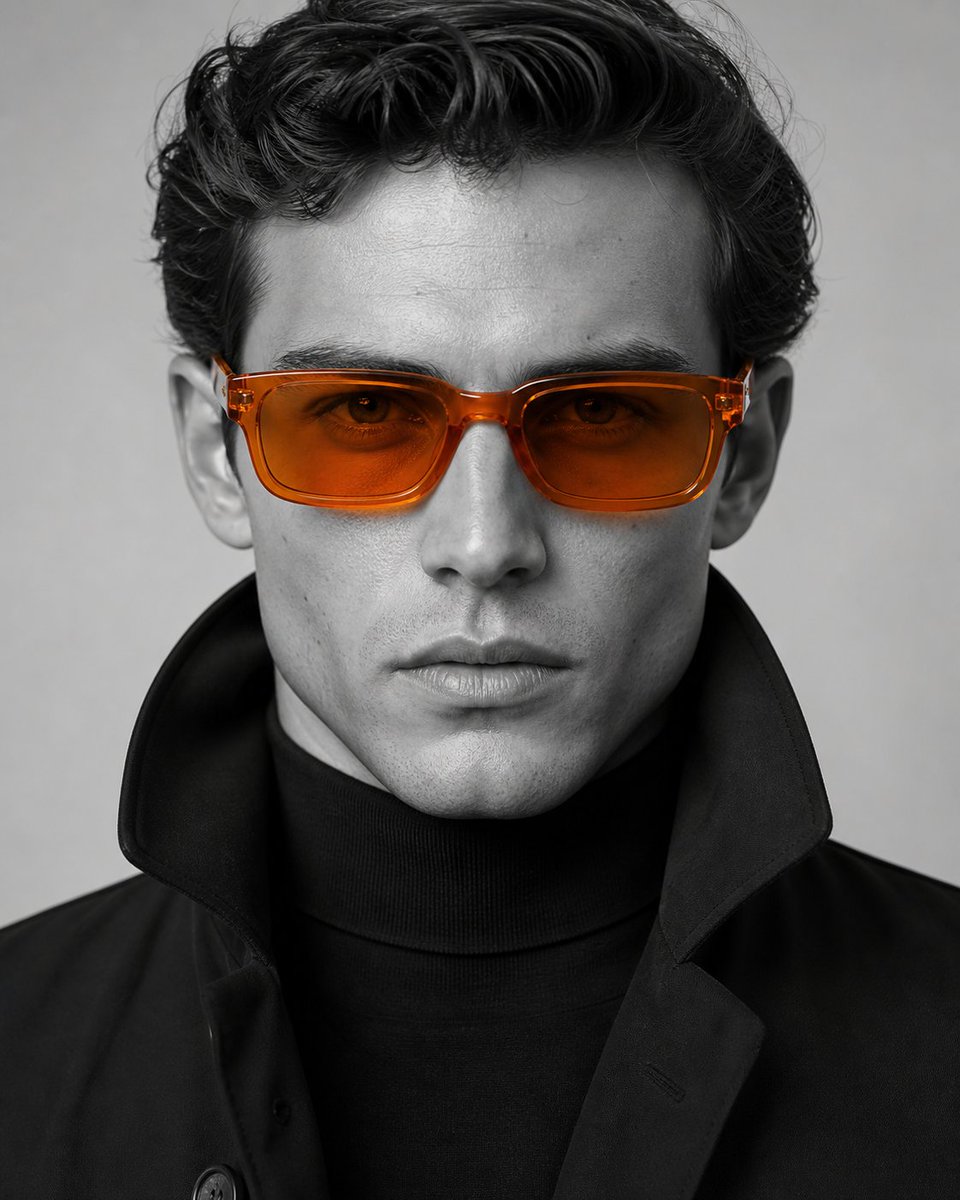
Creates a studio-grade, black-and-white portrait with a single vibrant accessory highlighted through selective color photography.
PROMPT · EN
一张影棚风格的特写编辑级人像,人物具有 argfacial features: 轮廓分明、特征鲜明 的面部特征,皮肤纹理自然且略带瑕疵。主体穿着 argclothing: 线条利落、剪裁考究的黑色高领衫,外搭一件高领黑色夹克,呈现极简现代时尚风格。主体佩戴 argeyewear: 半透明橙色醋酸纤维太阳镜——矩形镜框,边缘圆润,光泽感强,配有琥珀色渐变镜片,这是画面中唯一的彩色元素。色彩概念:局部色彩摄影——黑白单色画面中仅太阳镜呈现鲜艳的橙色。
氛围冷静自信,表情严肃,直视镜头。
光线为柔和的正面影棚光,带有轻微阴影,肤色均匀,具有电影质感的对比度,且皮肤纹理清晰可见。使用专业人像相机拍摄,f/2.0,ISO 100,1/125s。高分辨率,面部对焦极其锐利。
About this prompt
Creates a studio-grade, black-and-white portrait with a single vibrant accessory highlighted through selective color photography. Use it as a Concept Art starting point for GPT Image 2: keep the visual structure and style constraints intact, then swap in your own subject, brand, or scene.
Start by replacing facial features, clothing, and eyewear, then keep the camera, composition, and material cues in the same order. This makes the output easier to compare across variations.
How to use this prompt
- Copy the prompt text and paste it into your Sora 2 (or similar AI video/image model) interface.
- Select your preferred model version (e.g., Sora 2 Pro or standard).
- Customize the variables in curly braces—such as
facial features,clothing, andeyewear—to match your creative vision. - Generate the image and review the output. Refine the prompt if needed for sharper focus or adjusted lighting.


