Sora2 Hub
Sora2 Hub
  • Prompt Library
  • Pricing
  • Showcase
  • Blog
Sora2 Hub
Sora2 Hub
Sora2 Hub

Sora2 Hub

Professional AI creation platform powered by Sora 2, Veo 3.1, and Nano Banana Pro. Create stunning videos and studio-grade images with advanced control, HD quality, and no watermarks.

Email:support@sora2hub.org

AI Video Generator

  • Text to Video
  • Image to Video
  • Veo 3.1
  • Sora 2
  • Kling 3.0
  • Kling 2.6
  • Kling 2.5
  • Runway
  • Wan 2.6
  • Seedance 2.0
  • Hailuo 2.3
  • Grok Imagine
  • HappyHorse-1.0
  • HappyHorse 1.1
  • Kling 3.0 Turbo
  • Volcengine Video-to-Video Lip Sync
  • OmniHuman 1.5
  • Grok Imagine Video 1.5
  • Gemini Omni
  • Wan 2.7 Video
  • Seedance 2.0 Mini

AI Image Generator

  • Text to Image
  • Image to Image
  • Nano Banana Pro
  • Nano Banana
  • 4o Image
  • Flux Kontext
  • Z Image
  • Seedream 4.5
  • Seedream 5.0 Lite
  • Nano Banana 2
  • GPT Image 2
  • AI Image Upscaler
  • Seedream 5.0 Pro
  • Nano Banana 2 Lite
  • Qwen Image 2.0

AI Effects

  • AI Age Filter
  • AI Gender Swap
  • AI Kiss
  • AI Hug
  • Ghibli Image
  • AI Mermaid Filter
  • AI Bodyshake
  • Smiling Filter
  • AI Fat
  • Action Figure

Product

  • Features
  • Showcases
  • Pricing

Company

  • About
  • Contact

© 2025 • Sora2 Hub ORG All rights reserved.

  • Privacy Policy
  • Terms of Service
  • Refund Policy
  1. Home
  2. /
  3. Prompts
  4. /
  5. GPT Image 2
  6. /
  7. Osaka Diorama Search Puzzle — Sora 2 AI Prompt
GPT Image 2AI Prompt

Osaka Diorama Search Puzzle — Sora 2 AI Prompt

Generate a hyper-detailed 3D miniature of Osaka's Dotonbori district, packed with hidden objects and charming Q-style characters for a fun visual search game.
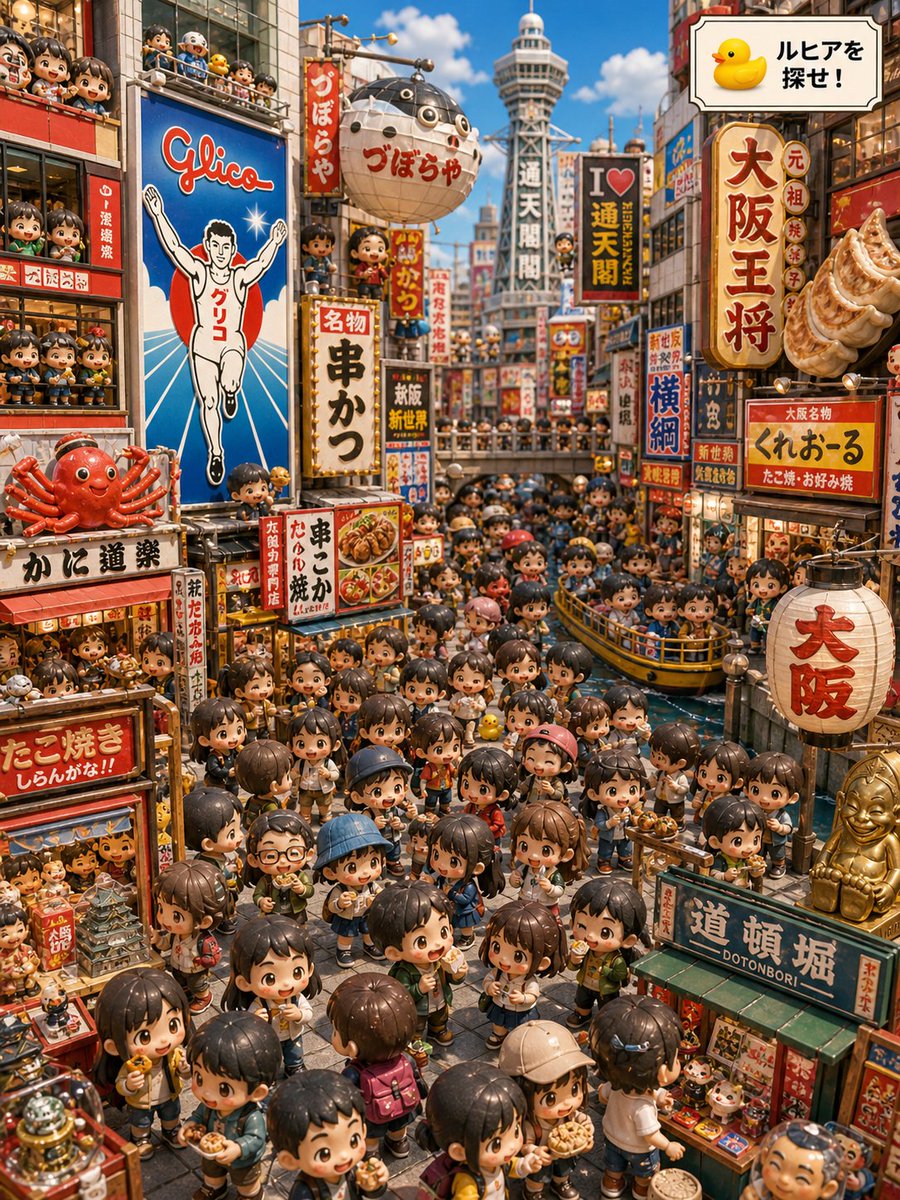
Osaka Diorama Search Puzzle — Sora 2 AI Prompt
PROMPT · EN
type
高度精细的等距 3D 微缩立体模型找找看插图
theme
在黄金周期间寻找隐藏在大阪的橡皮鸭角色
scene
location
以道顿堀和新世界为灵感的商业街运河
time
阳光明媚的白天,蓝天白云
mood
节日氛围、拥挤、可爱、俏皮、具有旅行海报的活力
camera
略微俯视的广角视角,俯瞰狭窄的街道和运河,向通天阁方向延伸的深远透视
rendering
gpt-image-2 风格,超精细玩具般的 3D 效果,Q 版人物,光泽感微缩塑料质感,温暖的写实光影,清晰的招牌,鲜艳的红、金、蓝和奶油色
main_objective
instruction_panel
右上角的对话框面板,带有黄色橡皮鸭图标和日语文本 {argument name="search instruction text" default="ルヒアを探せ!"}
hidden_target
一只名为 {argument name="hidden character name" default="ルヒア"} 的微型黄色橡皮鸭吉祥物,可见但容易被忽略,放置在中心前景的人群中,处于儿童高度
search_game_feel
类似《威利在哪里》的视觉解谜,包含数十种干扰元素和可爱的面孔
crowd
count
约 140 名 Q 版游客和当地人
description
圆头圆脑的日式动漫风格儿童和成人,拥有光泽的黑色或棕色头发、红润的脸颊、富有表现力的眼睛,穿着休闲的春季旅行服装,背着背包,戴着帽子,拿着相机、零食、章鱼烧盒、冰淇淋、串烧和购物袋
poses
行走、吃东西、挥手、聊天、抬头看招牌、乘船、从阳台上探出身子
major_landmarks_and_props
count
9
items
item 1
左侧建筑上巨大的蓝色格力高跑男广告牌
item 2
背景远处居中的通天阁
item 3
左侧外墙上巨大的红蟹餐厅招牌
item 4
右上方外墙上巨大的饺子招牌
item 5
街道上方悬挂的巨大圆形白色河豚灯笼
item 6
运河中满载 Q 版乘客的黄色观光船
item 7
右下角带有红色大阪字样的白色纸灯笼
item 8
右下角金色的比利肯风格幸运雕像
item 9
挤满观众的小型运河桥梁和栏杆
visible_signage
count
20
labels
item 1
Glico
item 2
グリコ
item 3
づぼらや
item 4
通天阁
item 5
I ♥ 通天阁
item 6
大阪王将
item 7
元祖 焼餃子
item 8
くれおーる
item 9
たこ焼・お好み焼
item 10
横綱
item 11
串かつ
item 12
名物 串かつ
item 13
かに道楽
item 14
たこ焼き
item 15
道頓堀 DOTONBORI
item 16
大阪
item 17
新世界
item 18
大阪名物
item 19
串かつ だるま
item 20
ルヒアを探せ!
composition
foreground
街道上密集的 Q 版游客,正在吃大阪街头小吃,街道两侧有纪念品摊位和微型商店陈列
midground
运河穿过场景,有拥挤的黄色观光船和桥梁,许多商店招牌和悬挂的灯笼
background
高耸的大阪霓虹灯区,有通天阁、堆叠的垂直日式招牌、挤满微型人物的阳台
right_top
带有橡皮鸭图标的大型框架搜索说明牌
left_side
显眼的格力高广告牌、红蟹招牌、堆叠的观众阳台
style_constraints
detail_level
信息密度极高,每个窗户和商店陈列都填满了微型人物、食物、玩具和招牌
text
日式餐厅招牌在较大的情况下应清晰可辨,采用手绘复古昭和时代风格
lighting
干净的日光,柔和的阴影,饱和的旅行摄影色彩
aspect_ratio
竖向 3:4
avoid
空白区域、写实的人体比例、黑暗的夜景、恐怖氛围、模糊、极简主义

About this prompt

Generate a hyper-detailed 3D miniature of Osaka's Dotonbori district, packed with hidden objects and charming Q-style characters for a fun visual search game. Use it as a Concept Art starting point for GPT Image 2: keep the visual structure and style constraints intact, then swap in your own subject, brand, or scene.

This prompt is organized as structured JSON with fields such as type, theme, scene, main objective, crowd, major landmarks and props, and visible signage. Keeping that hierarchy helps the model separate the subject, layout, interface elements, and detail constraints.

Start with small changes to subject, scene, camera, and color, then generate a few variations to compare composition and detail without turning the page copy into keyword stuffing.

How to use this prompt

  1. Copy this entire prompt JSON block into your chosen AI model (like Sora 2).
  2. To customize the puzzle, change the argument values for the target character and instruction text.
  3. Adjust details like crowd count or landmarks to your preference.
  4. Generate the image to reveal a vibrant, searchable miniature cityscape.
FAQ

藍澤 ミライ

@mirai_ai2050→

Published
May 15, 2026
Language
EN
Model
GPT Image 2
Category
Concept Art
GPT Image 2Concept Artgpt-image-2twitter
Views
87
Copies
10
Likes
2

Share

More from GPT Image 2

Browse all
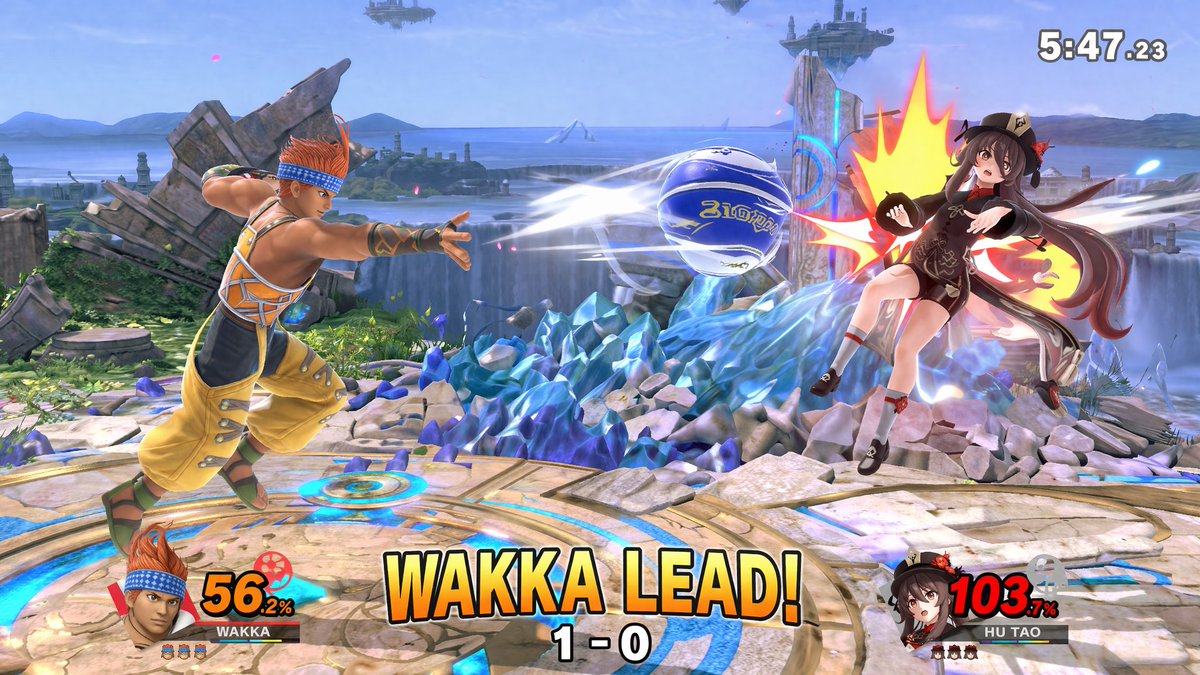
AI-Generated Crossover Fighter Screenshot — Sora 2 Prompt

AI-Generated Crossover Fighter Screenshot — Sora 2 Prompt

@momoringo_sub
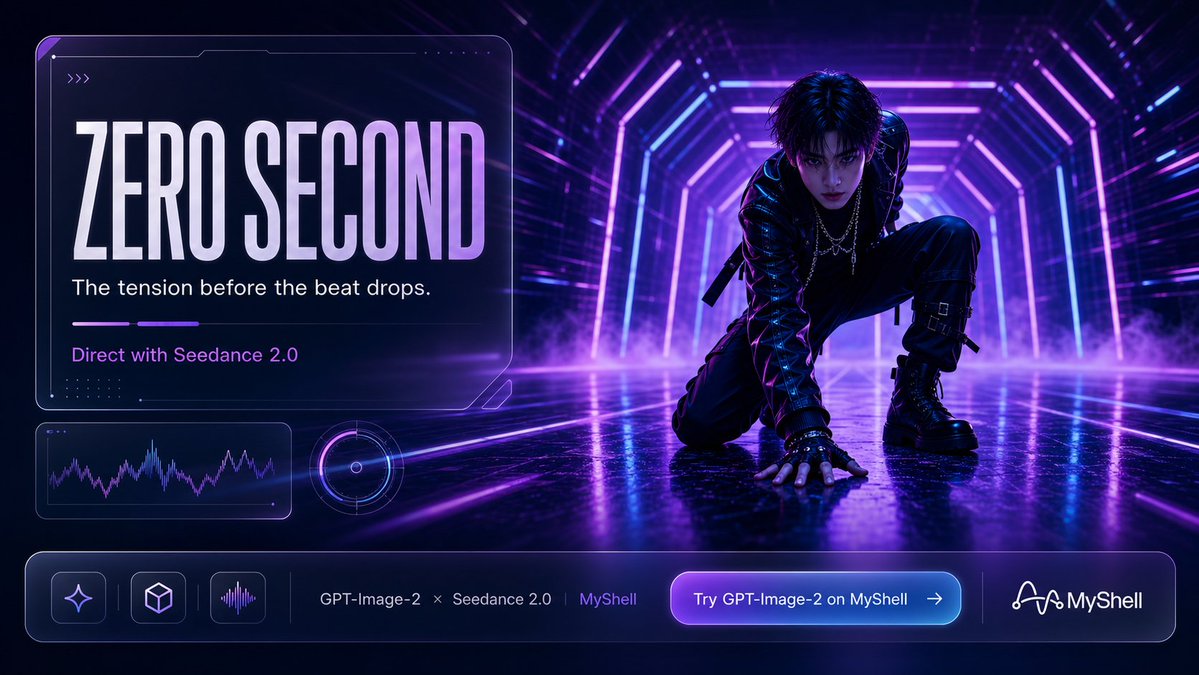
Cyberpunk AI Launch Banner — Cinematic Neon Poster Prompt

Cyberpunk AI Launch Banner — Cinematic Neon Poster Prompt

@ObieriI
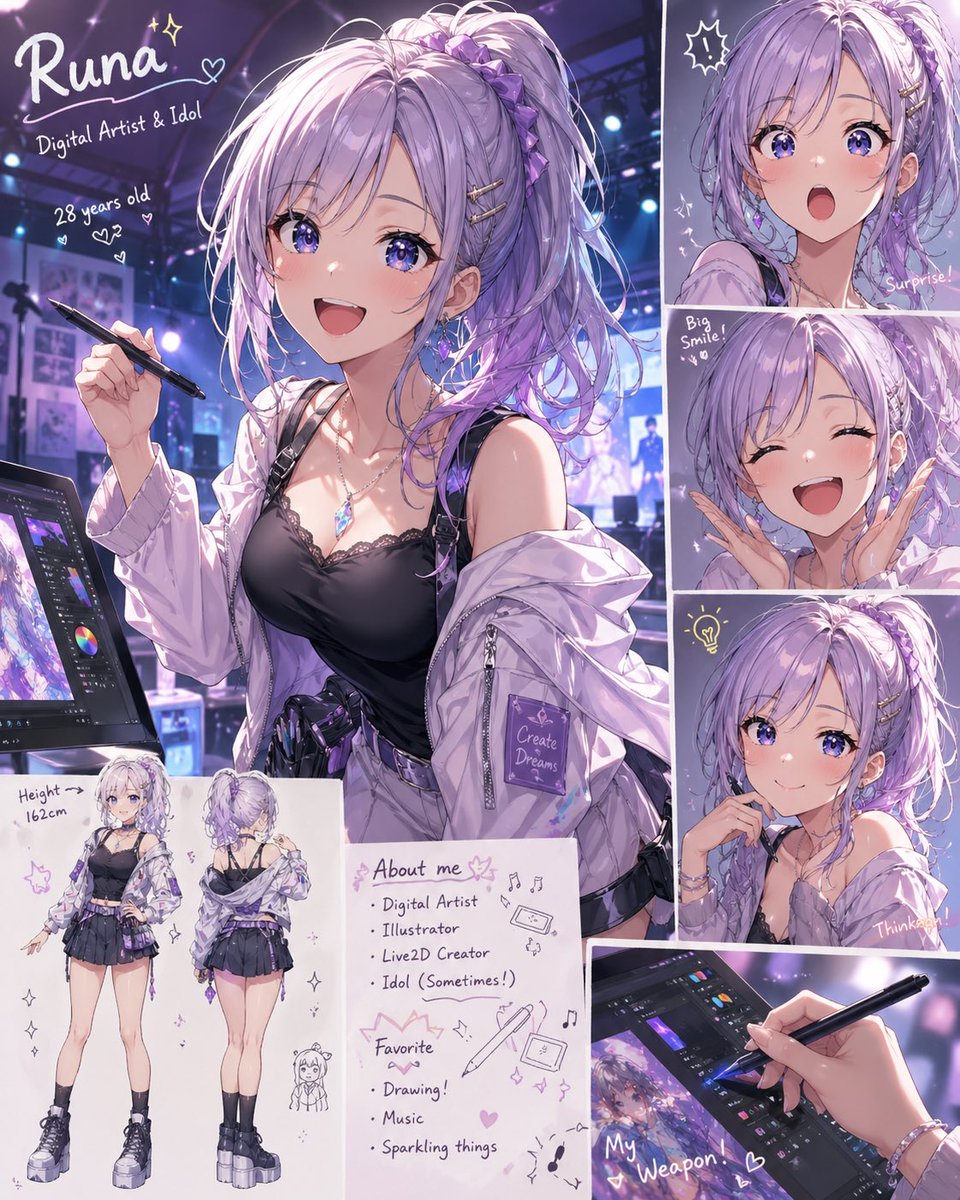
Anime Idol Profile Page — Lavender Art Style Prompt

Anime Idol Profile Page — Lavender Art Style Prompt

@uzuyanurp

Create faster with Sora2Hub prompts.

Use curated prompt pages as searchable entry points, then jump straight into generation with the right model context.

Explore prompts