
GPT Image 2AIプロンプト
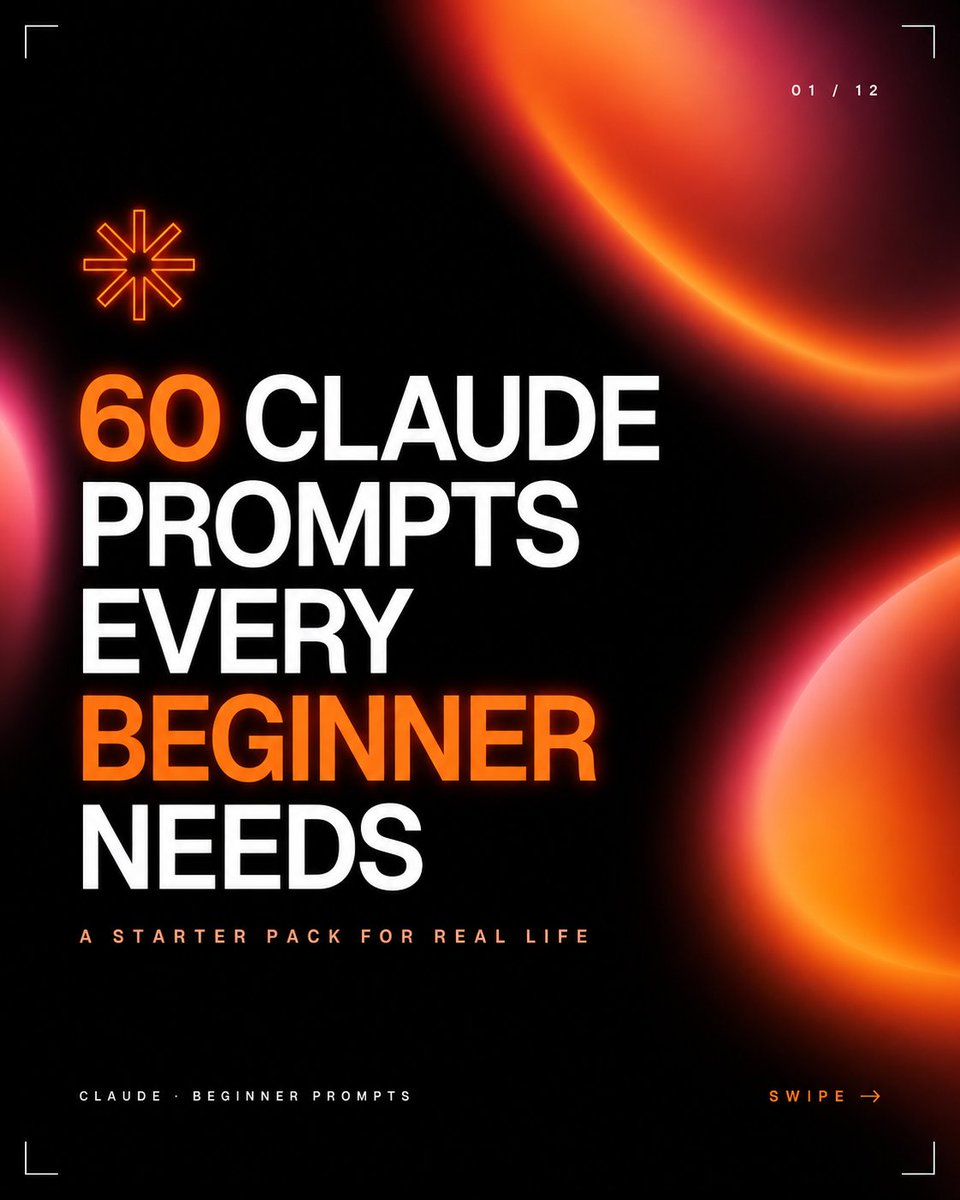
Dark Neon Carousel Cover — Black & Orange Tech Aesthetic
Generate a stunning black-and-orange social media carousel cover with neon glow effects, bold typography, and modern startup branding for educational content.
プロンプト · EN
创建一个 1:1 的方形社交媒体轮播图封面,采用近乎黑色的背景,呈现高级的深色科技美学。使用巨大的粗体大写压缩无衬线字体,左对齐并分行排列,文字内容为“argheadline text: 60 CLAUDE PROMPTS EVERY BEGINNER NEEDS”,其中“60”和“BEGINNER”使用鲜艳的橙色发光效果,其余文字使用亮白色。在标题下方,添加一行字间距较宽的小号大写副标题,内容为“argsubtitle text: A STARTER PACK FOR REAL LIFE”,颜色为淡桃色。在左下角添加一个微小的页脚标签,内容为“argfooter text: CLAUDE · BEGINNER PROMPTS”,右下角添加橙色的行动号召语“argcall to action: SWIPE →”。包含 3 个巨大的柔和模糊橙红色渐变球体:一个部分新月形球体从右上角切入,一个部分热粉色/橙色光晕从右下边缘切入,以及一个小粉色光晕从左侧边缘露出。在标题左上方包含 1 个橙色轮廓的八角星图标。在四个角各添加 1 个细白色角标裁剪标记,并在右上角添加一个小的页面指示器,内容为“argpage indicator: 01 / 12”。整体风格:高对比度黑色、霓虹橙色光晕、简洁的编辑网格、锐利的现代初创公司品牌感、极简的未来主义 UI 细节、清晰的排版、专业的轮播图缩略图设计。
このプロンプトについて
Generate a stunning black-and-orange social media carousel cover with neon glow effects, bold typography, and modern startup branding for educational content. Use it as a コンセプトアート starting point for GPT Image 2: keep the visual structure and style constraints intact, then swap in your own subject, brand, or scene.
Start by replacing headline text, subtitle text, footer text, and call to action, then keep the camera, composition, and material cues in the same order. This makes the output easier to compare across variations.
このプロンプトの使い方
- Copy the entire prompt and paste it into your preferred AI image generator (e.g., Midjourney, DALL-E, or Sora).
- Choose a model optimized for graphic design or UI layouts for best results.
- Customize the variables in curly braces like
{headline text}and{subtitle text}with your own content. - Generate multiple variations and select the one that best fits your brand's style and message.


