
Cozy Café Portrait — Realistic Lifestyle Photo Prompt
Generates a warm, editorial-style café portrait with natural window light, earthy textures, and a relaxed introspective mood.
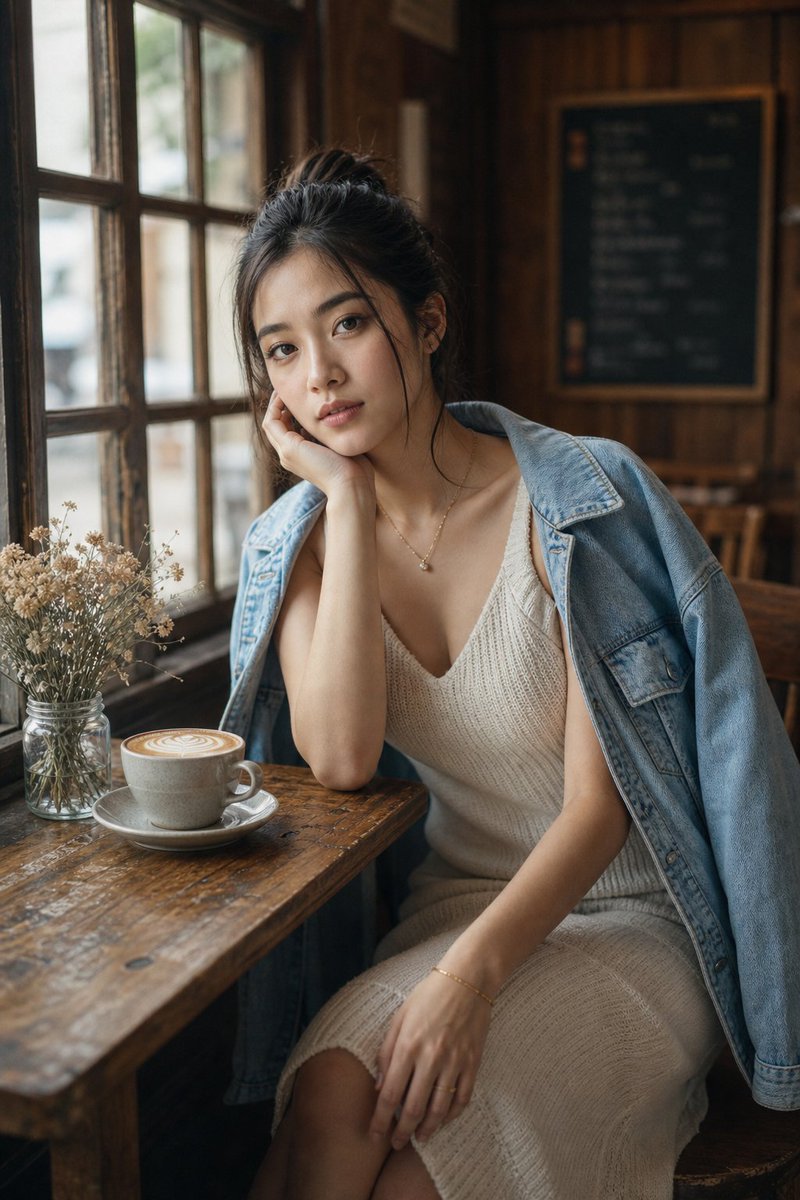
Create a highly realistic editorial lifestyle photograph of argsubject: a young woman sitting at a rustic wooden café table beside a large old-fashioned window in a cozy wood-paneled coffee shop. She has dark hair tied in a loose messy bun and wears a cream-colored knitted sleeveless V-neck dress with a light blue denim jacket draped over her shoulders, plus delicate gold jewelry including a small pendant necklace, bracelet, and ring. Her pose is relaxed and introspective, leaning her head into one hand with the elbow on the table, seated slightly angled toward the camera; place an opaque square censor block over the face in a skin-tone brown color. On the table are exactly 2 main objects: a ceramic cup of latte with visible latte art on a saucer, and a small glass jar filled with dried white flowers. The background shows exactly 3 key café elements: multi-pane window frames on the left with soft daylight coming through, warm dark wooden wall paneling, and a blurred chalkboard menu on the back wall. Use arglens focal length: 35mm documentary-style photography, shallow depth of field, natural window light from the left, warm indoor shadows, soft bokeh, realistic skin and fabric textures, vertical portrait composition, slightly high camera angle looking down toward the table, muted earthy tones, cozy rainy-day café atmosphere, and the look of a full-frame camera shot at wide aperture.
About this prompt
Generates a warm, editorial-style café portrait with natural window light, earthy textures, and a relaxed introspective mood. Use it as a Concept Art starting point for GPT Image 2: keep the visual structure and style constraints intact, then swap in your own subject, brand, or scene.
Common directions include gptimage2api prompts, gptimage2api, and ko. Treat these tags as creative cues; the prompt structure and preview image are the more useful guide.
Start by replacing subject and lens focal length, then keep the camera, composition, and material cues in the same order. This makes the output easier to compare across variations.
How to use this prompt
- Copy the full prompt text into your AI image generator.
- Choose Sora 2 or a comparable cinematic model for best results.
- Adjust the
subjectandlens focal lengthvariables to customize the person and style. - Generate and review — iterate on lighting or composition tweaks as needed.


