
GPT Image 2AI Prompt
Crude Pixel King Ninja Doodle — MS Paint AI Prompt
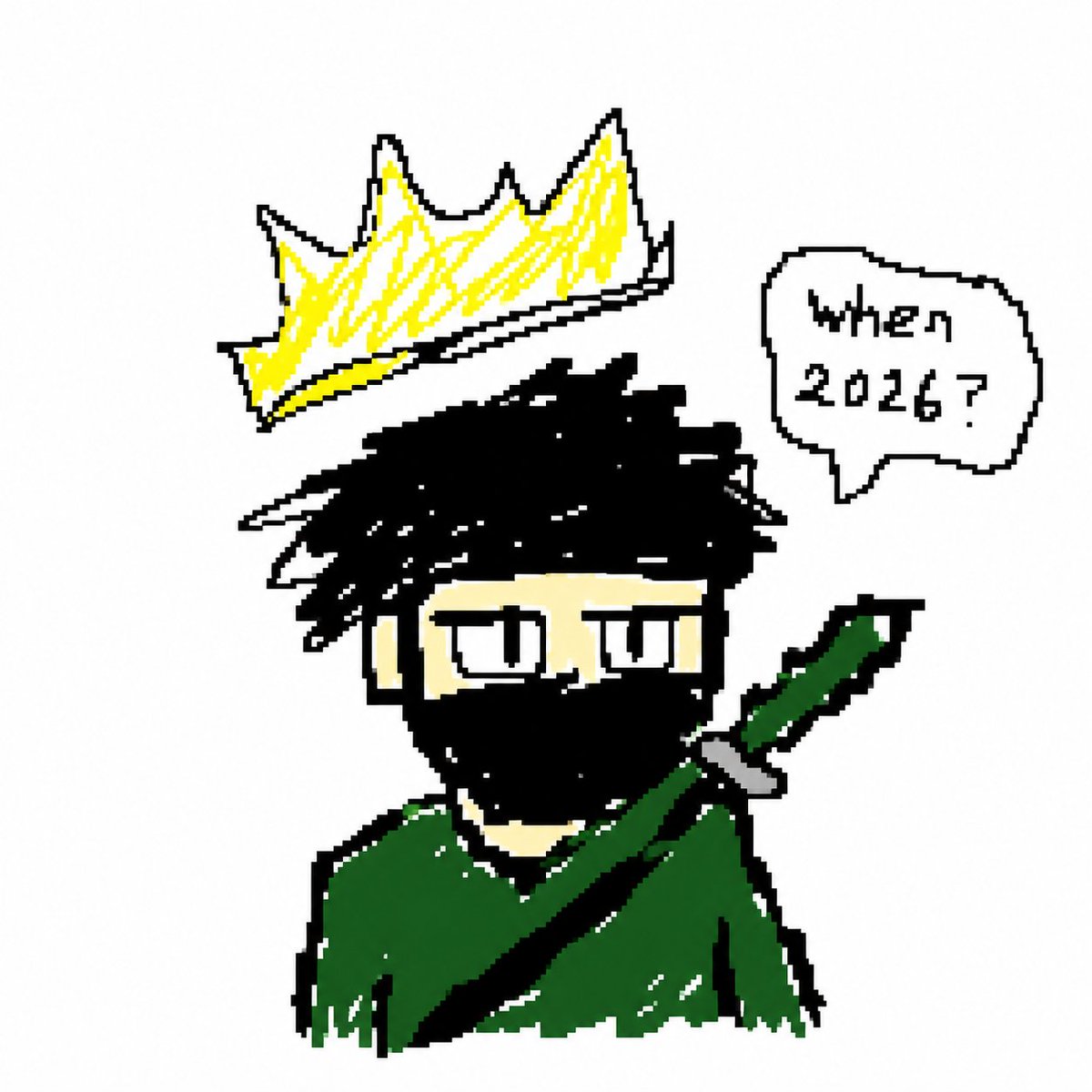
Generates a deliberately rough MS Paint-style cartoon avatar of a crowned masked ninja king with sword and speech bubble — perfect for fun profile pics and memes.
PROMPT · EN
Create a deliberately crude MS Paint / low-resolution pixel doodle on a plain white background, centered composition. Draw a cartoon bust of a mysterious king-like ninja character with messy spiky arghair color: black hair, pale beige skin, narrow rectangular sleepy eyes with black outlines, and a face mostly covered by a thick black mask or beard shape. He wears a rough dark argcloak color: green cloak with jagged edges and white scratchy highlights. A large diagonal sword or katana handle crosses from the lower left of the body up to the right shoulder, with a dark green grip, black blade or strap, and small gray guard. Floating above his head is an oversized jagged argcrown color: yellow crown with black outline and white base, tilted slightly left, drawn with scribbly yellow fill. To the upper right, add exactly 1 rounded speech bubble with a black outline and small tail pointing toward the character; inside it write the hand-drawn text argspeech bubble text: when 2026?. Use thick uneven black pixelated outlines, rough hand-sketched strokes, minimal colors, intentionally messy proportions, childlike digital drawing style, no shading beyond scribbles, no background details.
About this prompt
Generates a deliberately rough MS Paint-style cartoon avatar of a crowned masked ninja king with sword and speech bubble — perfect for fun profile pics and memes. Use it as a Concept Art starting point for GPT Image 2: keep the visual structure and style constraints intact, then swap in your own subject, brand, or scene.
Start by replacing hair color, cloak color, crown color, and speech bubble text, then keep the camera, composition, and material cues in the same order. This makes the output easier to compare across variations.
How to use this prompt
- Copy the full prompt text above into your AI image generator.
- Choose an image model that supports illustration or pixel art styles (e.g. Sora 2, DALL·E, or Stable Diffusion).
- Customize the optional variables — hair color, cloak color, crown color, and speech bubble text — to personalize your character.
- Generate the image and review the output; the intentionally crude style means imperfections are part of the charm.
- Download and use as a profile picture, meme, or retro-style avatar.


