
GPT Image 2AI Prompt
Historical Event Map & Watercolor Scene — Sora 2 Prompt
Create a stunning vertical infographic with a detailed historical map on top and a dramatic watercolor scene illustration below.
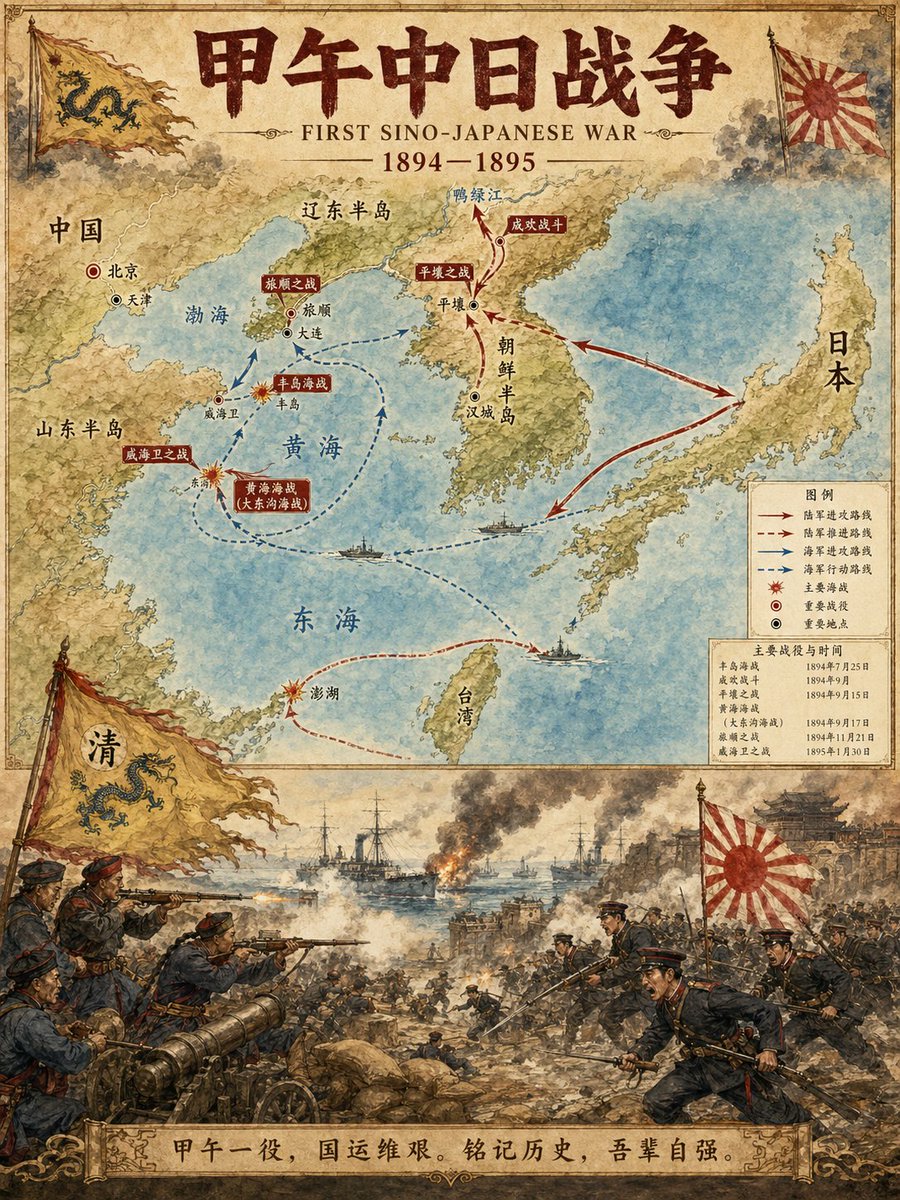
PROMPT · EN
历史事件地图插画师 你是一位专业历史信息图表设计师。根据用户指定的历史 [Subject],生成一张垂直的二分式地图与场景插画,并使其符合参考图像的水彩/插画风格。 布局结构:
1. 上半部分:
展示历史事件路线、关键地点和方向箭头的详细地图。
清晰标注城市、区域和水域。
标记主要战场和重要站点。
2. 下半部分:
生动、戏剧性的场景插画。
描绘历史事件的关键时刻(战役、行军、重大事件等)。
3. 标题/页眉:
粗体标题显示 "arghistorical event: 甲午战争"
包含副标题和日期。
视觉风格要求:
温暖的水彩插画质感。
准确的历史细节。
清晰的排版设计。
垂直格式。
4K 超高清分辨率。
直接生成图像。 主题:argsubject: 甲午战争
比例:argaspect ratio: 3:4
About this prompt
Create a stunning vertical infographic with a detailed historical map on top and a dramatic watercolor scene illustration below. Use it as a Concept Art starting point for GPT Image 2: keep the visual structure and style constraints intact, then swap in your own subject, brand, or scene.
Start by replacing historical event, subject, and aspect ratio, then keep the camera, composition, and material cues in the same order. This makes the output easier to compare across variations.
How to use this prompt
- Copy this prompt and paste it into a compatible AI image generator like Sora 2.
- Customize the
[subject]variable with your desired historical event (e.g., 'The Trojan War'). - Adjust the
aspect ratioif needed, though the default 3:4 is optimized for this layout. - Generate the image. The model will produce a single, high-resolution composite artwork.
- Review the output. You can regenerate with slight tweaks to the subject description for varied results.


